If you are choosing a plan
Use the plans comparison for duration and simultaneous-screen totals. Read the annual guide when deciding how much to pay upfront, and use the catalogue checklist when a specific programme is the reason to subscribe. Keep device costs and app fees beside the subscription figure.
The provider-comparison guide is a decision framework, not a claim that HexaTV has tested or ranked every service. It helps you collect comparable answers and identify gaps before making a purchase.
If you are setting up a television
Start with the installation checklist, then choose your exact device family. Fire TV, Google TV, Apple TV, Samsung and LG use different stores and operating systems. A successful setup on one platform does not establish compatibility on another.
After basic playback works, add favourites, programme-guide information and accessibility settings. This sequence prevents a large channel import or an incorrect guide offset from obscuring a simple login or playback problem.
If playback is unreliable
Use the troubleshooting hub to choose a controlled comparison. A fault affecting every app on one device suggests a different next step from one channel failing across several devices. Note the first failure and change one condition at a time.
Network guides cover Wi-Fi, Ethernet, mesh placement, data use and useful speed tests. These help you gather evidence for the right support team; they do not promise that a particular broadband tier or accessory will solve every fault.
If local television is your priority
The local viewing pages distinguish terrestrial television from broadcaster-operated online services and third-party subscriptions. Device support and territorial availability belong to each service, so check its official instructions before assuming a programme is included elsewhere.
Use the guide directory as a route to an answer, then return to the plan comparison only when the relevant uncertainties are resolved. The articles provide editorial guidance; they do not establish first-hand service testing or guaranteed compatibility.
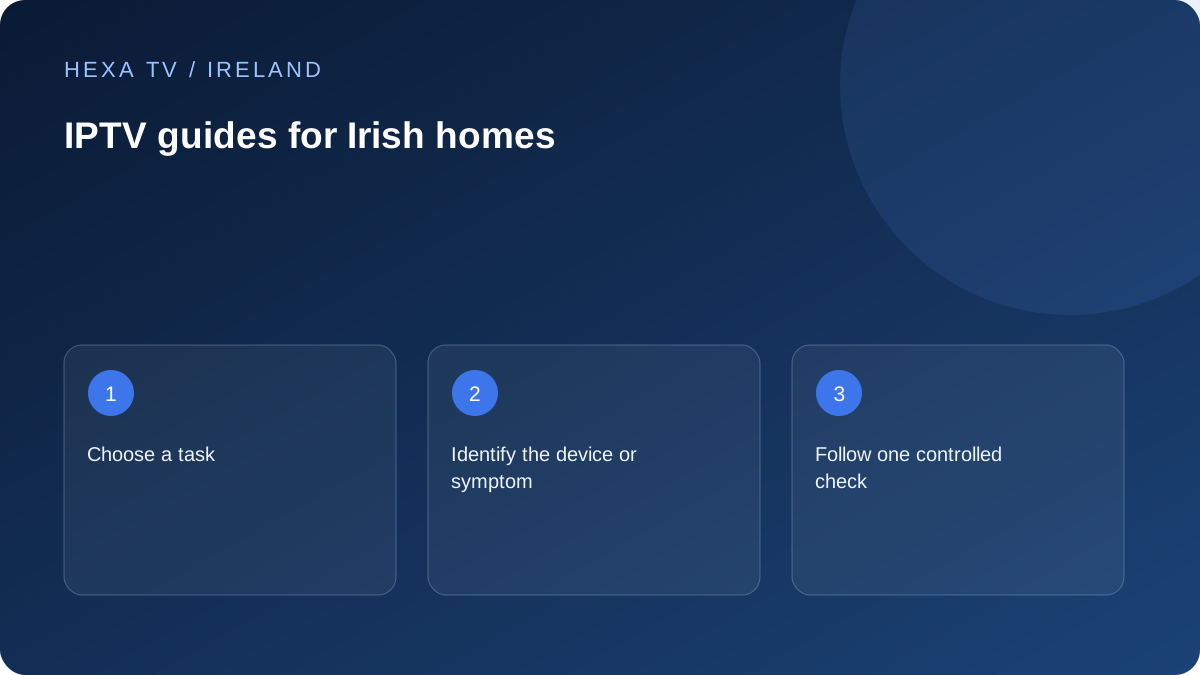
Use the directory as a sequence, not a shopping list
The next guide should answer the uncertainty in front of you. If you do not know whether the television can run a player, a subscription comparison comes too early. If the account works but one channel is absent, a full installation reset is probably not the most informative first action.
Move from the device or symptom to the relevant decision. The catalogue page helps when programme availability is the issue; the concurrent-screen page helps when sessions overlap; the network pages help when a comparison points to the connection. Keep the known working parts while investigating the unknown one.
Keep a small evidence trail across pages
Carry the exact model, app version, account method and non-secret observation record from one guide to the next. Avoid creating a new theory each time a page uses a different technical term.
For example, a working wired comparison belongs in the Wi-Fi investigation, while a source that fails on two supported devices belongs in a provider report. The directory links these tasks, but it does not turn a proposed check into a test that HexaTV has already carried out.