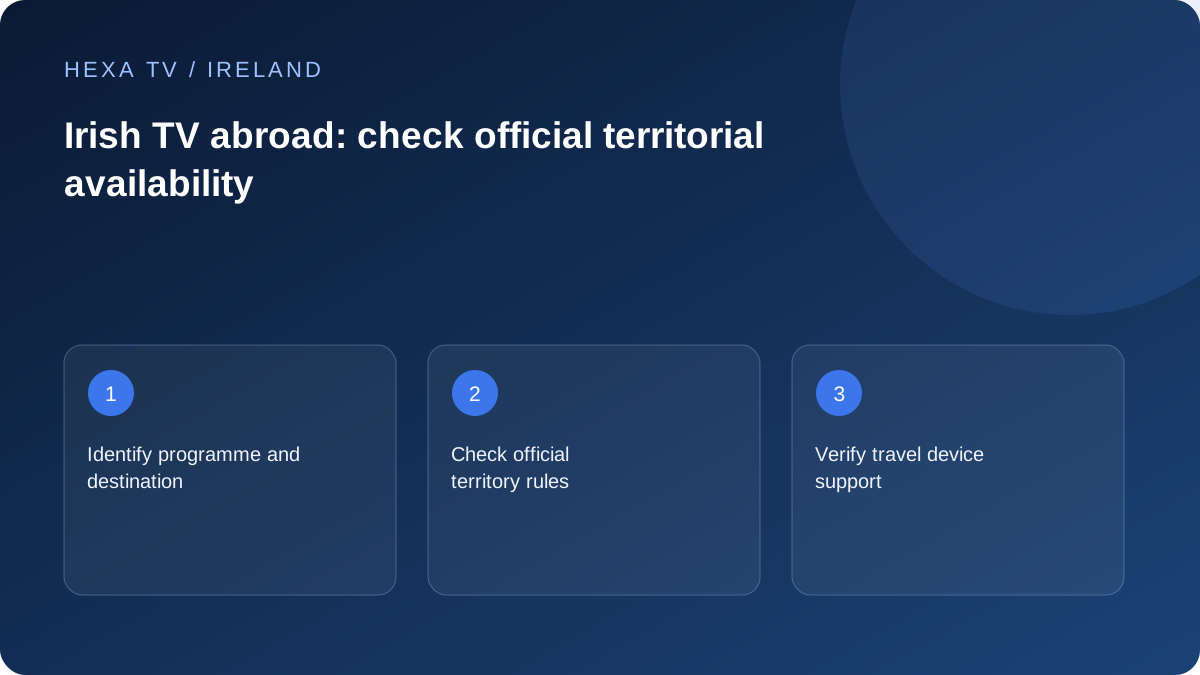
Check programme-level availability
Use the broadcaster's current guidance and the exact programme page. TG4's official information distinguishes territory-restricted material from content with wider availability; Virgin Media Play also explains rights-related limits.
Do not assume a whole service is available or unavailable from one successful or blocked programme. Record the title, destination and date of your check.
Check the practical viewing setup
Confirm that the app remains supported on your travel device and that you can complete any legitimate account sign-in. Public or accommodation Wi-Fi can introduce its own access and performance limits.
Review mobile-data and roaming conditions before streaming. A short test does not establish that a long viewing session is covered by your allowance.
Keep subscription and travel rules separate
Ask any paid provider about its actual territory, household and device conditions. A multi-screen allowance does not automatically permit use abroad, and a foreign app-store listing does not establish content entitlement.
Use official available alternatives when a programme is restricted. This guide does not provide bypass instructions or promise that a HexaTV subscription supplies Irish channels internationally.
Make a destination-specific programme list
Before travelling, list the programmes that matter, the destination country and whether you need live viewing or catch-up. Check each broadcaster's current official availability information and the specific programme page. A service can offer some material internationally while restricting other items, so a single working clip cannot validate the whole catalogue.
TG4's FAQ says much of its Irish-language material is available worldwide while some content has territorial restrictions. Use that as a reason to check the actual programme, not as a blanket entitlement claim. Virgin Media Play publishes its own availability guidance and should be assessed separately.
Keep account access, programme access and device support separate
Being able to sign into an account establishes only that the sign-in succeeded. The programme may have separate location conditions, and the travel device may have different app support from the television at home. Record each result independently when preparing the trip.
Likewise, installing an app from a store does not prove every title can be played at the destination. Do not change an account's country or invent a location to work around a restriction. Use the broadcaster's available international routes or ask its support team about the exact programme and destination.
| Question | Evidence to check | What not to assume |
|---|---|---|
| Can I sign in? | Official account and recovery access | Sign-in means every programme is available |
| Can I watch this title there? | Current destination-specific programme information | One international clip represents the entire service |
| Will my device work? | Supported app and operating-system requirements | The home TV's result applies to a travel tablet |
| Can I use the account away from home? | Provider's current territory and household terms | More screens automatically means international permission |
| Can I afford the data? | Actual mobile or accommodation-network conditions | A short test guarantees a full evening is covered |
Prepare the travel device while recovery is easy
Update the supported app in advance when appropriate, confirm that the correct account is accessible and make sure the responsible person can use the official recovery method. Keep the device locked and avoid placing passwords in an itinerary shared with others.
Try the ordinary controls on an authorised available programme before departure. Check headphones, captions, charging and any supported external-display arrangement you intend to use. This is a device-readiness check, not a territorial-availability test for a country you have not yet reached. Keep that limitation explicit in your notes.
Assess the accommodation connection
A hotel or guest network can have a sign-in page, device limits or usage conditions that differ from home Wi-Fi. Complete the legitimate network access process and ask the accommodation provider about supported use if the television or streaming device cannot connect.
Do not assume that a successful phone connection gives another device the same access. If a supported travel device works on one network but not another, record the difference without exposing passwords or attempting to bypass the network's controls. A public connection also deserves particular care with account screens and shared devices.
Plan mobile use with a real allowance
Check the mobile operator's current roaming and tethering terms for the actual destination and plan. This guide does not supply a universal roaming allowance or price. Confirm the billing period and remaining data before a long session, especially when several family devices share a hotspot.
For scale, a hypothetical stream averaging 3 megabits per second for two hours transfers about 2.7 decimal gigabytes before other traffic. Actual adaptive video can differ. Use the operator's usage information and the device's counters as appropriate, and remember that background updates can consume data while you focus on the programme.
Use a restricted-programme result constructively
When a programme is unavailable, keep the exact message, title, destination and date. Check whether the broadcaster offers an authorised international edition, clips or another programme that meets the need. A restricted title need not imply that all Irish-language or Irish-interest content is inaccessible.
Do not purchase a longer third-party subscription solely because someone promises to remove every restriction. Ask for the actual territorial offer and authorised content scope. A service's claimed screen count, app compatibility or successful demonstration cannot establish redistribution rights or future access to a particular programme.
Leave a clean account state after the trip
If you signed in on a television or device you do not own, use the service's supported sign-out or device-management process before leaving. Do not rely on turning the screen off to remove an account. Keep personal streaming sticks and their accessories with you.
At home, restore any settings changed for legitimate travel use and verify the normal viewing route. Retain only the useful notes about programme availability and device behaviour; delete unnecessary screenshots that expose account information. A good travel setup is one that is easy to use and easy to close safely afterwards.