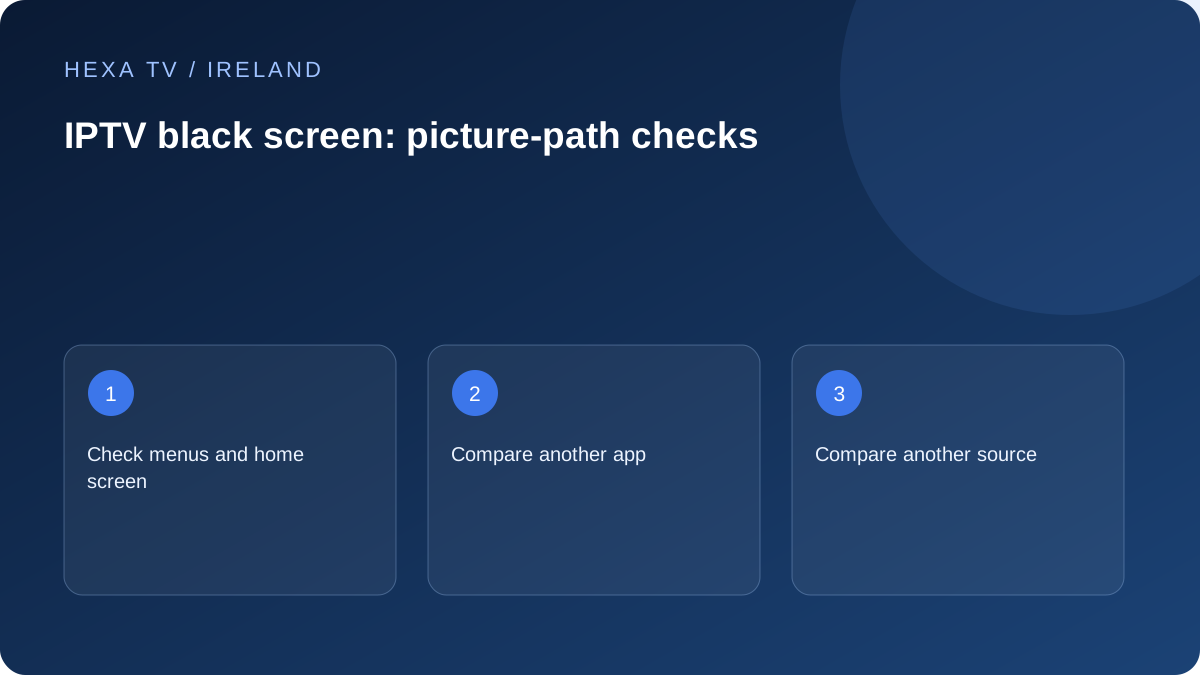
Check whether menus still appear
If the television's own menus and device home screen are invisible, begin with the display input, power and connection path. If menus are visible but the player is black, the fault is narrower.
Try another known-working app on the same device. Record whether its picture appears and whether sound continues in the affected player.
Compare one source with another
If one channel is black but another plays, record the affected source, time and any audio. If every source fails after a successful login, inspect the player's supported format and device guidance.
Do not treat an empty catalogue, a login error and a black playing window as the same symptom. Their first failing stages differ.
Inspect external-display changes
Where an HDMI device is used, confirm the selected input and follow the manufacturers' supported display-mode guidance. If the problem started after adding a soundbar or receiver, compare the previous working path where safely practical.
Keep the exact device chain in the support record. Reinstalling the content app cannot resolve an incorrectly selected TV input, while replacing a cable may not resolve an unavailable stream.
Identify which picture has disappeared
Press the normal Home or menu control once and note whether the device interface appears. If the television's own menus are visible but the external device is not, the display still works at least for that interface. If player controls overlay a black video area, the HDMI path is already carrying something and the investigation should include the programme or app.
Also note whether audio continues and whether the television displays No Signal, a blank illuminated picture or an error message. Those observations are more precise than black screen and help separate input selection, device output and video playback. Do not infer a failed subscription from the colour of the screen.
| Visible result | First useful comparison | What it narrows |
|---|---|---|
| TV says No Signal | Correct input and device power | Connection or output before app playback |
| Device menus appear, one video is black | Another available programme in the same app | Source or playback path |
| All videos in one app are black | Another supported app on the device | App-specific versus broader device issue |
| Picture disappears through a receiver | Supported direct-to-TV connection | Intermediate HDMI stage |
| Brief blank when playback starts | Manufacturer's format-switching guidance | Transition behaviour versus persistent failure |
| Audio continues with no video | Same source in a supported alternative mode or device | Picture-specific path without assuming the cause |
Check the ordinary input and connection first
Match the television's selected input to the socket used by the streaming device. If someone recently moved a cable, do not assume the old input label is still correct. Check that the external device is powered using its supported equipment, and consult the exact manual before changing the physical arrangement.
Apple's black-screen guidance for Apple TV includes the HDMI connection, input, output resolution and any intermediate switch or receiver. Fire TV has its own official blank-screen checklist. Choose the instructions for the device actually connected; remote button combinations and supported settings are not interchangeable.
Use one direct-path comparison where supported
If a switch, receiver or soundbar sits between the source device and television, the manufacturer's guidance may recommend a temporary direct connection. Record the original cable path first. Compare the same device and programme through the supported direct route, then note whether the menus and video both return.
If the direct route works, that does not prove the intermediate equipment is broken. Its selected input, supported format or configuration may need attention. Take the exact models and result to the relevant manufacturer. Avoid replacing several cables and changing output format simultaneously, because a successful result would then have several possible explanations.
Distinguish a format transition from a persistent fault
Apple documents that matching dynamic range or frame rate can produce a brief blank or flicker while the television changes format. Amazon similarly notes that starting or stopping some 4K playback can briefly blank the display. Those device-specific observations do not justify ignoring a screen that stays black or repeatedly loses a stable picture.
Record whether the interruption occurs only at start and stop, during every channel change or continuously in the middle of a programme. If a recent output-setting change preceded the problem, follow the device's documented recovery route to a supported visible mode rather than guessing through unseen menus.
Check an app-only failure without resetting the television
If the device home screen and other supported apps work, note the failing app's version and test another available item within it. An error confined to one title can be source-specific. An error across that app may require its publisher's troubleshooting, but still does not automatically require erasing the whole TV.
Before clearing app data or reinstalling, confirm how account access and preferences can be restored. Save a redacted error image if one is visible. Use the app-crash or installation guide for the appropriate platform rather than downloading an unofficial replacement package from a public forum.
Describe the result in a useful support note
Include the TV and streaming-device models, app version, connection path, selected input and whether menus or audio remain available. Add the exact programme and time if the problem starts only during playback. State which comparison changed the picture and which conditions stayed the same.
A useful example is: 'TV menus and device home screen visible; two available programmes play; one title has black video with audio; same title behaves the same on a supported tablet.' This is a fictional report format, not a finding from our own testing. Replace it with the household's actual observations and avoid declaring a hardware fault before the evidence supports it.