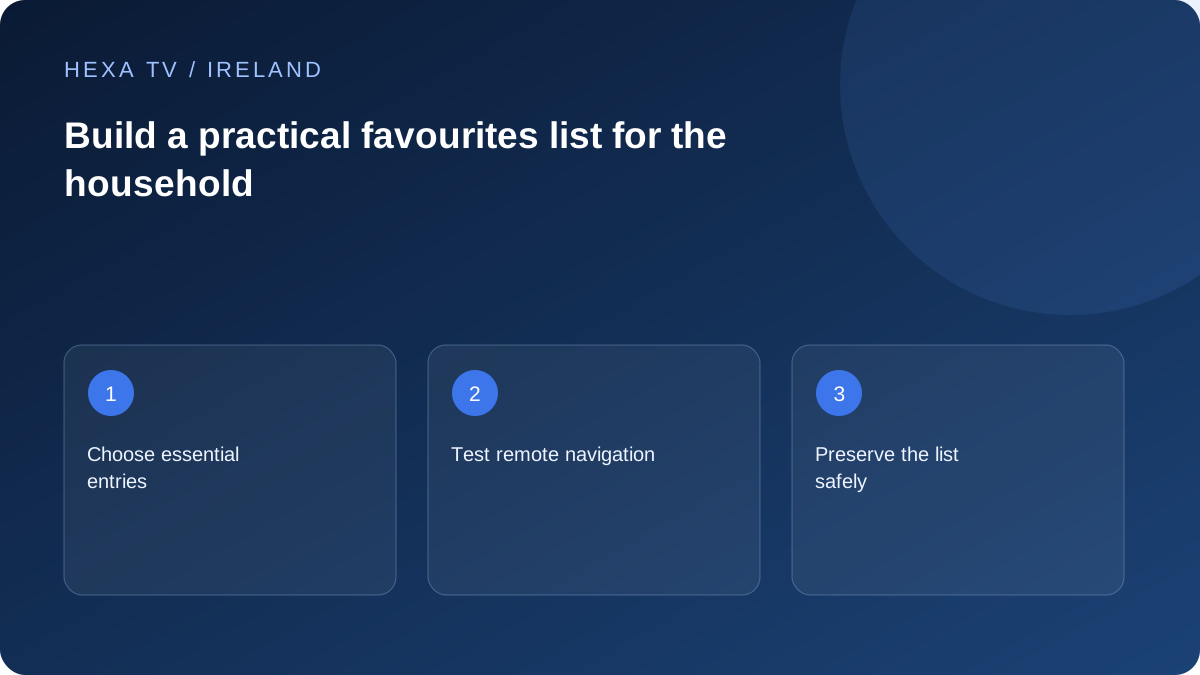
Begin with a short shared list
Choose the channels or categories used most often and put them in an order that makes sense to the viewer. Avoid adding every similar HD, SD and alternate-language entry before checking which one is actually needed.
If children or guests use the TV, distinguish convenience from access control. Removing a channel from favourites does not necessarily hide it from the full catalogue or search.
Test the list with the real remote
Ask a household member to open a favourite, switch to another and return to live viewing. Observe whether the list is easy to find after restarting the app. A technically complete list is not helpful if it is buried behind unfamiliar menus.
Name separate lists plainly, such as news or family viewing, if the app supports them. Avoid personal account details in a list name that may appear in screenshots.
Protect the arrangement before an update
Check whether favourites follow channel identifiers, names or positions. A provider refresh can change those fields. Record the small essential list or use the app's supported export feature, taking care not to expose credentials in a full configuration backup.
After a catalogue refresh, verify the most-used entries. A favourite can point to a removed source while the current version exists elsewhere. Test the replacement rather than assuming the subscription has lost every copy of that channel.
Build the first list around ordinary viewing
Choose a small group of entries the household actually uses: a familiar bulletin route, a regularly watched programme category and any other essential source. Check each entry plays before organising it. A favourite is a shortcut to an item, not proof that the item remains available.
Use labels that another viewer can recognise. If the player permits renaming locally, keep enough of the original identity to distinguish similar feeds. Do not turn every duplicate channel name into a favourite merely because it appears several times.
Separate a shortcut from a restriction
A favourites list makes navigation simpler, but it is not necessarily a parental-control boundary. A viewer may still reach the full catalogue, search results or another application. If restricted access matters, use the supported app and device controls and test them separately.
For an Irish household using both an aerial input and official players, keep the route clear. A favourite inside one application will not necessarily open Saorview or another broadcaster's account. A short instruction note can identify which app or input contains the programme.
Choose a useful organisation rule
Use the scheme that matches the viewer rather than the largest possible number of folders.
| Need | Possible organisation | Check before relying on it |
|---|---|---|
| Quick evening viewing | A short everyday list | Viewer can reach it from the normal app home |
| Different languages | Clearly named language groups where supported | Actual programme tracks meet the need |
| Several similar feeds | Label by the real source distinction | Do not infer regional or quality differences from a name alone |
| Shared screen | Separate profiles or lists if supported | List separation is not assumed to restrict content |
Check what survives a refresh or device change
Players can store favourite relationships differently. Before replacing an account entry or refreshing a large playlist, read the publisher's behaviour and retain a private note of essential items. Do not assume the list will survive deletion of app data.
After an update or playlist replacement, try the small essentials list first. If a shortcut fails while the item works in the full catalogue, rebuild that shortcut through the supported controls. Avoid deleting the entire account before checking whether the problem is only an outdated favourite.
Keep the list useful over time
Remove an obsolete shortcut only after confirming the intended entry and the viewer's needs. A programme disappearing can reflect catalogue availability, not a broken remote. Keep the account and playlist secrets out of any shared instruction card.
When helping someone else, ask them to open a favourite, return to the guide and exit to ordinary television. That small usability check is a more meaningful outcome than arranging hundreds of entries that nobody can find comfortably.