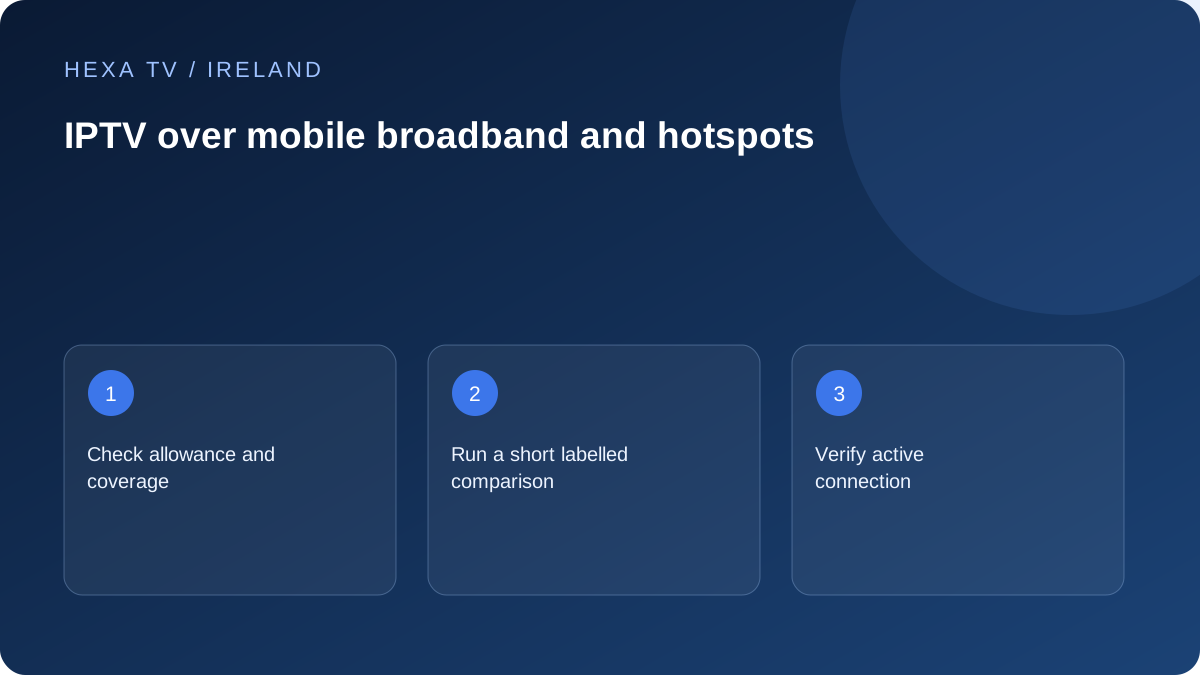
Distinguish a test from a permanent setup
A short session on a different connection can help determine whether a fault follows the home internet path. It does not establish that mobile broadband will be stable or economical every evening.
Record the device, location, time and network used. Indoor conditions and household layout can affect the result, so do not generalise from a quick outdoor test.
Check the data and power constraints
Review your actual allowance and charges before streaming. Use the data-use calculation as an estimate only when you know the bitrate; otherwise measure a short representative session through the device or provider's usage tools.
A phone providing a hotspot also needs suitable power and ventilation. Follow its manufacturer's guidance and avoid enclosing it behind equipment merely to hide cables.
Verify the receiving device
Confirm that the television or streaming device is connected to the intended hotspot and that the account permits the use. If you change between connections, stop and reopen playback as the app's instructions require.
When returning to the home network, check the active connection so viewing does not continue consuming mobile data unintentionally. Keep account territory and device rules separate from basic network connectivity.
Escalate the right observation
If the same programme works on mobile data but repeatedly fails on home internet, report that comparison with dates and times. It narrows the investigation without proving a particular provider deliberately blocked the stream.
If both connections fail only for one source, continue with the source or account investigation instead of purchasing another router.
Prepare the hotspot as a separate network
Use the phone manufacturer's supported hotspot controls and confirm that the mobile plan permits the intended feature. Apple's Personal Hotspot documentation, for example, describes using the device's mobile data to supply another device's connection. An Android phone needs its own model-specific instructions.
Keep the hotspot password private and use an identifiable network name that does not reveal unnecessary personal information. Confirm which device is joining. A television remembering an old similarly named network can make the comparison hard to interpret.
Set a deliberate test interval and data boundary
Before starting, inspect the current mobile allowance through the operator's account information. Decide on a short useful interval and note the starting usage reading where available. A diagnostic test should not quietly become an entire evening of metered television.
If the actual bitrate is known, the data-use guide provides a transparent estimate. Otherwise use an appropriately scoped device or operator reading and label any other traffic included. Do not invent consumption from the word HD alone.
A hotspot comparison card
Use this to keep the changed connection distinct from other changes.
| Field | Record |
|---|---|
| Original result | Programme, TV or box and symptom on home internet |
| Mobile setup | Phone model, network and actual hotspot location |
| Changed condition | Connection only where practical; list any other change |
| Observation period | Start/end and Irish local time |
| Data boundary | Allowance check and relevant usage reading |
| Result | Whether the same symptom recurred |
| Return step | Confirm the viewing device rejoined the intended home network |
Check reception at the place the phone will stay
An outdoor result or a phone beside a window is not proof of performance behind the television. Try the intended safe position and retain the location with the observation. Building layout and materials can affect the experience.
Do not put the phone in a closed cabinet or underneath warm equipment to hide it. Follow the manufacturer's power and temperature guidance. If a long session would require an impractical charging or placement arrangement, include that limitation when judging a permanent mobile setup.
Interpret a different result without jumping to blame
If the same programme and device work through the hotspot but repeatedly fail through home internet, the comparison is useful to support. It does not establish deliberate blocking or identify the exact failing component. The mobile path changes several upstream conditions even when the TV remains the same.
If the programme fails on both connections while another programme works, investigate the source or app. If the television cannot join the hotspot at all, resolve that connection stage before interpreting any video result.
Check the account's location and session rules independently
A working network connection does not grant new territorial or household permission. Read the content account's actual conditions for the intended place of use. Multi-screen allowance and travel permission are separate matters.
Stop any prior session if the plan requires it before using the receiving device. A concurrency error created during the test should not be mistaken for weak mobile reception. Keep account messages distinct from network connection errors.
Return the household to its intended arrangement
After the comparison, reconnect the television or streaming device to the ordinary home network and verify the active path. Turn off the temporary hotspot when it is no longer needed through the supported control. Review usage if the test lasted longer than planned.
For regular mobile viewing in Ireland, compare actual coverage at the property, plan conditions and measured use over a representative period. A short successful test supports a narrow observation, not a guarantee of long-term cost or reliability.