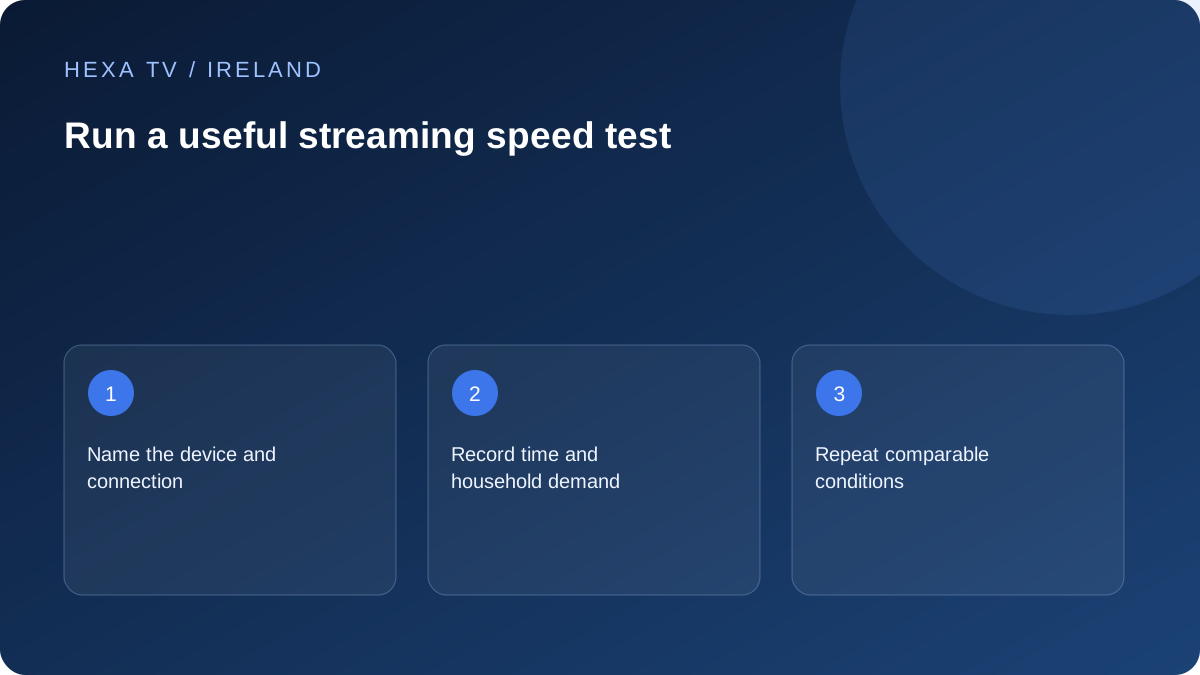
Test the relevant path
A laptop wired to the router and a television on distant Wi-Fi measure different parts of the setup. Use a supported test on the viewing device where available, or clearly label an adjacent-device measurement as a proxy.
Record date, local time and timezone, connection type, device and whether other household activity was running. Keep package speeds and observed results in separate fields.
Compare conditions rather than chasing a maximum
Repeat at the time the symptom appears and at another ordinary viewing time. If comparing wired with wireless, keep other conditions as similar as practical. Avoid running a speed test while using it as proof of undisturbed playback because the test itself creates traffic.
A single low result does not identify the cause, and a single high result does not eliminate every network issue. Pair the number with the actual symptom and what other services did.
Use service requirements carefully
Ask the provider for its requirements for the specific quality and account use. Several streams and other household traffic share capacity. Resolution labels alone do not supply a universal bitrate.
If the tests and playback consistently differ, provide both to the relevant support team. They may involve different delivery paths. Do not choose a new broadband package solely from an isolated test beside the router.
Decide what the test is meant to answer
Choose one question before collecting numbers. You might want to know whether the television's wireless path differs from a wired path, whether the fault coincides with household demand, or whether several internet services are affected at the same time. One unlabeled maximum result does not answer all three.
If the question concerns an upstairs television, the most relevant test is on that device where a supported method exists. A laptop in the same room is a proxy, not the television itself. Write that limitation into the record rather than silently treating the hardware as identical.
Separate rate, quantity and response time
Download throughput is a transfer rate; a data allowance is a quantity over a period; response time describes another aspect of communication. Do not compare their numbers without their units. A result in megabits per second is not a monthly gigabyte allowance.
The provider's package description and a router's local connection rate are also not the same as a test to an internet destination. Keep each label intact. A television can have a good local connection while a particular remote source performs poorly, so the viewing symptom still matters.
A test record that can be compared later
Use the same record for a small number of relevant observations. Do not collect dozens of screenshots without noting the conditions.
| Field | What to record |
|---|---|
| Question | Wireless path, evening demand or wider internet symptom |
| Device | Exact television, box or proxy computer |
| Connection | Ethernet, Wi-Fi or identified mesh route |
| Date and time | Irish local time and a stated date |
| Test tool | The actual supported tool and any selected destination |
| Household demand | Other active streams, calls or transfers |
| Result | Reported units and values, without invented precision |
| Playback observation | What the programme did in a separate viewing interval |
Keep the baseline separate from deliberately added load
A speed test actively transfers data. Running it while watching a programme can change the conditions you are trying to observe. If the purpose is an undisturbed playback baseline, stop the test and record playback separately.
A deliberate load comparison can still be informative if that is the stated purpose. For example, pausing a known large download and observing a change may help investigate shared demand. Label the activity and timing so the result is not mistaken for the household's ordinary quiet state.
Make wired and wireless runs comparable
Use the same supported device where practical and confirm the active connection after changing it. Keep the test tool and time reasonably close. Note anything else that changed, such as another person ending a call or the selected test destination differing.
If the cable run improves repeatedly while the ordinary wireless path does not, investigate local coverage. If both runs are similar but one programme alone fails, retain the source comparison. Neither pattern alone proves the whole connection perfect or identifies a deliberate restriction.
Use a simple capacity illustration carefully
Suppose, purely for illustration, two constant-rate sources each request 6 Mbps while another activity requests 3 Mbps. Their simple combined rate is 15 Mbps before variation and other traffic. This is arithmetic using invented inputs, not a recommended package or an actual IPTV requirement.
Real video can adapt, downloads vary and tests use different paths. Ask the service for its actual requirements where those are available and compare them with the household's observed use. Do not declare that every HD or 4K programme has one universal bitrate.
Choose the support route from the combined record
If several services struggle on supported wired devices, the retail broadband provider can use the dated results and affected-service list. If the problem is confined to one app or programme while the same path works elsewhere, include that narrower pattern for the relevant supplier.
ComReg's address checker can help research available services, but it does not replace this measurement record. A new package should be compared using current address-specific terms only after the evidence makes a service change relevant.
Stop testing when the next question is clear
The aim is not to obtain the highest possible number. It is to identify a useful next action with a small reproducible record. Preserve the ordinary setup and avoid changing several router controls merely to improve one screenshot.
If the fault is intermittent, state that it was not reproduced during a particular interval. Keep the date and return to the same baseline when the symptom recurs. That is more informative than claiming a permanent cure from one favourable test.