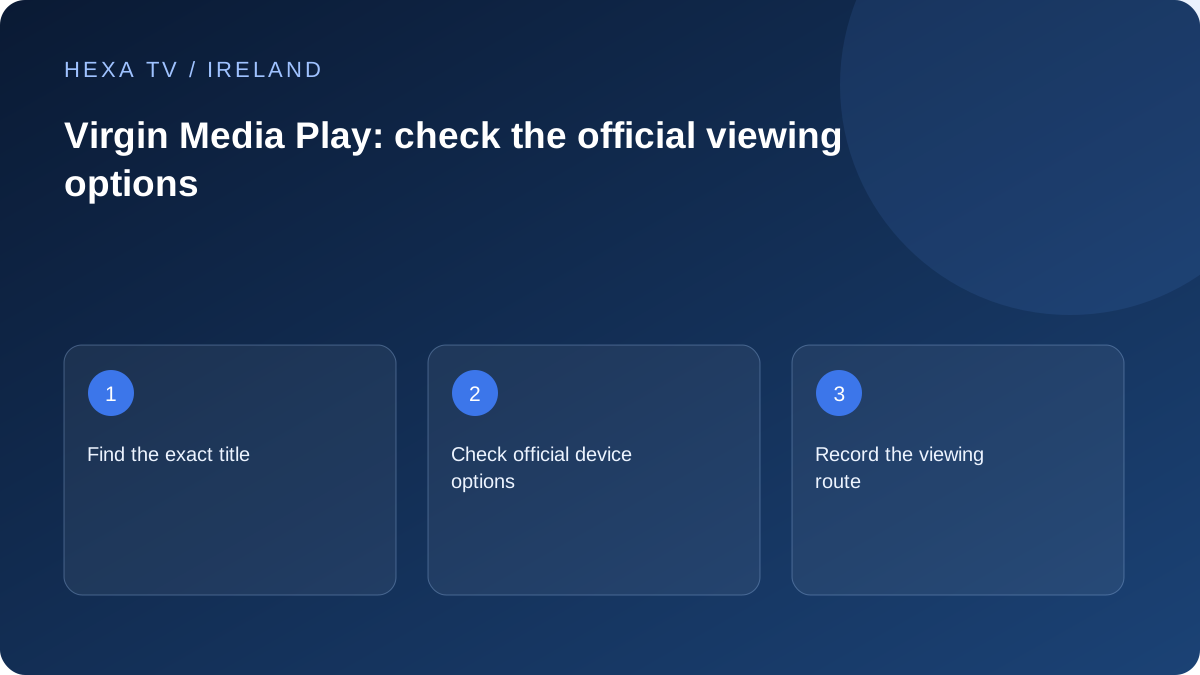
Check the official service and programme
Virgin Media's FAQ identifies Play as its live and on-demand service and explains that programme rights can restrict availability, commonly to the Republic of Ireland. Search the specific title and current episode rather than relying on an old listing.
Keep the broadcaster service separate from a broadband or television bundle with a similar name. The account and access route needed for your chosen service should be clear.
Verify the actual device path
Consult the current FAQ and official app listing for the device you use. Record whether you are viewing in a browser, mobile app or supported TV platform. A problem in one path does not establish that every route is unavailable.
Check accessibility controls and the desired programme version before treating the setup as complete. The source is authoritative for its own service, not for third-party player compatibility.
Handle a location error through official support
If you are in the Republic of Ireland but the service reports otherwise, Virgin Media's FAQ directs users to check IP-location registration with their internet provider and then contact Play support if necessary. Record the error and connection details.
Do not assume a location message should be fixed by falsifying the device's region. This guide neither bypasses restrictions nor claims that Virgin Media Play is included in a HexaTV plan.
Choose Play rather than a similarly named account route
Start from Virgin Media Television's official programme or help pages. A broadband customer portal, a television-bundle account and the broadcaster's player can be different products even when they share branding. Record the name of the app and its publisher so you do not troubleshoot the wrong sign-in system.
The task is to find the official route to the programme you want. It does not require installing an unrelated IPTV player or entering broadband credentials into a third-party form. If an instruction asks for access details that do not match the official service, stop and verify the destination before proceeding.
Make a programme-level availability check
Search the exact title, series and episode. Distinguish a live channel from an on-demand episode and inspect any availability information shown by the service. A programme once broadcast is not necessarily available indefinitely afterwards, and a search result may refer to a different episode.
Create a small personal list of essentials rather than trying to prove the entire catalogue. For each item, note whether it is currently listed, playable on your supported device and supplied with the accessibility feature needed. Leave an untested item marked unknown. This gives a much clearer answer about suitability than the presence of an app icon.
Compare browser and television problems sensibly
If a programme works on the official website but fails in a television app, preserve that working example. Record the browser and app versions, the exact item and whether the same network was used. This narrows the report towards the TV path without proving a particular device defect.
If neither route works, check the service's current help information and whether another available programme behaves differently. Avoid reinstalling every app or resetting the router merely because one item fails. Those changes can remove useful settings while leaving a programme-availability issue untouched.
| Observation | Next useful check | Report to prepare |
|---|---|---|
| One episode is absent | Series and current availability listing | Exact title, season and episode |
| Website works, TV does not | Supported device and app version | Same programme tested through both routes |
| Location error inside Ireland | Official location guidance and ISP registration | Connection type and exact error, without public IP disclosure |
| Subtitles are unavailable | Programme-specific accessibility options | Title, device and requested feature |
| Sign-in fails before browsing | Correct official account and recovery path | Error stage rather than playback assumptions |
Keep the location-error investigation narrow
The broadcaster's FAQ gives a route for viewers in the Republic of Ireland whose connection is incorrectly identified: check the IP-location registration with the internet provider and contact Play support as needed. That is a support process, not an instruction to disguise location.
Use the actual connection details through private support. If another connection produces a different result, label the comparison with its date and type; it can help describe the issue, but does not itself establish why a location system classified the first connection differently. Do not publish full account screens or private network identifiers in a public forum.
Keep official viewing separate from a third-party subscription decision
A working official player can meet a specific household programme need without demonstrating anything about another provider's catalogue. Conversely, a third-party service displaying a similar channel name does not establish equivalent programmes, accessibility features or territorial rights.
When comparing a proposed subscription, list what the official service already supplies for your intended use and what additional need remains. That makes the comparison concrete: another device, a different programme, simultaneous viewing or a simpler routine. Do not pay for a vague claim that duplicates a need already met without verifying the additional benefit.