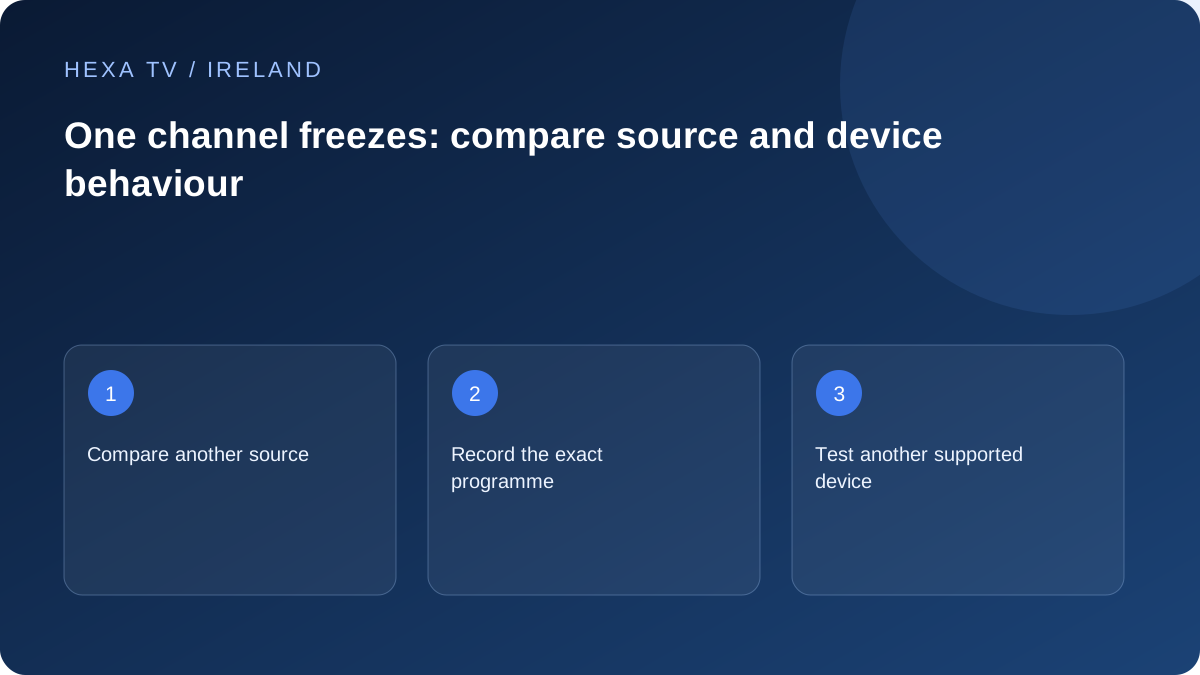
Confirm the scope of the fault
Try another available channel on the same device close in time. Note whether the failing one freezes consistently, has audio only or produces an error. Record the local time and programme.
If many sources fail, use the broader buffering guide. A single failing source has a narrower initial investigation.
Compare a supported second device
Within the account's connection rules, test the same source on another supported device. Stop the first session if required. A fault following the source across devices is useful evidence for the provider.
If only one device fails, inspect that app's supported formats and version. Do not infer that a provider outage exists from one device result.
Avoid destructive changes to a working baseline
Repeated app resets or router changes can disrupt other viewing without improving a source problem. Save the exact affected entry and use a verified alternative where available.
Report the source, time, devices compared and what remained working. A provider can investigate a reproducible channel fault more effectively than a broad claim that 'everything freezes' when it does not.
Distinguish frozen video from a frozen device
Try the ordinary player controls and device Home control. If menus respond while the picture is stuck, the device is not completely unresponsive. If the whole interface stops responding, follow the manufacturer's device-recovery guidance rather than treating it solely as a channel fault.
Note whether audio continues, a loading indicator appears or the app closes. Also record whether the picture resumes by itself and whether it returns to the same point. These observations help distinguish a stalled live source, a repeatable on-demand defect and an application that has stopped responding.
| Pattern | Useful test | Interpretation limit |
|---|---|---|
| One live source stops, menus work | Another available source on the same device | Suggests a narrower path, not a proven server fault |
| One film stops at the same point | Same item on a supported second device | Repeatable content position matters |
| App closes during playback | Publisher's app-recovery procedure | Different from a still-visible frozen picture |
| Whole device ignores controls | Manufacturer's restart instructions | Do not repeatedly re-import the source |
| Lower offered quality works | Same programme with one quality change | Demand matters but bottleneck remains uncertain |
| Only a saved shortcut fails | Current catalogue entry | Shortcut may be obsolete rather than source unavailable |
Compare one changed condition
First try another authorised available source with the device and network unchanged. If it works, return to the affected item and note whether the failure repeats. Then, if allowed by the account and supported by the service, compare that item on a second device without exceeding the simultaneous-stream allowance.
Stop other playback when necessary so a concurrency limit does not contaminate the comparison. State whether the second device used the same Wi-Fi, a cable or mobile data. A different device on a different network changes two variables; it can be useful, but its result cannot isolate either variable alone.
Treat live and on-demand freezes differently
For live material, record the actual local time and what was happening in the programme. Reopening the channel may bring you to a later point, so the original moment may not be reproducible. Do not report that as a successful repair unless normal viewing remains stable.
For an on-demand item, record the approximate playback position and whether seeking past it is a supported control. If the same position repeatedly fails, provide that detail to the service. Avoid repeatedly downloading or recording the entire programme merely to prove a fault; a concise reproduction description may be enough.
Use the appropriate non-destructive recovery
If the application itself becomes unresponsive, use its publisher's supported close and reopen procedure. If the device freezes, Google TV's official guidance illustrates a restart-first approach and distinguishes later reset actions that can erase data. Use the instructions for your actual platform.
Before an update or reinstall, note the version and confirm that account details and preferences can be restored. A source that fails across supported devices may not be improved by reinstalling every player in the house. Preserve a working baseline and let the evidence determine whether local recovery is worthwhile.
Keep a realistic source-failure log
An illustrative note is: '21:05 Irish local time; channel A picture stops, audio continues and menus respond; channel B plays; channel A repeats the problem on a supported second device; no router settings changed.' The letters and times here are fictional. Replace them with exact current source names and your observations.
Include the date, app versions and account allowance context. If the result changes later, add a new line instead of rewriting the earlier observation. That helps support distinguish an intermittent event from a permanent configuration problem without claiming either before it is established.
Know when to stop changing the household setup
If only the same source fails on several supported devices while other available material works, send the record to the content service. Ask about that source and period rather than changing every router option. Use an authorised alternative where one meets the need.
If the problem expands to unrelated apps or devices, revisit the broader buffering and network guides with the new evidence. A diagnosis can change as the observed scope changes. Keep temporary workarounds labelled and restore unsuccessful experiments so the next comparison starts from a known configuration.