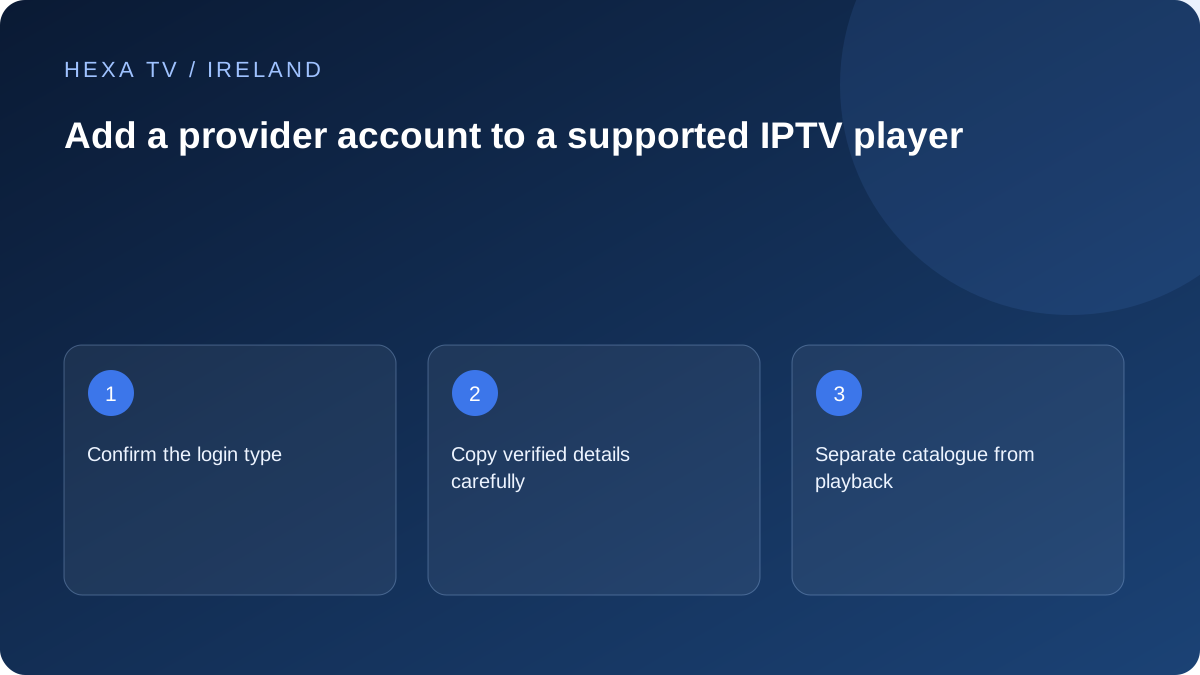
Match the fields to the supplied method
Read the provider's instructions before entering details. A playlist URL, a portal address and a server-plus-credentials login are not interchangeable labels. Ask for clarification if the app offers several account types and the supplied format is unclear.
Check the required scheme, address and port without inventing alternatives. Spaces introduced by copying or a punctuation change can make valid credentials fail.
Create a safe local account label
Use a descriptive label such as the room or provider name. Do not place the password in the account title, favourites name or a screenshot you might share. If the device is shared, check whether account details remain visible in its settings.
Keep any device activation code private for the period it remains valid. Enter it only on the publisher's official page reached through the app's documented process.
Test login, catalogue and playback separately
A successful sign-in proves only that stage. Confirm that the expected catalogue loads, then test an available stream. If the guide is empty while video works, record it as a guide-data issue rather than repeatedly changing the password.
If access is rejected, verify account status and expiry with the provider and stop repeated attempts that produce the same result. Use the login-failure guide for a precise support record.
Plan for replacing the device
Ask whether the provider limits registered devices, active connections or both. Signing into a replacement does not automatically transfer a player licence. Record the old setup before removing it, then follow the app's supported sign-out or transfer process.
Identify the supplier before opening the form
A player login can be different from the content account, device-platform account and email used for receipts. Read the heading and the provider's instructions to establish which identity the form expects. Do not enter an Apple or Google password into an unrelated content-server field.
Keep the original account-delivery message private and reach the supplier through its verified route if the method is unclear. A screenshot of somebody else's setup can show a different account type, so it should not override the instructions supplied for yours.
Match the received information to the documented form
These categories explain what to clarify; they are not interchangeable recipes or claims that every player supports them.
| Information supplied | Question to resolve | Avoid |
|---|---|---|
| Complete playlist address | Does the app accept that full URL in its playlist field? | Splitting it into guessed server and password fields |
| Server plus separate credentials | Which exact fields and account type are documented? | Trying the credentials against addresses found online |
| Portal-style address | Is this method supported for the actual app and device? | Assuming a similarly named option is equivalent |
| Activation code on the screen | Which publisher's official linking route should receive it? | Posting the code publicly or using an unknown activation site |
Copy accurately without changing the meaning
Use the original private information and compare punctuation, case where relevant, scheme and any required port. Watch for spaces introduced before or after a copied value and for an on-screen keyboard changing characters. Do not remove a component simply because it looks unfamiliar.
If the supplied format does not match the fields offered, stop and ask which supported method is intended. Repeatedly guessing can expose the account and create a confusing set of saved entries. A harmless local label can identify the correct entry without containing the password.
Verify the stages in a small sequence
After the account is accepted, check whether the expected catalogue loads. Then open one programme confirmed as available and check sound. Only after that baseline should you spend time creating favourites or configuring every guide option.
If the catalogue is visible but the guide is empty, preserve the working login and investigate guide data. If one programme fails while another plays, report that source difference. A sign-in success is useful evidence, but it does not prove every later feature works.
Use a second device without creating a new limit fault
Before testing another screen, read the active-stream and registered-device rules. Stop the first playback when the account requires it. Otherwise the second test may produce a connection-limit message that is mistaken for a wrong password.
A separate player licence may also need its own activation on the new device. Keep the software and content charges distinct. The fact that the same brand of app exists on both screens does not establish identical licence-transfer conditions.
Save only the useful non-secret setup details
Record the exact device, app publisher and version, account method and date of the successful check. For a shared Irish television, also note the input or app used so it is not confused with Saorview or an official broadcaster player.
Store the actual credentials separately. Before sending a support image, inspect the full address field and any QR code. A useful first message can identify the error and non-secret account reference without handing out the complete login.
Know when setup is ready for normal use
The practical endpoint is a repeatable route from the device home screen to an available programme, with the required sound and controls. Let the regular viewer repeat it. A saved account entry that has never played anything is not a finished setup.
If the process remains unsuccessful after a careful field check, use the login-failure guide and the supplier's verified support. Include the first failing stage. Do not keep changing the working parts of the home network for an account-format question.