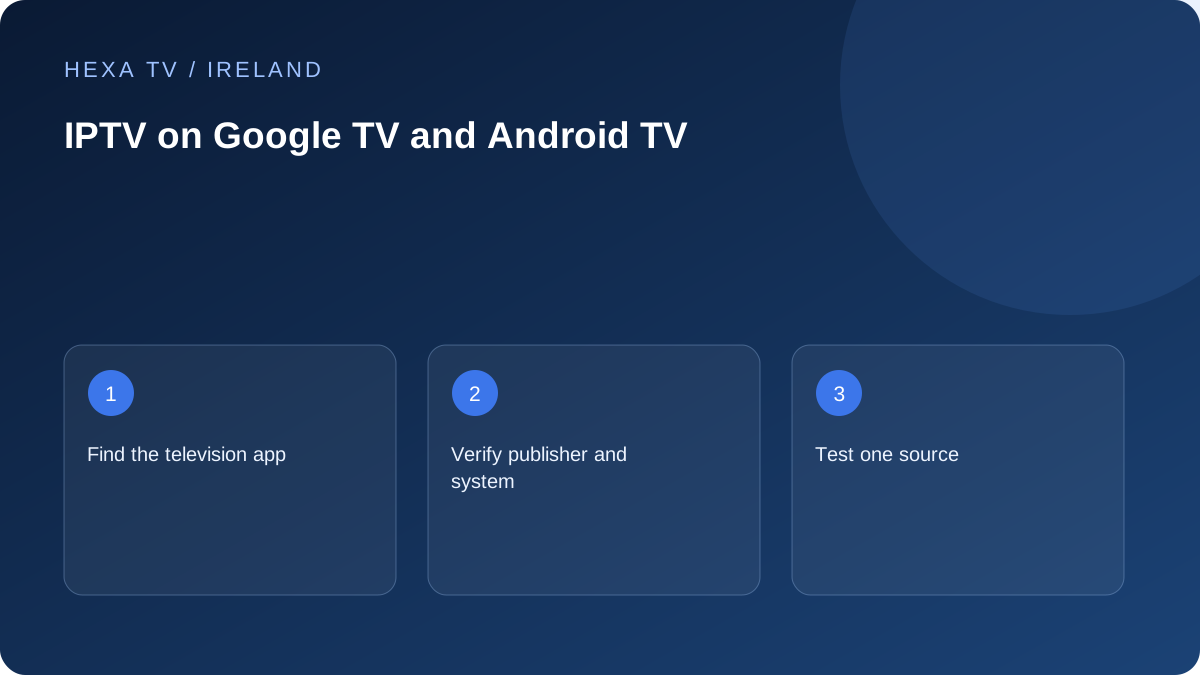
Use the television's app route
Google documents app discovery through the Google TV interface. Search for the exact supported app, inspect the publisher and confirm that its listing applies to the television or streaming device you own.
Keep the device's genuine region and system version in your setup record. If the app cannot be found, ask the publisher about availability for that combination instead of entering credentials into an unrelated alternative.
Add content only after the app is ready
Check whether the player requires its own activation or licence. Then use the account login or playlist method supported by the provider. A successful installation and a successful content login are separate milestones.
Test one known source before importing extra guide information or organising a large favourites list. If login succeeds but playback fails, preserve that distinction when asking for help.
Evaluate the living-room controls
Try directional navigation, back, pause and reopening the app after standby. Check whether text remains readable from the sofa and whether the programme guide can be navigated without a mouse.
For casting, treat the phone and receiver as a separate playback path. Do not assume an account working on the phone guarantees casting rights or format support. Confirm the app's own casting instructions and test the actual receiving device.
Identify whether the app runs on the television or another device
A TV with Google TV built in and an external Google TV device use different hardware even when the interface looks similar. Record the exact model, system version and how picture and sound reach the television.
If an external device is involved, include the HDMI input and any receiver or soundbar. A fault in that chain should not be reported as a native-TV application fault. Keep the known working home screen or another app as a control before adding account details.
Verify the application's television support
Find the exact player and publisher in the device's supported app interface. Google documents installing through the TV's app route; that is the reference for software discovery. Check the publisher's current requirements rather than assuming a mobile listing proves television support.
Read whether the app offers a trial, a device licence or paid features. The charge may concern the player rather than the content account. Keep the terms separate so an activation prompt does not cause an unnecessary second subscription payment.
Choose the account entry form deliberately
Ask which method the provider supplies and verify that the player accepts it. A complete M3U address, separate server credentials and a portal are not interchangeable fields. Copy the confirmed details without adding spaces or changing punctuation.
Keep secrets out of the local account name and support images. After saving, record whether login is accepted, whether catalogue entries appear and whether an available programme plays. Those are separate milestones that identify the first failing stage.
A first-session checklist for Google TV
Perform only the checks relevant to the household and account. Keep a short factual result for each.
| Check | What to observe |
|---|---|
| App availability | Exact television listing and publisher |
| Login | Correct supported method and account acceptance |
| Playback | One available source with picture and sound |
| Remote | Directional navigation, back and selection |
| Guide | A familiar programme aligned with local time |
| Accessibility | Required supplied track and readable controls |
| Restart routine | Normal app exit and reopening |
| Additional screen | Only a session explicitly permitted by the plan |
Test the remote instead of relying on a touchscreen demonstration
Ask the regular viewer to find a programme and return to the guide using only the actual remote. A player designed around touch or mouse input may be awkward in a sitting room even if it installs.
Check the size of menus from the normal seat and whether focus moves visibly between choices. Record the specific difficult task. A clear description such as unable to reach subtitles with directional controls is more useful than saying the whole app is unusable.
Keep Google profiles and provider accounts distinct
A profile used on the device interface need not be the same as a profile within the content service. Check which settings follow each account and whether changing the device user changes the player configuration.
For a child or guest, test the actual restricted route. A device-level profile, an app PIN and a hidden catalogue category can have different effects. Do not assume a restriction in one layer secures every other app available from the home screen.
Diagnose app responsiveness at the correct scope
Google publishes guidance for an unresponsive Google TV device. Use that route when the interface itself freezes, and the app publisher's guidance when only one player crashes. Record the model and versions before restarting or updating.
If an app maintenance action clears configuration, preserve the supported recovery details privately first. Repeat the original trigger after one change. A successful unrelated source does not prove that the previous guide-opening crash is resolved.
Treat casting as a separate method
A phone initiating playback on a receiver is not the same test as the TV app playing directly. Record the sending app, receiver and actual method, and check that the software supports it.
If direct TV playback works while casting fails, keep that distinction in the report. Do not change a valid content password merely because the receiving path differs. Account session rules can also apply, so stop unneeded playback during a comparison.
Keep Irish viewing routes in the final handover
Check the official support information for each Irish broadcaster app the household uses. Do not infer that all such apps are available because the IPTV player is present. Preserve the aerial or other existing route where it remains useful.
The finished handover should identify the input or app, basic remote sequence, private recovery method and relevant support route. It is a household setup record, not a claim of comprehensive hardware testing or guaranteed future app support.