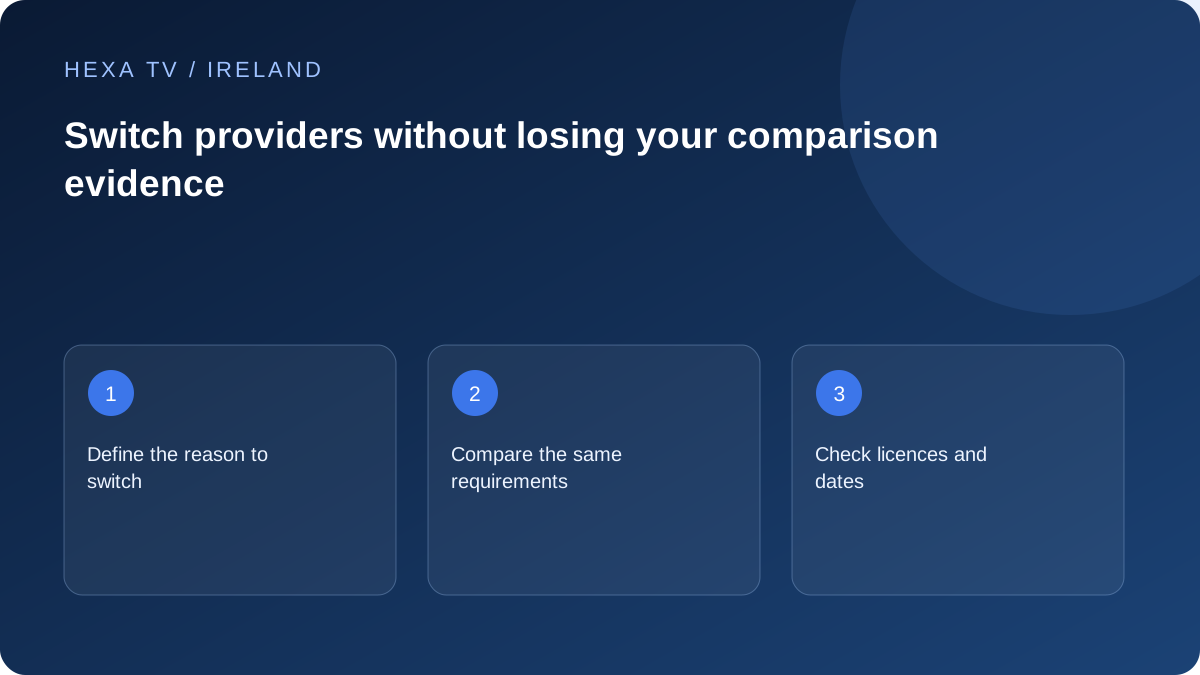
Write down what needs to improve
Identify the reason for switching: missing programmes, unsuitable device support, overlapping-screen limits, unclear terms or a reproducible fault. If the cause is weak home Wi-Fi, another content subscription may not address it.
Keep a short record of what currently works so the new comparison has a baseline.
Compare the replacement on the same criteria
Use the same device, essential catalogue list, screen allowance and ordinary viewing times. Where a trial is available, record its restrictions. Do not compare a new demonstration with an old service under entirely different conditions.
Check whether the existing player can use the new account and whether its licence remains valid. A provider switch does not automatically transfer software purchases or subscription credit.
Plan the changeover deliberately
Confirm the new term's start and the old account's renewal or cancellation process in its actual terms. No credit, refund or overlap is assumed. Save relevant receipts and offer details before access to an old dashboard ends.
Preserve favourites through a supported private method and remove obsolete credentials from shared devices when appropriate. Verify the new account on one device before replacing every household setup.
Turn dissatisfaction into a specific replacement requirement
Write what the current arrangement fails to do. Examples include an essential programme that is not available, an unsupported television, insufficient simultaneous streams or a remote-control routine that a family member cannot use. Avoid combining every frustration into the single phrase bad provider.
Then identify what evidence would show improvement. A current catalogue answer addresses programme scope; an actual supported-device check addresses compatibility; a controlled viewing comparison addresses observed playback. A different logo or a larger headline channel count does not answer all of those questions.
Keep the comparison fair
Use the same household screen and ordinary viewing conditions where both services support them. Compare the same type of programme and required features rather than a polished demonstration from one service against an unrelated difficult source from another.
If the replacement requires a new player or device, record that extra change. It may be worthwhile, but the result can no longer be attributed solely to the provider. Keep account limits and permitted use respected during the comparison, including any trial conditions.
| Reason for switching | Replacement evidence | What to avoid |
|---|---|---|
| Essential programme absent | Current territorial listing for the exact item | Assuming a familiar logo proves inclusion |
| TV unsupported | Official app and model support plus a usable route | Treating a brand name as model compatibility |
| One-room buffering | Same-device connection comparison | Buying another subscription to fix weak Wi-Fi |
| Need concurrent viewing | Actual permitted stream allowance | Counting registered devices instead |
| Difficult household operation | Remote and navigation check with the viewer | Choosing only by catalogue size |
| Cost too high | Complete cost over the intended period | Comparing an annual equivalent with a monthly payment |
Calculate changeover cost, including overlap
List any remaining payment for the current service, the replacement's full commitment and genuinely necessary app or equipment costs. Do not assume unused time will be refunded or transferred unless the actual terms say so. A short overlap can provide time to verify the replacement, but it is still a cost.
For a fictional example, a €20 overlap plus a €50 replacement term means €70 leaves the household during the changeover period, before any device cost. The replacement's advertised monthly equivalent does not show that cash requirement. These numbers illustrate budgeting only and are not supplier quotes.
Preserve the working configuration until the decision is clear
Keep current account recovery details and supported configuration notes privately. Do not erase the old player or favourites simply because a trial has started. If the trial fails to meet the essential requirement, the household should be able to return to the known working route without rebuilding everything.
Do not copy private credentials from one service into another provider's form. A replacement usually has its own supported account setup. If you export preferences through a player feature, understand whether the export contains secrets before storing or sharing it.
Make the final decision against the original requirement
After the comparison, mark each requirement met, not met or not tested. A brief successful sample should stay labelled as a sample; it does not prove every future event will play. An unverified catalogue item should remain unknown even if the rest of the interface looks polished.
If the replacement does not solve the original problem, consider whether the issue belongs to the device or home network instead. Switching can be sensible, but it should have an identifiable benefit. Keeping the current setup while resolving a local fault may be the better outcome for some households.
Complete the changeover through each service's own process
When you decide to leave, use the current service's documented cancellation or non-renewal process and retain its confirmation. Keep that commercial step separate from deleting an app; removing software does not by itself establish that a subscription has ended.
Set up the replacement's household instructions, favourites and required controls, then verify the intended screens. Remove obsolete access through the supported account-management process when appropriate. Keep only the records needed for recovery and payment history, and do not leave private old playlist URLs in shared documents.