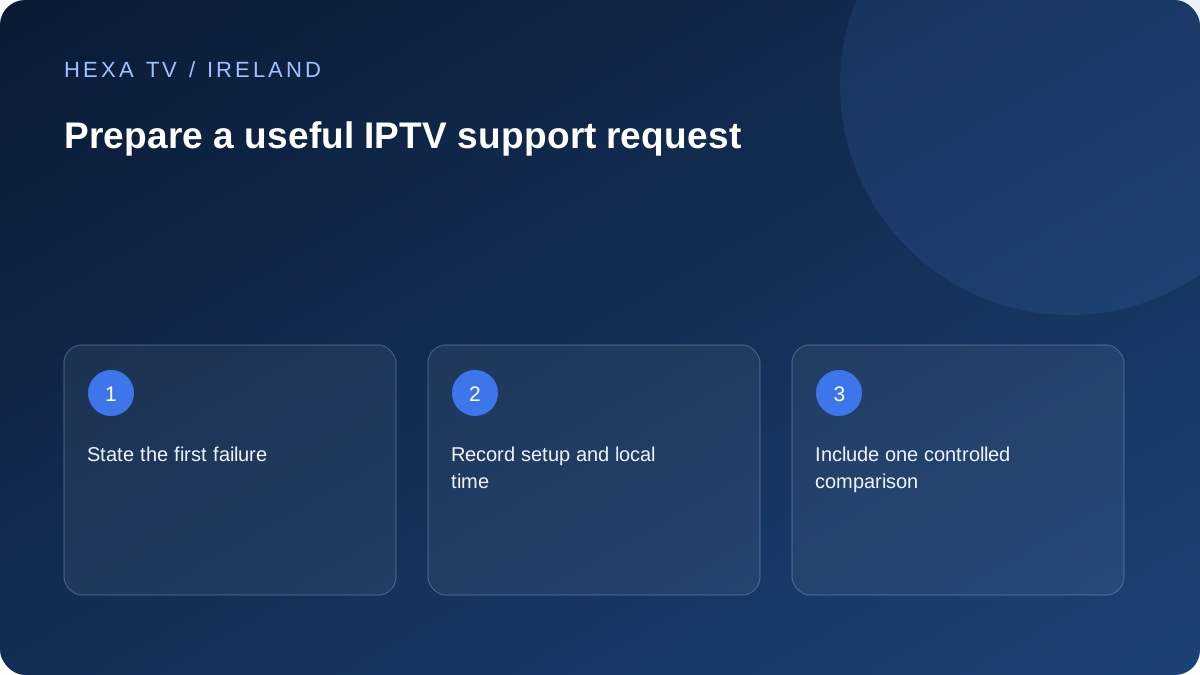
Describe what failed and what still works
Use concrete wording: the app closes on guide opening, a login is rejected, one channel has no audio or several services buffer on Wi-Fi. Include the exact error and the local date, time and timezone.
Name the device model, operating-system version and app version. State whether playback uses a built-in TV app or an external device.
A safe support note
Fill this with your real observations and send it through the provider's established private support route.
| Field | Useful detail |
|---|---|
| Symptom | First failing action and exact error |
| When | Date, time and timezone |
| Setup | Device, system, app and connection |
| Scope | One source, one device or several services |
| Comparison | What you changed and the observed result |
| Reference | Non-secret order or account reference |
Send the issue to the right team
App crashes and store availability may need the app publisher or device support. Account state and catalogue questions belong to the content provider. Internet faults affecting unrelated services can belong to the retail broadband provider after local checks.
Keep the report short enough for someone to reproduce the problem. A chronological list of unrelated resets can obscure the useful observation.
Protect the account while sharing evidence
Redact passwords, complete playlist URLs, activation codes and personal payment information from images. If support requests a diagnostic file, check what it contains and use its appropriate secure route.
Support hours and response commitments have not been established in this guide. Confirm the actual support channel, languages and availability before relying on a particular service level.
Choose the team by the first failed stage
A content provider can answer account expiry and catalogue questions. An app publisher can investigate its import process or repeatable crash. A device manufacturer can help with platform or output faults. The retail broadband provider needs evidence about its connection, especially when unrelated services fail.
If the boundaries are unclear, describe the symptom and ask which part the team can inspect. Do not send a long list of guesses about servers, codecs or network blocks. A narrow factual question makes it easier for the recipient to route the issue without repeating basic checks.
| Issue | First useful recipient | Evidence to include |
|---|---|---|
| Account rejected or expiry unclear | Content service's verified support | Non-secret account or order reference and error stage |
| App crashes consistently | App publisher or platform support | Device, app version and reproduction sequence |
| No external-device picture | Device or display manufacturer | HDMI path, inputs and visible menus |
| One programme fails | Service supplying that programme | Exact title or source, time and working comparison |
| Many unrelated services fail | Retail internet provider | Affected devices, connection route and times |
| Payment outcome unclear | Relevant merchant or payment support | Transaction reference through a private process |
Send one short report with a useful structure
Start with a one-sentence summary of the failure. Then list the device and app version, when it happened, what still works and one controlled comparison. End with the question you want answered. This structure helps support act without searching a long conversation for the essentials.
For example: 'The current source imports, but one named channel fails to start on two supported devices; other checked channels play; date and local time recorded; no router settings changed. Please check whether this source is currently available for the account.' This is a fictional template, not a claim about a live service.
Redact the right information
Hide passwords, full playlist or guide URLs, activation codes and personal payment details. An account-bearing address may function as a credential even when it looks like an ordinary link. Crop a screenshot to the error and relevant interface where possible.
Keep the non-secret reference needed to identify the order or device, and send additional private details only through the verified support process when necessary. Apple's guidance on deceptive messages is relevant when an unsolicited helper asks for account information. Start from the service's known official route rather than a link supplied by an unexpected caller or message.
Record requested changes and their consequences
Before following a troubleshooting instruction, ask what it is intended to test and whether it removes settings or account data. A restart is different from clearing an app database or factory-resetting the television. Keep the old value or a supported backup where applicable.
If support asks for a router-wide change, consider other household users and the person responsible for the network. Do not silently interrupt work calls or remove security settings. Report the result of the requested comparison using the same source and conditions where possible, including when it makes no difference.
Keep the conversation focused as evidence changes
Use the same ticket or reference where the service provides one, and add a concise update when a meaningful observation changes. State what was tried, what stayed constant and what happened. Avoid sending repeated identical messages that add no new information.
If the issue resolves before support replies, record when it recovered and whether any local change preceded that recovery. Do not attribute the resolution to a step merely because it occurred afterwards. A clear chronology helps distinguish a temporary source issue from a configuration change without overstating either.
Close the issue with a usable household record
When a supported fix is identified, save the final setting or procedure and remove unnecessary experimental changes. Verify the household's normal viewing routine, including other permitted screens or audio equipment affected by the adjustment.
Keep the support reference and relevant confirmation privately, but avoid retaining screenshots full of credentials. If a secret was exposed, use the provider's supported rotation or revocation process. The final record should help recover the setup later without becoming another place where account access is unnecessarily shared.