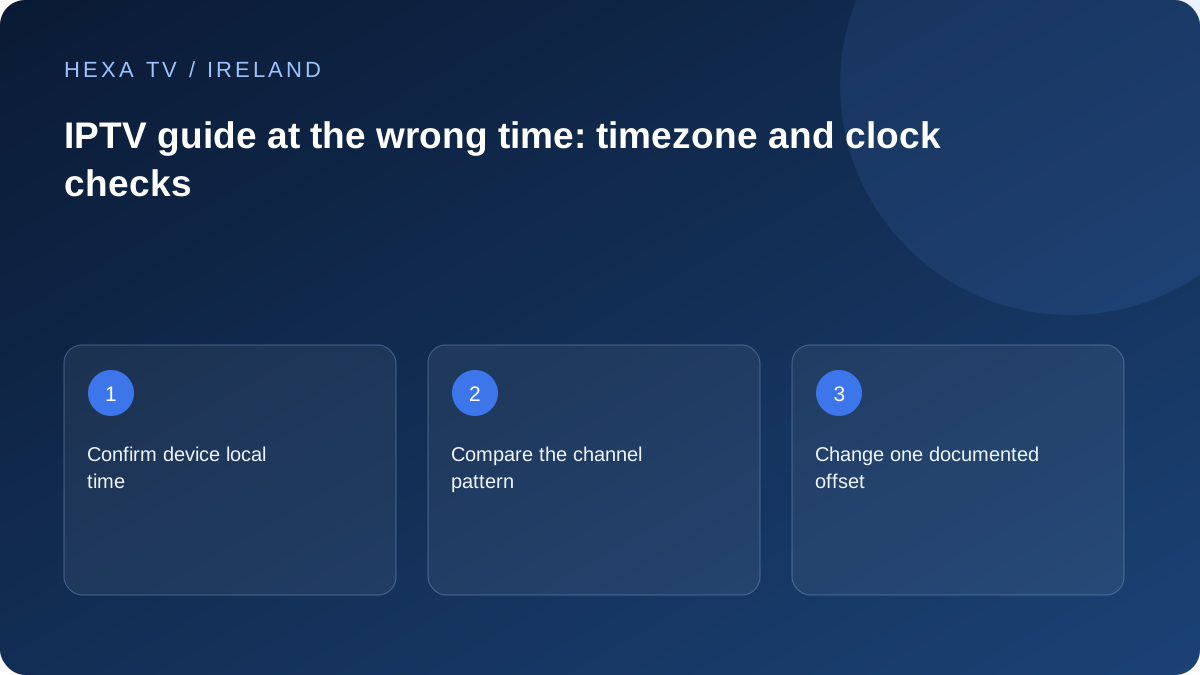
Check the actual device clock
Confirm date, local time and the correct timezone using the device's supported settings. Automatic time can help where properly configured, but verify the displayed result rather than assuming the setting is correct.
In Ireland, seasonal clock changes can expose a stale manual offset. In Australia, different state timezones and differing daylight-saving rules make a single fixed 'Australian time' assumption unsuitable.
Compare the pattern across channels
If every listing differs by the same amount, investigate the clock and app offset. If only one channel is wrong, compare its source mapping and guide data. If the current programme changed unexpectedly, the published schedule may need updating.
Record a familiar channel's actual programme and the guide entry at the same moment. This is more useful than a screenshot without local time.
Adjust one setting and recheck
Follow the player's documented controls, noting the original values. Avoid applying an offset at both device and guide levels. Refresh the relevant guide data after the supported adjustment if needed.
Video playback and guide timing are separate. Do not change a working content login merely to correct listing times. Report source-specific errors with channel, date and timezone.
Check the date as well as the hour
Read the television or streaming device's displayed date and local time before opening the player. A guide can appear several hours wrong because you are looking at yesterday's listings rather than because the clock is incorrect. Return to the intended date and compare the channel's current programme sequence.
If the device uses automatic time, check which location or timezone it has selected. Do not set the clock manually to compensate for a single programme row. The operating-system clock serves other functions, and a guide-specific error should be investigated at the appropriate layer rather than hidden by making the whole device wrong.
Inspect the pattern before applying an offset
Compare three unrelated channels and three adjacent listings on the affected row. The pattern is more informative than one familiar programme title, especially when news or repeated episodes have similar names. Keep the broadcaster's current schedule as the independent reference where available.
| Pattern | Likely area to investigate | Next observation |
|---|---|---|
| Every checked row shifts equally | Device timezone or player-wide offset | Compare the actual clock and current offset value |
| Only one row shifts | Channel mapping or source-specific data | Check the regional edition and adjacent titles |
| Correct times but wrong programmes | Wrong channel or stale date sequence | Inspect the selected date and guide association |
| Today correct, another date wrong | Date-dependent source conversion or data | Record both dates without applying a global correction |
| Video correct, guide wrong | Schedule-data path | Keep playback settings unchanged |
| Two devices disagree on the same source | Local display or app configuration | Compare time settings and app versions |
Keep the source timestamp separate from its display
XMLTV's format can include timezone information with programme times. The player still needs to display those times appropriately for the viewer. A source timestamp and a local display offset are therefore distinct things; changing both can double a correction.
You do not need to edit a private guide feed to make that distinction. Ask the publisher which layer is intended to handle local time and use the player's supported setting. If the source itself is wrong, a household-wide offset may make some rows look better while moving correct ones out of alignment.
Make one reversible correction
Record the original device timezone and any player guide offset. Correct an objectively wrong device location first using the manufacturer's supported controls, then re-open the guide and inspect the same sample. If the clock was already correct, leave it alone while investigating the app's guide-specific options.
After a change, compare both the current and next programme, not just the line under the current-time marker. Check another channel that was previously correct. If the adjustment fixes one row but breaks others, undo it and report the narrower mapping or source-data pattern.
Use an Irish household example without assuming the cause
Imagine a fictional evening check where the device clock agrees with local time, two Irish channels show the expected sequence and one row displays the previous day's programmes. Adding an hour to the whole guide would not address that pattern. The selected date, channel association and source update are the useful next questions.
In a different fictional check, several unrelated rows all show the same displacement after the streaming device has been moved between locations. The device timezone and retained player offset become more relevant. These examples show how observations guide the investigation; they are not field-test results or diagnoses of a particular service.
Separate guide timing from subtitle and audio timing
Programme-start times, spoken dialogue and subtitle display use different controls. Do not move the television clock to make captions line up, and do not use a subtitle-delay setting to repair a programme guide. Describe which timeline is wrong in the support request.
If video and sound are synchronised but the guide marker is misplaced, keep the audio settings unchanged. If captions are late while the guide is correct, use the subtitle guide. This separation prevents an unrelated adjustment from creating a second fault that obscures the original one.
Report the comparison in a compact form
Include the date, local timezone, device clock, player offset, exact channel edition and three neighbouring programme titles. State whether other rows agree with their official schedules and whether a guide refresh completed. A redacted screenshot can show the pattern without exposing a private source URL.
Ask support whether it needs a mapping correction, source update or documented local setting. Do not claim the guide server uses the wrong timezone unless the data has actually been inspected. The household's role is to provide a reproducible display result and preserve a configuration that can be restored.