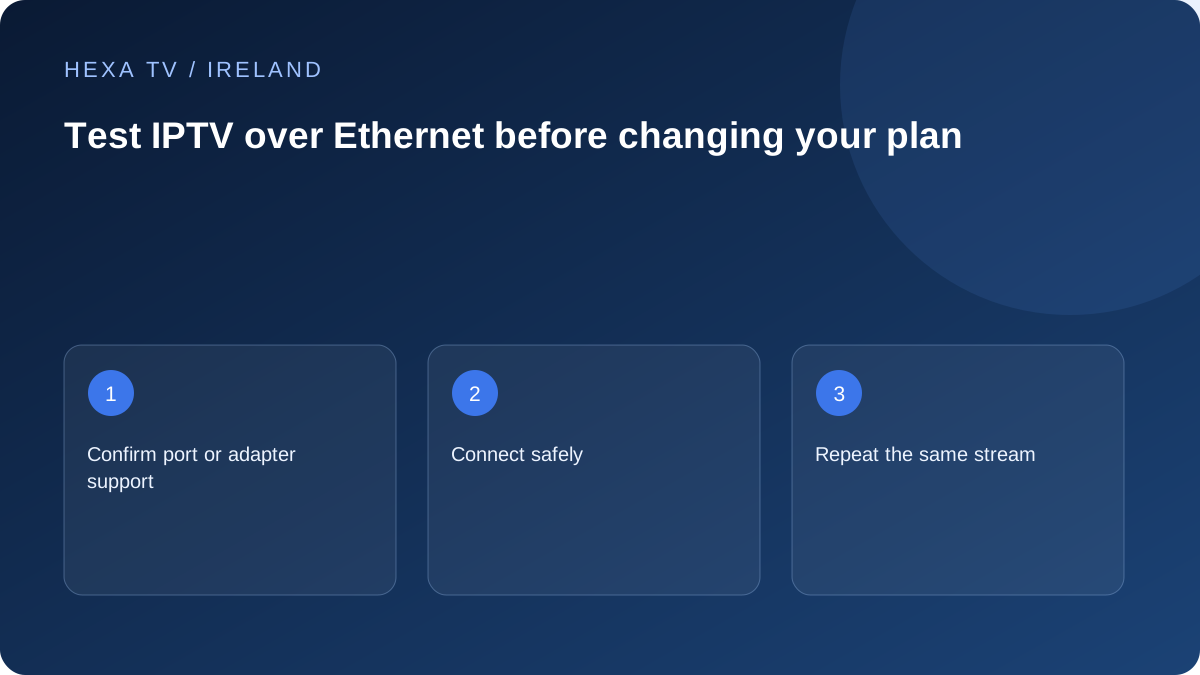
Check the supported connection
Confirm that the device has an Ethernet port or supports the intended adapter. An adapter that physically fits is not automatically supported by every streaming device. Follow the manufacturer instructions and use a cable route that does not create a trip hazard.
Keep the original Wi-Fi setup recorded so you can return to it. Some devices choose a connection automatically; check which path is active during the comparison.
Repeat the same viewing conditions
Use the same app, account and programme close in time. Note other downloads or streams. If the wired result improves, the home wireless path becomes a useful investigation area.
If playback still fails, continue with source and device comparisons. Ethernet cannot correct an expired account, unavailable source, unsupported format or a fault beyond the home network.
Decide whether the cable is a test or a permanent plan
A short cable across a room may be suitable for a supervised test but unsuitable for daily use. If it clearly helps, consider a properly installed route or supported network design for the property.
Record the outcome and any adapter model. This gives support a clearer picture than saying 'I tried wired' without identifying whether the device actually used the cable.
Identify the two endpoints before connecting
The intended comparison is usually between the viewing device and a suitable LAN connection on the home router or supported network equipment. Do not move cables from an unfamiliar broadband entry device or change the router's service-side connection just to obtain a spare socket.
Read the viewing device's documentation for its built-in port or approved adapter. A USB connector does not imply that any network adapter will work. If an adapter needs power or a particular setup, include that in the preparation and keep its model recorded with the result.
Preserve the ordinary setup as a baseline
Write down which Wi-Fi network the television normally uses and whether a mesh node is involved. Record the app, programme and connection status before attaching the cable. This lets you return to the starting arrangement without guessing which setting was changed.
After connection, use the device's supported network-information screen to confirm that the cable is the active route. The presence of a cable alone is not evidence that traffic uses it. If the device will not connect, resolve that basic connection stage through the manufacturer's guidance before interpreting playback.
Read the comparison without overstating it
Use the same source and app where practical, and retain any differences in time or household demand.
| Observation | Reasonable next question | What it does not prove |
|---|---|---|
| Wired session stable; Wi-Fi repeatedly pauses | Is the wireless path into this room the constraint? | Every source and future evening will work perfectly |
| Both connections fail on one programme | Is the programme source or format affected? | The cable has fixed or caused the account problem |
| Several services fail on both paths | Does the wider connection or device need investigation? | A particular internet provider deliberately blocks video |
| Device never obtains a wired connection | Is the port, cable or adapter supported and correctly connected? | The content subscription is expired |
Use a realistic observation interval
Choose a short interval that is long enough to encounter the reported symptom and use a comparable interval for the alternative route. If a live programme changes or another household activity starts, write that down. A few seconds without a pause is not equivalent to a full evening's result.
Do not run a speed test at the same time as the playback baseline. It adds traffic and changes the conditions. A separate speed result can be useful if its device, time and connection are recorded, but it answers a different question from whether the chosen programme played.
Decide what a successful test means for the room
If a cable consistently improves the actual television session, consider whether a permanent wired route is practical. A loose test cable across a hallway should not become an everyday trip hazard. For concealed or structural work, seek appropriate installation advice for the property.
If a permanent cable is impractical, the result can inform a wireless improvement rather than dictate a purchase. Router placement, a supported access point or a suitable mesh arrangement may be options depending on the layout. Choose from the observed weak path, not from a promise that every extender solves every room.
Keep the result useful for Irish broadband support
When contacting the retail provider, distinguish the broadband service entering the home from the cable between router and television. State whether other services and devices are affected. ComReg address availability information is useful for researching options, but it is not a playback measurement.
For content support, identify the programme and account symptom without forwarding a credential-bearing playlist. If only one source fails while other viewing works over the same cable, preserve the network configuration and request the source-specific check. The cable comparison should narrow the task, not create a reason to reset everything.