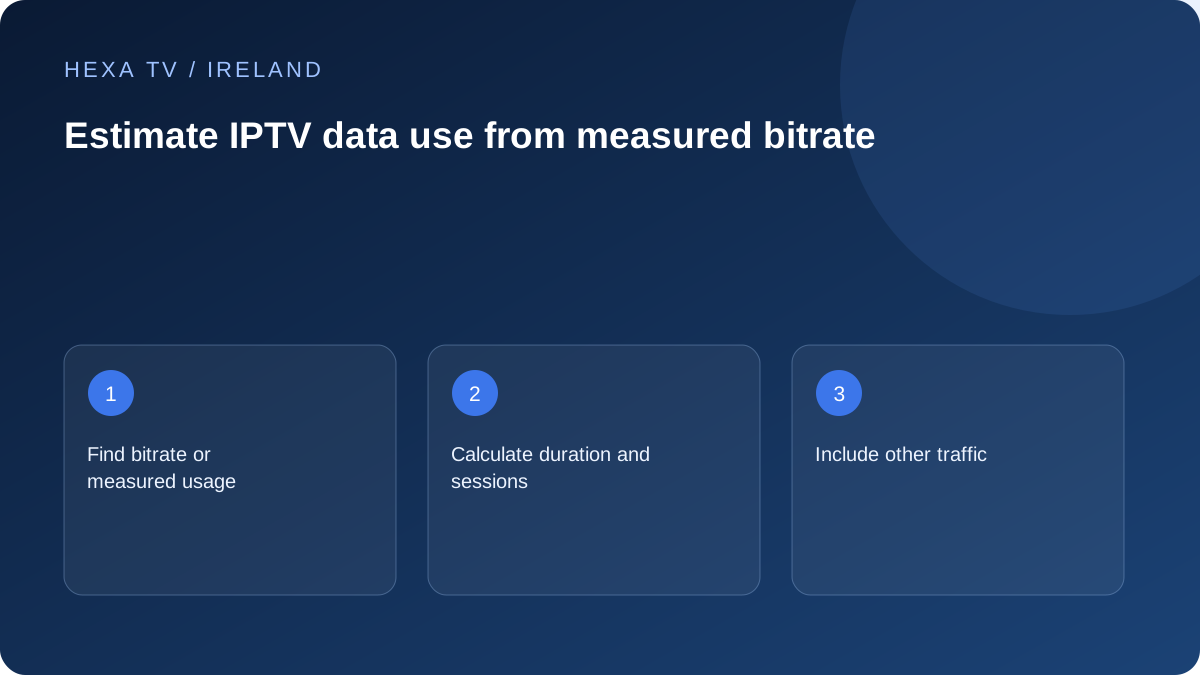
Use a transparent calculation
For a constant bitrate, decimal gigabytes are approximately megabits per second multiplied by 0.45 and by hours. The factor converts bits to bytes and seconds to hours. This is a calculation, not a measured HexaTV stream requirement.
For example, a hypothetical 8 Mbps stream watched for two hours transfers about 7.2 GB of video data before allowing for other traffic and variation. This example does not claim any actual service uses that bitrate.
Illustrative calculation only
Use your service's documented bitrate or a properly observed usage figure instead of treating these examples as typical consumption.
| Hypothetical bitrate | Viewing time | Calculated decimal GB |
|---|---|---|
| 4 Mbps | 2 hours | 3.6 GB |
| 8 Mbps | 2 hours | 7.2 GB |
| 8 Mbps | 4 hours | 14.4 GB |
Account for variation and multiple screens
Adaptive video can change bitrate, and live or on-demand sources can use different encoding. Multiple concurrent streams add to household traffic. Software updates, calls and downloads also count against an allowance where the plan is metered.
Measure the relevant device or account usage over a representative period if your equipment provides it, and identify whether the number includes other traffic. Keep measured totals distinct from an estimate.
Use the result before a mobile session
Check the plan allowance, any excess charges and the billing period. A short hotspot test can be useful for diagnosis, but it should not silently become several evenings of metered viewing.
Where the player offers quality controls, compare a lower option on the actual screen and check whether readability remains acceptable. Do not claim a specific data saving without measuring that source and setting.
Keep the units straight
A bitrate describes a rate of transfer, while a data allowance describes a quantity used over a billing period. Megabits per second and megabytes are not the same unit: there are eight bits in a byte. The calculation here uses decimal gigabytes, which is why the factor is 0.45.
For a hypothetical constant 8 megabits per second, one hour is 8 × 3,600 megabits. Divide by eight to obtain megabytes, then by 1,000 to obtain 3.6 decimal GB. Two hours doubles that to 7.2 GB. The arithmetic is transparent, but it remains only as accurate as the input bitrate and duration.
Add sessions rather than multiplying every installed device
If one 8 Mbps example stream runs for two hours, its calculated video amount is 7.2 GB. If a second identical stream runs for only one of those hours, add 3.6 GB, giving 10.8 GB across both sessions. Do not multiply by every television in the house when some are not playing.
Different sources can have different rates, so calculate each separately when known. For example, a hypothetical 4 Mbps source used for one hour adds 1.8 GB, not the 3.6 GB of the higher-rate example. These numbers illustrate the method and are not HexaTV quality specifications.
Build a billing-period worksheet
Use one row per ordinary activity: television sessions, mobile viewing, calls, downloads and updates. For video, note hours and the source of the rate or measured amount. Sum only quantities that share the same period and units. A daily average and a monthly total cannot be added as though they describe the same interval.
Leave room for activity that is not captured by the video estimate. Programme menus, guide updates and other device traffic can be included in a router or operator total. An allowance comparison needs the provider's actual measurement and billing-period definition, not only a theoretical video calculation.
Choose the right measurement for the question
Use the most relevant available counter and label its scope. A number without a device, period or definition can be misleading.
| Question | Possible measurement | Important limitation |
|---|---|---|
| How much did the television use? | A supported device-level router counter | It may include updates and other apps |
| How much did the player use on a phone? | The phone's per-app data counter | Check whether it covers mobile, Wi-Fi or both |
| How much remains in the paid allowance? | The operator's account usage tool | Its update delay and billing period can differ from the device |
| What might a planned session consume? | Known bitrate multiplied by duration | Adaptive rates and other traffic make this an estimate |
Reduce use by choosing an acceptable experience
Where the supported app offers a quality selector, compare a lower option on the actual screen. Check movement, text and captions as well as the main picture. A setting that is acceptable on a phone may not suit a large sitting-room television.
Stop sessions that nobody is watching and check whether an app continues when you leave its screen. Do not assume standby on the display always closes an external streaming device's session. Use the application's documented stop or exit control and verify the behaviour before relying on it to manage an allowance.
Avoid turning a diagnostic hotspot into an unexpected bill
A brief mobile-data comparison can help investigate a home-network fault, but give it a deliberate end point. Check the active network again when the test ends so the television does not remain connected to the phone for the rest of the evening.
If mobile viewing will be regular, compare the calculated and observed use with the actual plan terms, including what happens when the allowance is exhausted. No single resolution label can answer that financial question. Keep the operator's current account information as the authority for remaining allowance and charges.