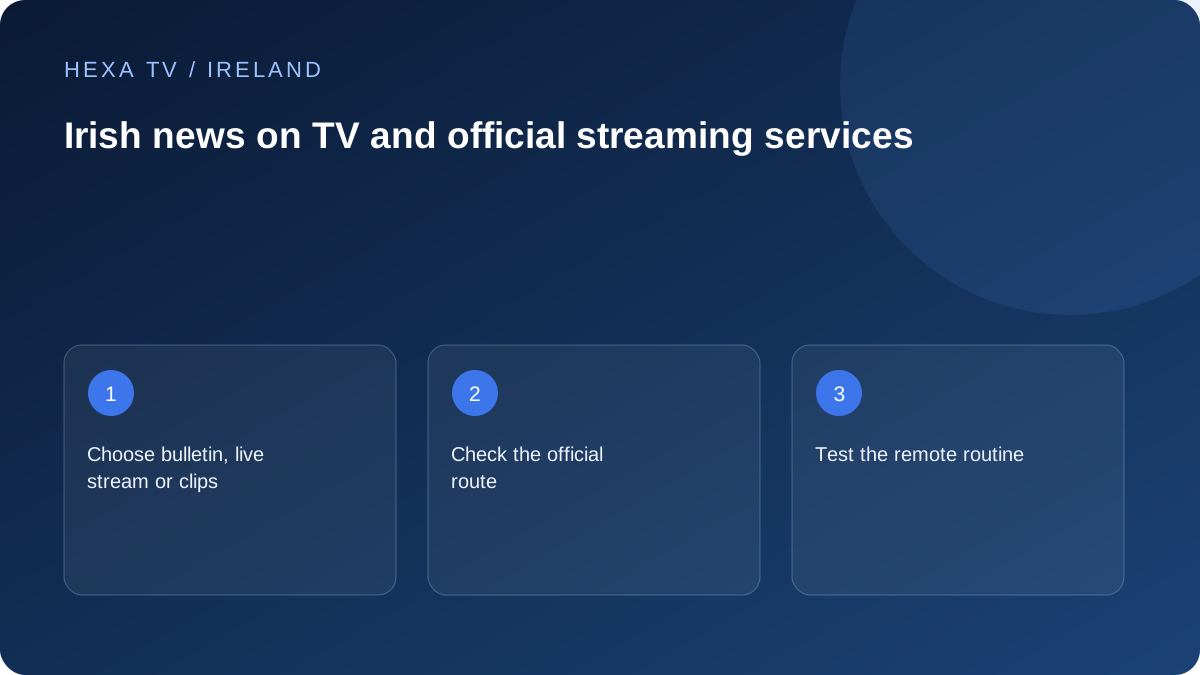
Define the news format you need
Some viewers want a scheduled bulletin at a familiar channel number; others want short on-demand clips or a live online stream. Write that requirement first so an app catalogue is not mistaken for a complete replacement of the existing routine.
Check the broadcaster's official website or app for the current format and programme. Do not assume that a clip page supplies a continuous live service.
Keep aerial and internet options visible
Saorview and broadcaster-operated online services can provide different routes to Irish television. Record the input or app used for each news programme and verify reception or compatibility through the appropriate official source.
This is especially useful for a shared television: the quickest route for one person may involve a remote-control sequence another person finds difficult. Test the routine with the actual viewer.
Check access and accessibility together
Verify captions or other required features on the specific bulletin and device. A feature available in a replay may differ from the live version. Keep the broadcaster's current availability information with the setup note.
No third-party catalogue inclusion is inferred from an editorial mention of an Irish news source. Use the official route as the baseline when assessing what a paid subscription would add.
Choose the news routine before choosing another subscription
Ask the viewer what they actually want: the familiar evening bulletin, a continuous news channel, a short update on a phone or a replay after work. These needs lead to different routes. A clip page may suit a quick update but not someone expecting the full scheduled programme with the usual remote.
Write down the programme name and the time it is normally watched. Check the broadcaster's current official listing rather than assuming that a search result refers to today's edition. A saved link to yesterday's bulletin can look familiar while giving the wrong impression that a live stream is delayed.
Map the household's existing Irish television routes
If Saorview is already working, note the television input and channel-selection routine. If the viewer uses an official broadcaster app, note the app and whether it opens live viewing or an on-demand page. These routes have different dependencies: an internet app needs a functioning connection and supported software, while terrestrial reception has its own installation requirements.
Do not remove a familiar route simply because a new player can display many channel names. First establish what the new arrangement improves. It might add a supported second screen or make a replay easier to find, but that benefit should be observed rather than inferred from a catalogue headline.
| Viewer's task | Suitable route to investigate | What to verify |
|---|---|---|
| Watch the scheduled bulletin | Current broadcaster listing and working TV route | Correct programme, channel and local start |
| Catch up later | Official programme replay page | Today's edition and current availability |
| Follow a short update on a phone | Official mobile site or app | Readable controls and actual item date |
| Use Irish-language news | Relevant official broadcaster service | Programme and required language features |
| Keep a simple fallback | Existing supported aerial or alternative official route | Which programmes it actually carries |
Make the remote-control sequence usable
Test the route with the person who will use it. Can they return to the news after another family member changes input? Can they tell the difference between live and replay? Can they recover from opening the wrong app without signing out or changing settings? Those small actions matter more than a technical compatibility badge.
A short note can describe the correct remote, input or app and the first navigation step. Avoid putting passwords in that note. If the viewer needs assistance, agree whom to ask rather than leaving a complicated set of account instructions beside the television.
Check the bulletin's accessibility rather than the app's reputation
Inspect the actual live or on-demand programme for the feature required. Captions, audio options and their controls may differ between programme versions or devices. A general accessibility page is useful background but does not replace checking the item the household will watch.
From the normal seat, assess whether text is readable and whether a programme banner covers it. If the feature is missing or mistimed, report the bulletin's date, edition, device and app version. Do not describe every programme from the broadcaster as inaccessible on the basis of one item without further evidence.
Handle a missing or stale bulletin
Check the date on the programme page and whether a new edition has actually been published. Compare the official live schedule with the replay page; they answer different questions. A delayed replay upload should not be addressed by changing the television's timezone or reinstalling a working player.
If the correct item is listed but will not play, compare another available programme in the same official service. Preserve the result and contact the appropriate support team with the exact item. The household can use another available authorised news route while the issue is investigated without treating that workaround as proof of the original cause.
Decide what a paid service would add
List the need already met by the current setup and any remaining gap. If the familiar bulletin, required captions and normal viewing routine already work, a paid subscription must offer a separate useful benefit to justify its cost.
No editorial mention here establishes that a third-party provider is entitled to redistribute a broadcaster's programmes. Assess its current offer independently. A verified official route is a baseline for the household's comparison, not evidence that another catalogue contains the same edition or features.