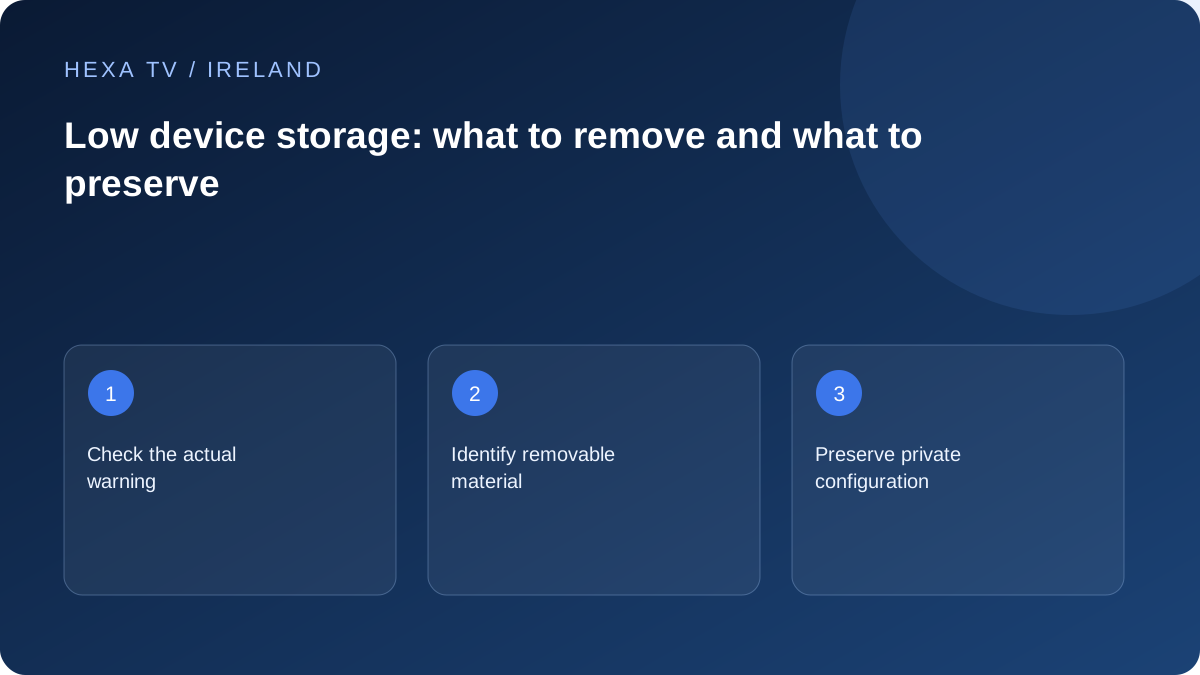
Inspect storage with the device's own controls
Identify which apps or files use space and whether the operating system reports a storage warning. Do not assume a playback interruption is a storage problem without checking.
Use the manufacturer's current instructions for the exact device. Cache, app data and installed software can have different effects when removed.
Choose recoverable changes first
Remove unused downloads or apps only when you understand what they contain and can restore them if needed. Check whether recordings or configuration exports include private access details.
Avoid third-party cleaner tools that ask for broad access without a clear need. They can complicate a simple storage task.
Verify the original task afterwards
Retry the failed app update or repeat the crash trigger after making space. If the original problem remains, record that result and investigate the app or device rather than repeatedly deleting more data.
Before uninstalling the IPTV player, preserve its supported account setup privately and note favourites that may not sync. Freeing storage should not create an avoidable account-recovery problem.
Begin with the task that failed
An application update refusing to install, a recording that cannot be saved and a player closing during a programme are different tasks. Record the exact warning and when it appears. A loading pause without a storage message does not establish that deletion is needed.
Find the device's own storage information through its supported controls. Keep the available-space reading and the time of the check. If the interface uses the term memory rather than storage, preserve that wording instead of assuming both mean the same resource.
Read each removal option before choosing it
The effect depends on the platform and app. Use the displayed warning and current manufacturer instructions as the authority.
| Action offered | Possible consequence to establish first |
|---|---|
| Clear cache | Which temporary files are removed and whether they will be downloaded again |
| Clear app data | Whether login, favourites and other configuration are erased |
| Delete a download | Whether the item can be downloaded again and remains available |
| Uninstall an app | Whether local settings or purchased software need recovery |
| Factory reset | Which accounts, apps and device settings the whole reset removes |
Choose unused items you can identify
Review the installed applications and downloads with the household. A large item may belong to someone else or contain a recording they want to retain. Do not delete by size alone. Confirm the exact target and whether it is recoverable before using the normal removal control.
Avoid browsing hidden system folders or installing an unknown cleaner to free a small amount of space. Supported app management provides a clearer account of what is removed. If there is no identifiable safe target, seek device support rather than erasing unrelated data.
Protect the IPTV configuration before removing it
A player can store more than the login: favourites, guide mappings, audio preferences and account labels may be local. Determine which information syncs through a legitimate service and which must be recreated. An export can contain private account URLs, so it needs protected storage.
If the player itself is not the large unused item, do not remove it automatically. A functioning configuration can be valuable while you investigate a failed update elsewhere. When removal is a documented relevant step, keep the private recovery route ready before proceeding.
Use the correct manufacturer article
LG's official guidance addresses memory-related messages and app behaviour on its television platforms, while Samsung, Google TV and other devices expose their own app controls. Match the instructions to the actual model and software version. A screenshot for a newer model may not match an older remote interface.
If the device reports a warning linked to unsupported software or a webpage, freeing storage may not solve that compatibility limit. Preserve the symptom and consult the app or device publisher. More deletion is not proof of more progress.
Verify and stop when the original task works
After one considered removal, retry the installation, update or recording action that failed. Note the new space reading and result. If the task succeeds, there is no need to keep deleting material just to make a number larger. Confirm that the originally failed operation reaches its normal completion.
If the same error persists, save that outcome and change investigative branch. Include the device model, software version, warning and action already taken in a support request. A storage cleanup should leave the Irish household with its useful viewing routes and private account access intact.