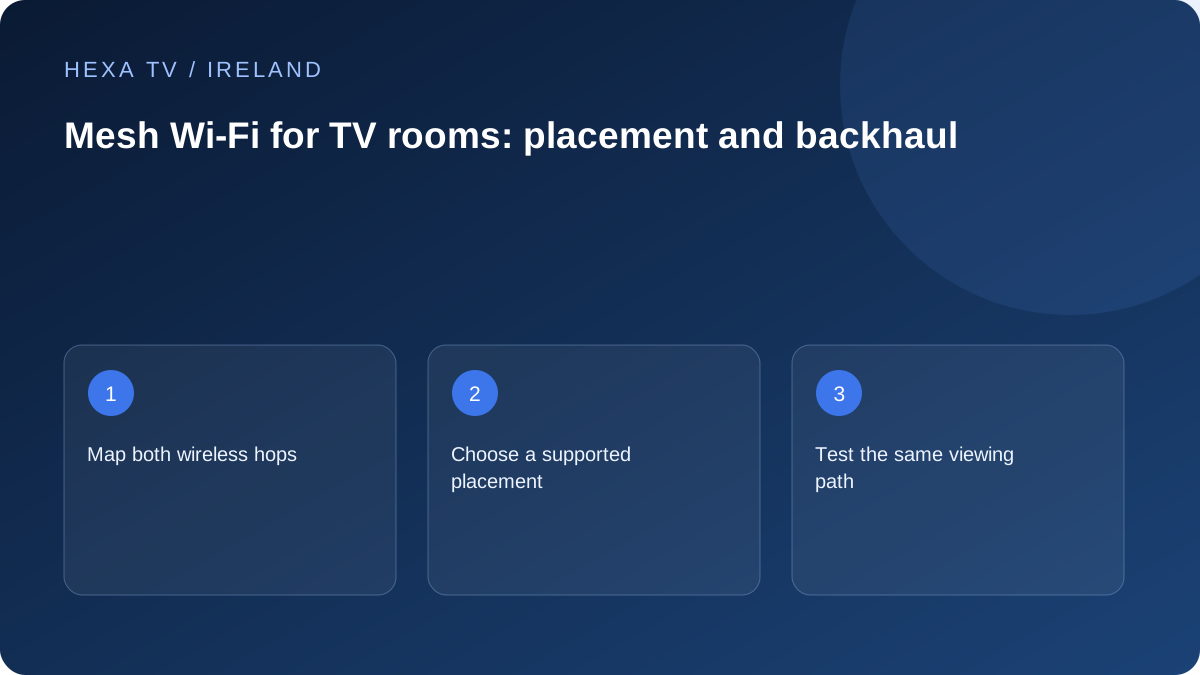
Map the actual network path
Draw the router and proposed nodes with the rooms or floors between them. Note whether each node connects wirelessly or by cable. The route from television to node and from node back to the router both matter.
Use the equipment vendor's placement and compatibility instructions. A node at the far end of a weak signal may simply repeat the limitation you are trying to resolve.
Test before multiplying nodes
Start with a baseline at the television and one considered placement change. Record the programme, device, time and active node if the system shows it. Repeating the same comparison makes the effect easier to understand.
Do not assume more units always improve the result. Investigate the chosen backhaul and client connection before adding equipment.
Keep account and source faults separate
If one channel fails while others play normally on the same mesh connection, adding a node may not address that source-specific fault. Compare another device or source first.
If mesh placement improves several unrelated services at the TV position, keep that as evidence for the home-network solution. It is still not a service reliability guarantee or proof that a higher IPTV screen allowance is needed.
Understand the two wireless journeys
When a television connects to a nearby mesh point, the data still needs a path from that point back to the main router. That upstream link is often called backhaul. Improving the short TV-to-point connection does not automatically improve the point-to-router connection.
Draw both journeys for the room where viewing fails. Include any wired segment and intermediate point. The drawing can reveal why a point placed immediately beside the television might still depend on an unreliable path through the house.
Choose compatible equipment before choosing the number of points
Mesh families are not universally interchangeable, even within one manufacturer. Google's current setup documentation, for example, distinguishes incompatible generations within its own range. Apply the same model-specific check to whatever system you intend to use.
Find the precise model names of existing units and the proposed addition. Check supported combinations, administration requirements and the intended country of use. Do not buy an extra point solely because its brand matches the router or because a marketplace advert describes it as a universal solution.
Use the manufacturer's mesh test for its actual purpose
Where the system supplies a mesh-health test, read what it measures. Google's documentation describes a test of connections between its primary router and additional points. That is not the same as a measurement of a programme source or the account's permitted streams.
Record the result alongside the television's behaviour. A strong inter-point result can coexist with an application or source fault, while a weak link can help explain why several services struggle in that room. Keep each piece of evidence attached to the question it answers.
Plan a small placement experiment
This example is a method, not a survey of an Irish house. Use positions allowed by the equipment instructions and safe power arrangements.
| Stage | Action | Record |
|---|---|---|
| Baseline | Observe the television using its current point | Source, time, symptom and connected point if shown |
| One change | Move the relevant point to a permitted intermediate position | New location and any changed obstruction |
| Network check | Run the system's supported mesh test | What link was measured and the reported result |
| Viewing check | Repeat the available programme on the same TV | Whether the original symptom recurred |
| Decision | Keep or reverse the single change | Why it helped, failed or remains inconclusive |
Consider cable backhaul without assuming every port serves it
Some supported mesh designs allow wired links, but the available ports and topology rules vary. Read the exact system's instructions before connecting units. A port on a point may have a different intended role from the connection you imagined.
If permanent cabling is considered, include the property layout and suitable installation advice. A supervised temporary cable can be a diagnostic tool, but a loose cable through a hallway is not a finished network design. Avoid modifying service-entry wiring to create an unplanned connection.
Check which point the fixed television uses
A phone moving around a house and a television that never moves are different clients. Where the management app shows the TV's current point, retain that information during a comparison. Do not assume it changed merely because another unit is now closer.
Use only documented client or roaming controls for the system. Repeatedly renaming networks or forcing unrelated settings can obscure the baseline. If the television remains attached unexpectedly, ask the equipment vendor about that behaviour with the actual model details.
Decide whether another point would solve the right problem
A one-programme failure with other services working is weak evidence for buying another node. A repeated room-specific failure across several apps, with improvement over a suitable cable, gives a more relevant reason to review the local network design.
For an Irish home with an extension or several floors, placement and the route back can matter more than the number printed on a coverage claim. Keep the decision property-specific. Mesh does not renew content access, add permitted simultaneous streams or guarantee that every source will play.