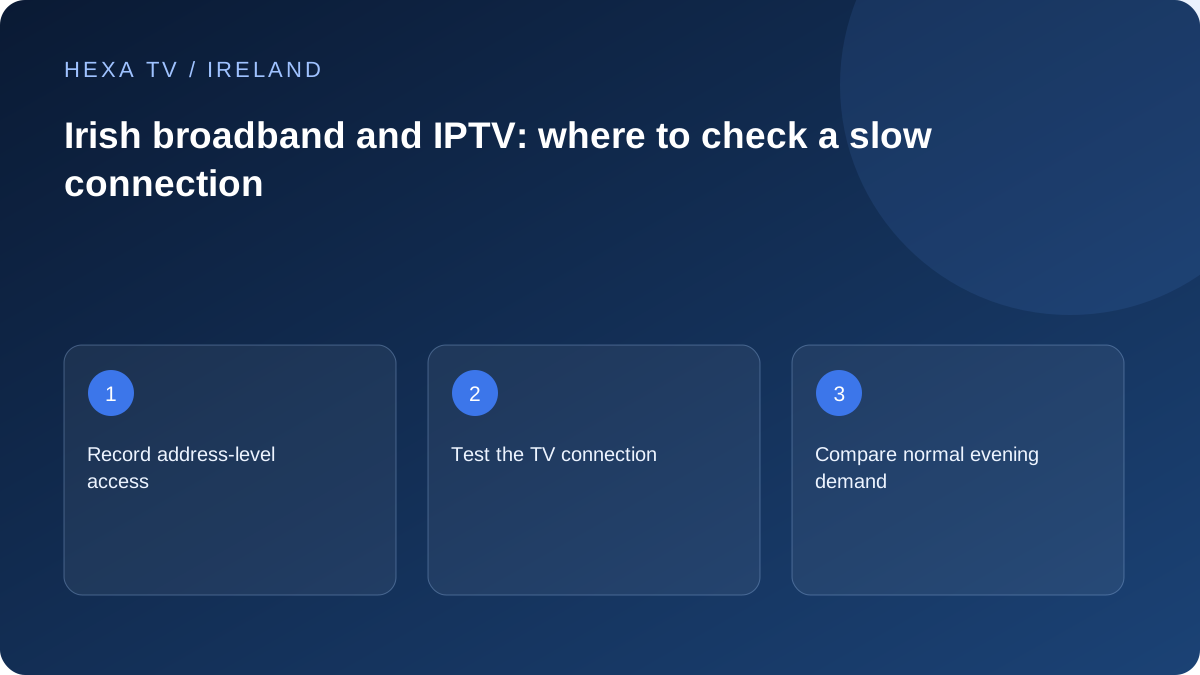
Check the address before comparing packages
ComReg's Broadband Checker is a useful starting point for researching availability at an Eircode or address. Treat an availability record as a lead to confirm with the retail provider; it is not a measurement of the connection inside your sitting room.
Write down your current access type, the provider, where the router sits and how the television connects. Those details make a discussion about a slow stream more useful than the package name alone. Keep the contract's stated speed information separate from a speed test you run yourself.
Locate the part of the connection that changes
Compare the same device and programme using a temporary Ethernet cable when possible. Then return to Wi-Fi and repeat without changing the app. If only the wireless result is poor, investigate the path between router and television before assuming that the line into the home needs upgrading.
In a house with an extension, several floors or a router near the entrance, a device beside the router can behave differently from the main TV. Record the viewing location, not just the broadband account. Moving a router or adding network equipment should answer a measured coverage problem.
Plan a normal evening comparison
Choose the time when the household usually watches television. Note concurrent calls, downloads and other streams. Pause one substantial competing activity for a comparison, then restore it and record whether the symptom returns. This can show shared demand without claiming that every evening interruption has the same cause.
Test a second unrelated online service as well. If only one programme fails, your internet provider may not be the right first contact. If several services fail on multiple devices, including a wired device, keep those observations for broadband support.
Keep television routes separate
Saorview reception and internet streaming use different delivery paths. If an aerial-fed channel works while an online app fails, that does not measure the broadband connection; it simply shows the terrestrial path is still available. Conversely, an aerial reception problem is not repaired by a larger IPTV screen allowance.
An existing aerial service can remain useful while you assess online viewing. List which programmes arrive through which route so the household knows what continues to work when one part is unavailable.
Prepare an evidence-based support request
Provide dates, local times, access type, router and viewing-device models, whether the comparison was wired and which services were affected. Share the result through the provider's established support route. Avoid posting account numbers, network passwords or credential-bearing playlist addresses publicly.
This guide has not measured Irish providers or ranked broadband packages. Its contribution is a repeatable diagnosis record. Where an advertised feature or connection type matters, confirm the current address-specific offer directly before committing.
Write down the home connection in plain language
Identify the retail internet provider, the equipment where the service enters, the router and the route from router to television. If you do not know the access type, use the provider's account or support information rather than guessing from the router's appearance.
This small map distinguishes a service availability question from an in-home coverage question. A package may be available at an Eircode but still need installation work; an already active connection may reach one room well and another poorly. Keep each question attached to its own evidence.
Separate the three broadband decisions
These decisions can overlap, but they should not be collapsed into one headline speed comparison.
| Decision | Information to collect | What remains a separate question |
|---|---|---|
| Can a service be supplied at the property? | Address-specific availability and retail-provider confirmation | How Wi-Fi reaches the television |
| Does the existing household connection meet normal demand? | Dated observations across relevant devices and services | Whether one source or player is faulty |
| How should the TV connect inside the home? | Room layout, supported wired route and wireless observations | The content account's stream allowance |
| Would a new offer be worthwhile? | Full retail terms, installation needs and actual incremental cost | A promise of uninterrupted playback on every programme |
Use a representative household demand picture
List the activities that overlap with the television: another stream, video calls, a games download or a cloud backup. Record the actual pattern rather than assuming every connected device is transferring at full rate all the time. A device sitting idle is different from one actively downloading.
For a useful comparison, pause a known substantial transfer when appropriate and observe the same available programme. Restore the activity afterwards. If the symptom changes, that is evidence about shared demand during that interval, not a precise measurement of every application's requirements.
Compare speeds without mixing measurements
The retail package's stated speed, a router's local link rate and a speed test on a device describe different things. Save each with its label. A phone test beside the router should not be described as the speed at an upstairs television.
Run internet tests separately from an ordinary playback baseline, because the test creates traffic. Record connection type, time and device alongside the result. A high peak number does not rule out an intermittent fault, while a single low result does not identify the responsible component.
Consider the second room before replacing the service
A bedroom TV connected through several walls may benefit from a better local route even when the main room already works well. Where safely practical, a supported temporary Ethernet comparison can show whether the wireless path deserves attention.
If the cable helps, compare suitable permanent cabling, placement or supported network equipment for the property. A test lead across a hallway is not an everyday installation. If the cable does not change the result, keep that information and examine the device, programme or wider connection before buying another accessory.
Prepare an address-based offer comparison
If a retail connection change is justified, confirm the actual orderable service at the property, installation requirements, complete price and relevant term. Do not infer an offer from a neighbour's package or a national advertisement alone. Use current provider information alongside ComReg's address checker.
Separate one-time installation or equipment costs from the recurring amount. If broadband already supports work and other household needs, identify the incremental cost of a proposed change rather than treating the entire bill as a new IPTV expense. No provider ranking or measured Irish speed league table is claimed here.
Route a persistent fault according to its scope
If several unrelated services fail on multiple devices, including a supported wired path, give the retail provider that wider record. If only one programme fails while others work through the same setup, start with the content provider. If one application closes before playback, use its software support.
Describe what still works. That often matters as much as the failure: a working browser, stable wired device or unaffected programme narrows the investigation. Do not frame a single comparison as proof of deliberate blocking or of an entire network outage.
Keep a useful baseline after an improvement
Save the router and television models, local connection path and the change that helped. Include the date and any remaining limitation. This lets a later support conversation begin with a known arrangement instead of repeating a long series of guessed settings.
If the household adds another active stream later, revisit both account permission and normal connection demand. They are separate limits. More permitted streams do not automatically increase delivery capacity, and faster broadband does not authorise an account to open more simultaneous sessions.