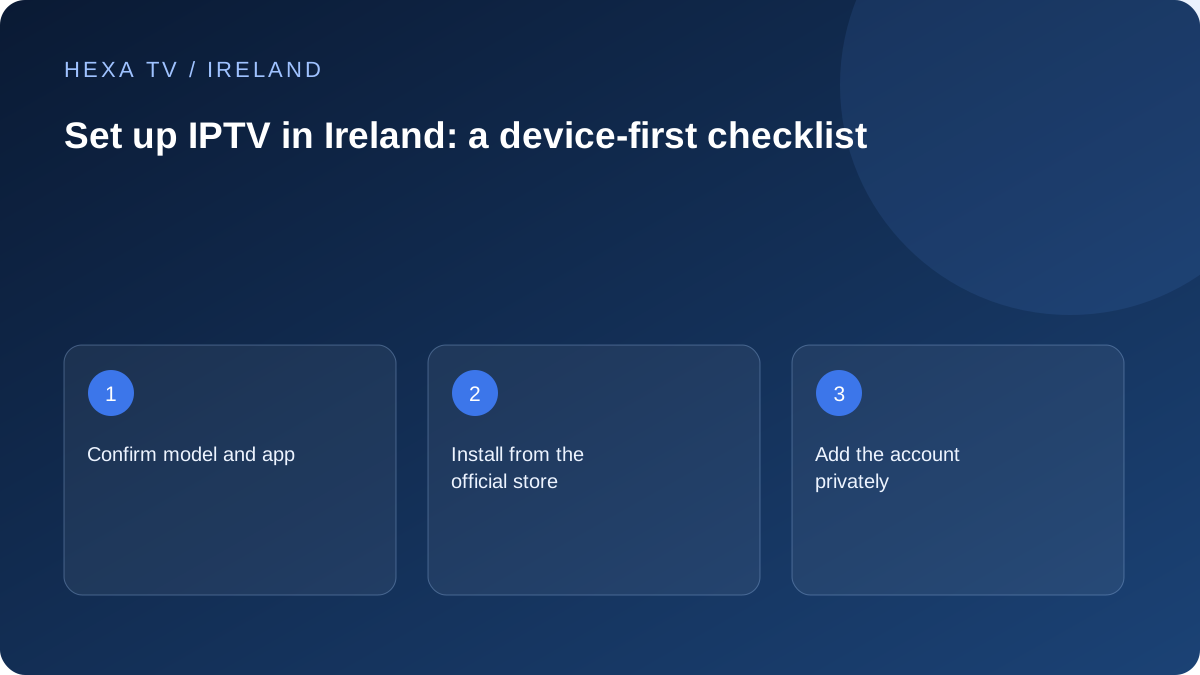
Prepare the details before touching settings
Record the television or streaming-device model, operating-system version and the app your provider explicitly supports. Confirm that the account is active for your location and that you have the intended connection allowance. If the provider supplies a playlist or account URL, treat it as a credential.
Check which payment belongs to the player and which belongs to the content service. A player activation screen can appear even when a provider account is valid. Paying the player does not necessarily extend the subscription or unlock any channels.
Install through the device's supported route
Find the named app in the official store available on the actual device. Confirm the publisher and supported platform before installing. An app advertised for Android phones should not be assumed to work properly with a television remote.
If the app is absent, check its official supported-device information and your genuine store region. Do not enter account credentials into a similarly named substitute. An unavailable app is a compatibility question to resolve before purchasing a long subscription.
Add the account carefully
Choose the login method documented by the provider and supported by the player. A full playlist address and separate server, username and password fields are different entry methods. Preserve punctuation, capital letters and any required port exactly as supplied; avoid adding spaces when copying.
Give the account a harmless local label that identifies the household or provider without exposing a password. If the player can display the complete URL, avoid including that screen in support photographs. Never paste a credential-bearing link into a search engine or public checker.
Verify one clear baseline
Open a known available programme and confirm moving picture and sound. Record the time it takes to start as an observation, without treating one result as a long-term speed guarantee. Try the same device again after a normal app exit.
Next check the programme guide against the actual local time, subtitles where offered and the remote's back and pause behaviour. Keep source availability separate from app capability: a subtitle control can exist even when that programme supplies no subtitles.
Add household features after playback works
Create a small favourites list before organising a large catalogue. Configure a PIN where supported and verify that the intended child or guest profile actually requires it. Ask another household member to navigate the app without your help; note any repeated obstacle.
Only then add another device. Confirm the plan permits concurrent use and repeat the same baseline while the first device plays. If the second session stops the first, investigate the allowance and active sessions before changing the router.
Save a private setup record
Keep the app name and publisher, device model, software version, installation date, provider support route and a non-secret account reference. Store passwords in an appropriate private manager, separate from troubleshooting notes you may share.
If setup fails, record the first point that fails: store installation, account acceptance, catalogue load or playback. This is more useful than 'IPTV does not work' and helps avoid unnecessary resets. The troubleshooting hub turns those observations into the next comparison.
Use a first-run worksheet for the four setup stages
Record app installation, account acceptance, catalogue load and successful playback as separate checks. Add the exact error beside the first unsuccessful stage. This prevents a later support conversation from treating every setup problem as a wrong password.
For example, if the app installs and the account is accepted but no groups appear, focus on the catalogue method and account scope. If the groups appear and one programme fails, the import has already produced a different result. Preserve that evidence instead of restarting the whole sequence.
A worksheet can be a few private lines; it does not require an account export or a photograph of credentials. Include the date, device and app version so the observation remains understandable after an update.
Set up the guide only after the source works
Once an available programme plays, compare the device's clock with the actual Irish local time. Check automatic timezone settings and any separate guide offset. Avoid adding the same correction at several layers.
Inspect one familiar channel and its current programme. If every listing shifts by the same amount, investigate the time settings. If only one entry differs, mapping or source data may be the relevant question. A guide that lists a programme does not establish that replay is supplied.
Record the guide source privately if it contains an account token. Repeatedly refreshing an unavailable data source cannot create missing listings, and a complete reinstall is not the first necessary response to a narrow timing fault.
Make a small handover for the everyday viewer
After the technical setup, ask the viewer to complete the routine without assistance: select the correct TV input, open the player, choose a favourite, adjust sound and return to the previous service. Write down the step that causes difficulty.
Use a short note with the actual input and app names. Avoid a long technical explanation when a clearly labelled remote sequence answers the problem. If the person relies on subtitles or a particular audio output, make that part of the handover rather than an optional final setting.
This check can reveal that an additional remote or unfamiliar menu is the main obstacle. Resolving that usability issue may be more valuable than adding another catalogue group or purchasing a longer plan.
Plan a reversible recovery before changing the app
Find out which settings are stored locally and which follow the account. Identify the supported way to retain favourites or recover the login. Keep any export private because it may include credentials or playlist addresses.
Before installing an update or following a support instruction that clears data, preserve the original version and symptom in the setup note. If the change does not help, you still know the last working configuration and the account method.
Do not promise yourself that reinstalling will preserve every setting. Read the device and publisher descriptions of cache, app data and uninstall actions; their effects can differ.
Know when installation is ready for ordinary use
A useful handover has one working source, understood controls, the required features checked and a clear route for unresolved questions. It also preserves the existing viewing options the household still needs.
That is separate from certifying an entire provider catalogue or long-term reliability. No first-hand setup has been performed for this guide, and the territorial catalogue and complete Irish commercial terms still require confirmation. Keep the limited result accurately described when comparing an offer.