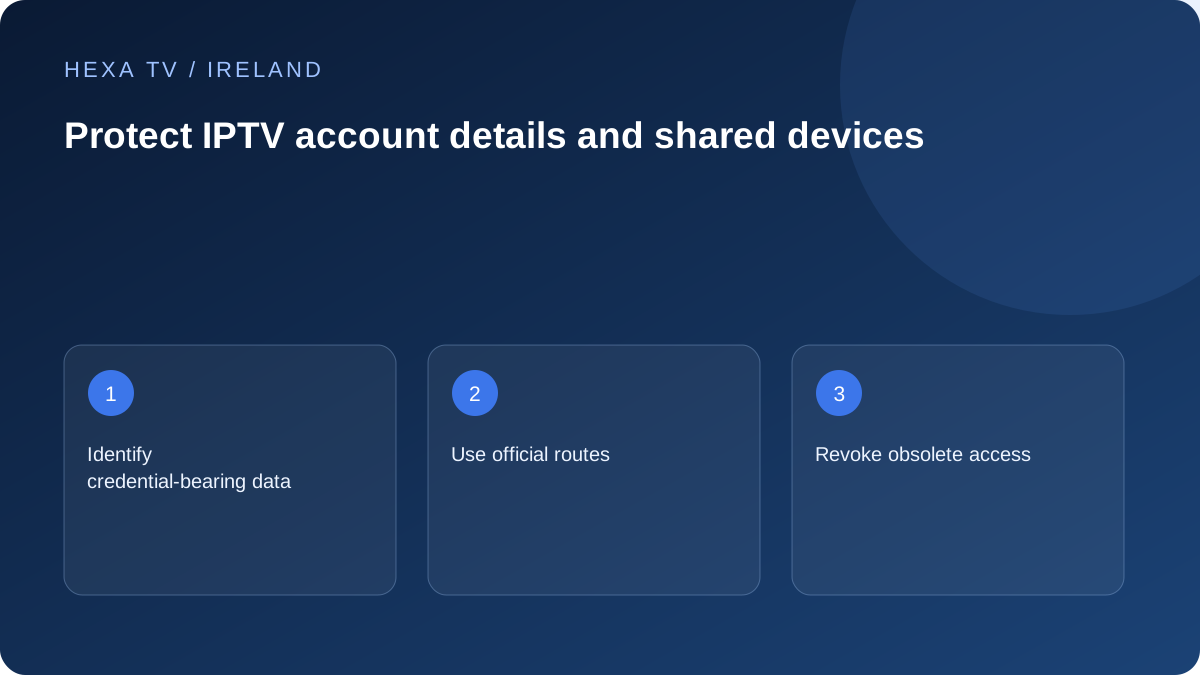
Recognise where secrets appear
Account access can be embedded in a playlist address, guide URL or app backup. Before taking a screenshot, check whether the screen displays those details. Cropping or redacting the visible secret is safer than relying on a warning in the message.
Keep troubleshooting notes limited to the device, app version, error and non-secret account reference.
Use official account and support routes
Reach the player publisher or content provider through the verified route supplied in its official information. Avoid search adverts, unknown activation helpers and public playlist validators that ask for access details.
No legitimate setup question on this website requires you to publish a password. If a support process needs account-specific information, it should provide an appropriate private channel.
Manage shared and replaced devices
When a device leaves the household, follow the app and manufacturer's supported sign-out and reset guidance after preserving personal data you need. Removing an app may not revoke an account session on the service side.
Ask the provider how to revoke old devices or replace exposed credentials. Keep device registration limits separate from simultaneous-stream allowances.
Respond to an exposure directly
If a private URL or password has been shared, ask the provider to invalidate or replace it where supported. Deleting the public post alone does not make the access secret again.
Keep payment receipts and account delivery messages private, and do not forward them as proof in a public discussion. A useful support report should explain the problem without distributing the credentials.
Separate the accounts involved in viewing
A television can involve the device-platform account, a player licence, a content-provider account and official broadcaster accounts. Keep their recovery routes distinct. A problem with one should not lead you to give its password to the support team for another.
Protect the email account that receives recovery messages as well. Use the security features its provider offers, including stronger sign-in protection where supported. Do not reuse a viewing password as the password for important unrelated accounts.
Recognise an activation request that needs verification
An unexpected demand for payment, a security code or remote access should be checked through the organisation's independently verified route. Apple's anti-phishing guidance warns about impersonated support and messages designed to obtain secrets. The company name in a message is not proof of the sender.
If a television displays an activation address, use the publisher's documented process and verify the destination. Avoid a search advert claiming to activate every smart TV. Read which product is being activated before accepting a player charge as though it were a content renewal.
Decide what belongs in a support report
The report should make the fault reproducible without distributing account access.
| Information | Ordinary support treatment |
|---|---|
| Device model and app version | Usually useful to include |
| Visible error message | Include after checking it contains no secret |
| Full playlist or guide URL | Keep private; it can carry credentials |
| Password or one-time code | Do not place in a public report |
| Non-secret order reference | Use through the verified supplier's private route |
| Configuration export | Inspect scope before sharing; it may contain several accounts |
| Payment screenshot | Remove unnecessary personal and financial details |
Redact the content, not just the obvious password box
Look at address bars, QR codes, account labels and the background of a photograph. A URL may reveal a token outside the password field. Use a copy with the sensitive areas fully removed or obscured before sharing; retain the original only in a private location if needed.
A screenshot of the error alone is often enough for the first report. Do not send a full device backup or browser export merely because it is convenient. Ask which specific non-secret diagnostic detail would help.
Handle an exposed credential as an access problem
If a private account link was posted publicly or sent to an unknown helper, removing the post is useful but does not invalidate copies. Contact the legitimate provider about changing or revoking the affected access. Follow its supported process and verify that old sessions are handled as intended.
If the same password was reused elsewhere, secure those accounts through their own official routes. Do not use a link from the suspicious message to make the change. Keep a factual note of what was exposed and when without repeating the secret in more places.
Prepare a shared television without publishing recovery details
A household instruction card can name the input, app and normal controls. It does not need passwords or activation codes. Keep adult recovery details in a private credential location, especially if children or guests can browse the device's settings.
Review each application's own access controls rather than assuming a TV-level PIN protects every account field. A favourites list is not necessarily a security boundary. Test the ordinary viewer's path and keep recovery possible for the authorised account holder.
Remove old access when equipment leaves the household
Before a device is sold, donated or returned, preserve personal material you need and use the manufacturer's supported account-removal and reset process. Check the content provider's registered devices or session controls separately where available.
Uninstalling a player is not necessarily the same as revoking a server-side session or cancelling a subscription. Keep those operations distinct. Record the non-secret device identity and completion of the supported removal, rather than assuming deleting an icon has finished every task.
Keep help proportional to the fault
A missing subtitle, source error or incorrect TV input rarely needs an unknown person to control the entire computer or router. Begin with the smallest useful redacted report. Verify any request for broader access through the actual supplier and understand what would be exposed.
This guide does not claim that account delivery has passed a security audit or that a particular support arrangement is established. It provides practical handling of the account information a legitimate setup may use, while the provider's actual security and recovery features must be stated accurately.