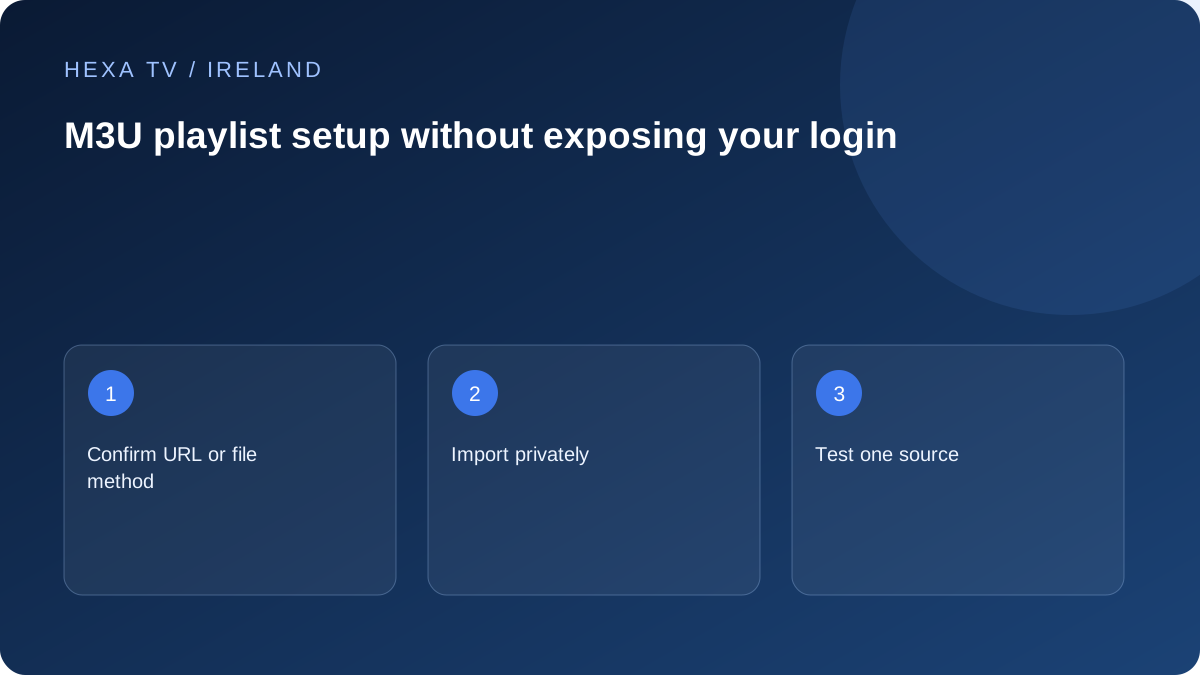
Confirm what you have received
Determine whether the provider supplied a downloadable file or a complete playlist URL, and whether the player supports that method. Do not mix a full playlist address into a field intended only for a server name.
A playlist can contain many entries without proving that every stream is active or authorised for your account. Check the expected catalogue and territory with the provider.
Import without exposing access
Use the app's documented add-playlist control, give the entry a harmless local name and copy the supplied address accurately. Avoid pasting it into browser search, link shorteners, public testing tools or shared screenshots.
If a device offers cloud sync or a web activation portal, review who operates it and what data it receives before uploading a private playlist. Do not use an unknown converter just because the import fails.
Verify the smallest useful result
After import, try one known available programme and inspect whether the channel groups look sensible. If names appear but playback fails, the import and playback stages have different outcomes; record both.
If nothing loads, preserve the original privately and note the exact error. Check whether the account is active and whether the provider supplied a supported format. Use a redacted screenshot for support rather than the complete URL.
Refresh deliberately
A refresh may update names and groups, so understand how favourites are stored before replacing a playlist. Avoid creating repeated copies with similar names; they can make an old account appear current.
If credentials are exposed, ask the provider about revoking or replacing them. Removing a screenshot from a chat is not the same as invalidating a leaked access token.
Understand what a playlist does and does not contain
A playlist is information used to locate or organise media; it is not automatically a downloaded copy of every programme. The exact format and supported interpretation depend on the source and player. Importing names successfully is therefore different from playing the media they reference.
M3U-style terminology also appears in HTTP Live Streaming. RFC 8216 describes HLS playlists containing media information and references, but that protocol document is not a universal specification for every provider's channel-list extension. Do not assume that a file extension alone proves the intended import method.
Separate four setup stages
Record the first unsuccessful stage so support can ask the right question.
| Stage | Useful observation | What remains unproven |
|---|---|---|
| Receive the private file or address | The provider supplied a documented method | That the player supports it |
| Import | The app accepts the file or retrieves the list | That every referenced item is playable |
| Catalogue | Names and groups appear | That programme guide or replay is included |
| Playback | A confirmed available item plays | That all sources, tracks or devices behave identically |
Choose file import or URL import deliberately
A locally supplied file and a hosted playlist address can have different update behaviour. Follow the provider's supported method and the player's current instructions. If the app offers separate controls, do not paste an address into a file-selection field or assume a downloaded snapshot will update itself.
Keep a private original so a later error can be compared without guessing what changed. Use a harmless local name that distinguishes the current account from an old trial. Several nearly identical saved entries can make it difficult to tell which configuration is being tested.
Avoid editing a credential-bearing address by guesswork
Copy the exact supplied address privately, including its required punctuation and any query portion. Do not remove unfamiliar components or substitute a server found in a forum. Those changes can make a valid account unusable or expose credentials to an unrelated destination.
If the player rejects the address, capture the error without the full link and ask whether the format is supported. A public validator or URL shortener is not a necessary first step. If the provider asks for a format change, use its verified instructions rather than an unknown conversion site.
Test a small useful sample after import
Open one programme confirmed as available and inspect the associated name and group. Then check another relevant entry and the sound or caption feature the household needs. Do not spend time organising the entire catalogue until this baseline works.
A list that loads while every source fails points to a different stage from a file that the app cannot parse. A guide that is empty while video plays is different again. Retain those distinctions and use the focused playlist-failure or EPG guide instead of repeatedly replacing the account.
Plan refreshes and favourites together
A provider may update names, groups or entry identifiers. Read how the player handles refreshes and what happens to favourites before replacing the list. Keep a private non-secret note of the small set of essential entries in case shortcuts need rebuilding.
After a refresh, test those essentials first. If an old favourite fails but the corresponding current entry works, repair the shortcut through the supported interface. Avoid creating multiple copies of the same account merely to recover one obsolete favourite.
Protect the file when asking for help
A playlist can expose more than the currently visible account name. Treat the complete file, embedded addresses, guide links and any QR code as private unless the provider explicitly identifies them as public. A redacted error is a better first support attachment.
If access data has been exposed, ask the legitimate provider about revocation or replacement. Deleting a local file or public screenshot does not invalidate a copied token. Keep the recovered setup private and record which old entries should no longer be used.