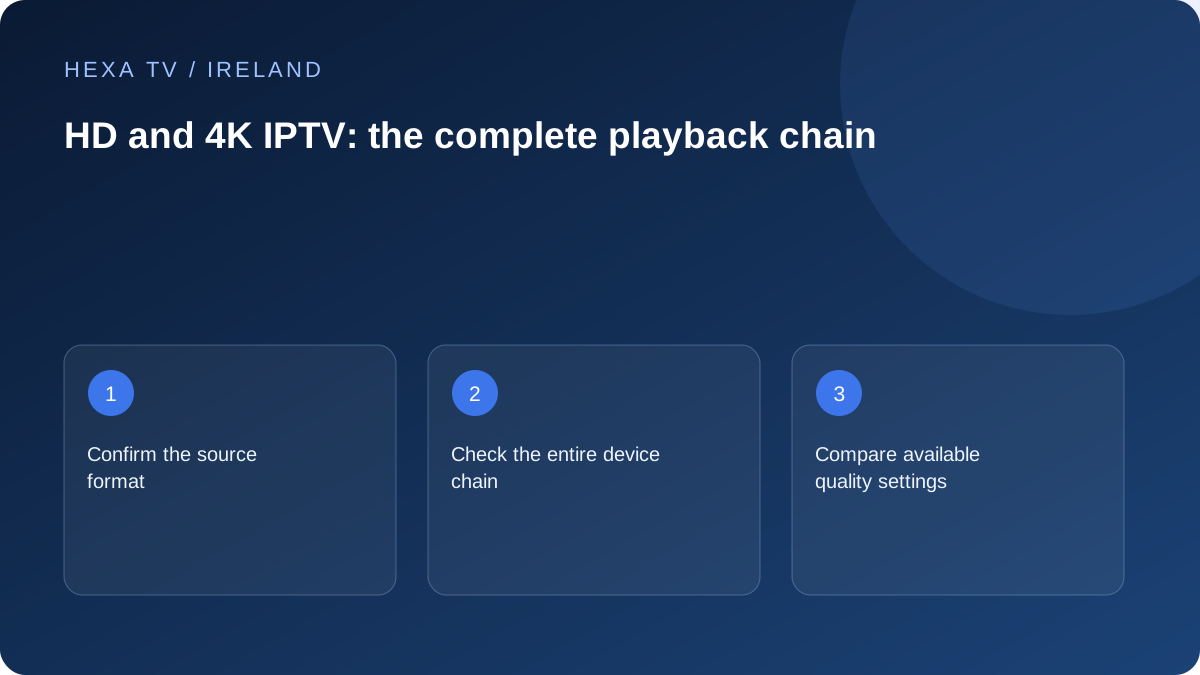
Start at the source
Ask which specific content is supplied at the desired resolution and whether that quality is included for your account and territory. A 4K badge on a website does not mean every channel or film is native 4K.
Keep resolution separate from other characteristics such as motion, compression, HDR and audio. A larger pixel count alone does not describe the full viewing experience.
Check each device in the path
A television may support a display mode that a player, streaming device, receiver, cable path or app does not deliver for that source. Record the models and follow the manufacturers' compatibility guidance.
If an external device is involved, compare its supported output with the TV input. Do not force a mode merely because it appears in another model's guide.
Match quality to measured conditions
Use the provider's actual requirements rather than a universal invented bandwidth threshold. If a lower quality option is offered, compare the same scene or programme and note whether interruptions change.
A quality reduction can make a stream easier to deliver without identifying the original bottleneck. Keep the result as evidence alongside wired and device comparisons.
Check value on the actual screen
View from the normal distance and use the household's ordinary audio setup. Decide whether the higher option provides a meaningful benefit for that situation. Do not replace working equipment solely because a plan advertises a format the source rarely supplies.
Separate the format labels on an offer
Resolution describes the image dimensions. Dynamic-range formats concern how brightness and colour information are represented. Frame rate and processing influence motion, while the sound format belongs to another part of the experience. A plan described as 4K does not, by that wording alone, specify all of these characteristics.
Ask a provider about the particular programme or stream you intend to watch and the device path it supports. The useful answer identifies the source and conditions, not just the maximum capability of the television. An app displaying a 4K interface also does not prove that the programme currently playing is delivered in that format.
Build a format compatibility record
Write the exact model of the streaming device, television and any intermediate receiver or soundbar. Add the app version and selected TV input. Consult the manufacturers' documentation for that combination instead of assuming that all sockets or generations have identical capabilities.
Apple's 4K guidance illustrates why the complete path matters: it discusses supported display modes, appropriate HDMI inputs and intermediate equipment. Those instructions apply to Apple TV 4K and the relevant equipment, not automatically to every player. Follow the guide for the device actually in use.
| Stage | Information to obtain | What it does not prove |
|---|---|---|
| Programme source | Actual available resolution and other format options | That every catalogue item has the same version |
| Player and account | Supported source and entitled quality | That the display will accept the selected output |
| External device | Supported output for the app and source | That an older receiver can pass it |
| HDMI path | Compatible ports, accessories and cables | That the incoming stream is native 4K |
| Television | Supported mode on the chosen input | That a higher-priced plan improves this particular programme |
Compare quality without changing several variables
Choose a short scene with the details that matter to you: movement, dark areas, fine text or faces. If the service offers quality choices, compare them on the same screen from the normal seat. Keep picture settings unchanged during that first comparison, otherwise a brightness or sharpness adjustment can obscure what changed in the source.
Write down whether the difference is visible and whether interruptions change. If the lower option plays smoothly, that is useful but not a complete diagnosis. The source, connection, decoder and output path can all influence the result. Avoid interpreting a single successful scene as a guarantee for an entire live event.
Handle a black screen after a format change
First establish whether the device's own menus remain visible. If menus work but one programme does not, the problem differs from losing the entire HDMI output. Use the manufacturer's recovery guidance for the exact model; do not repeatedly select unsupported modes while unable to see the settings.
Apple's black-screen guidance includes checking the connection path and appropriate inputs. If an intermediate accessory is involved, a supported direct connection can help isolate it. Preserve the original arrangement and return to a working supported mode before attempting more changes. The black-screen guide explains this diagnostic branch in greater detail.
Consider the household's capacity and data use
Do not select a broadband plan from a universal invented 4K threshold. Use the actual service's requirements and allow for other household activity. A simultaneous video call, game download or second stream can matter even when one television worked well on its own.
For planning, bitrate gives a clearer calculation than the label 4K. A hypothetical constant 10-megabit-per-second stream transfers about 4.5 decimal gigabytes in an hour before additional traffic. Another encoding at the same resolution may use a different amount. Measure your real use where possible and check any applicable allowance.
Decide whether an upgrade has a useful job
A new device is easier to justify when it resolves a known limitation: the required official app is unavailable, the current output path cannot handle the desired mode, or controls essential to the household are missing. It is harder to justify when the only evidence is a badge beside an unverified channel count.
Keep a short comparison of the current result, desired improvement and proposed purchase. If the source itself does not supply the desired version, replacing the television will not create it. If the existing setup already gives an acceptable picture at the normal viewing distance, a higher headline specification may provide little practical benefit for that household.