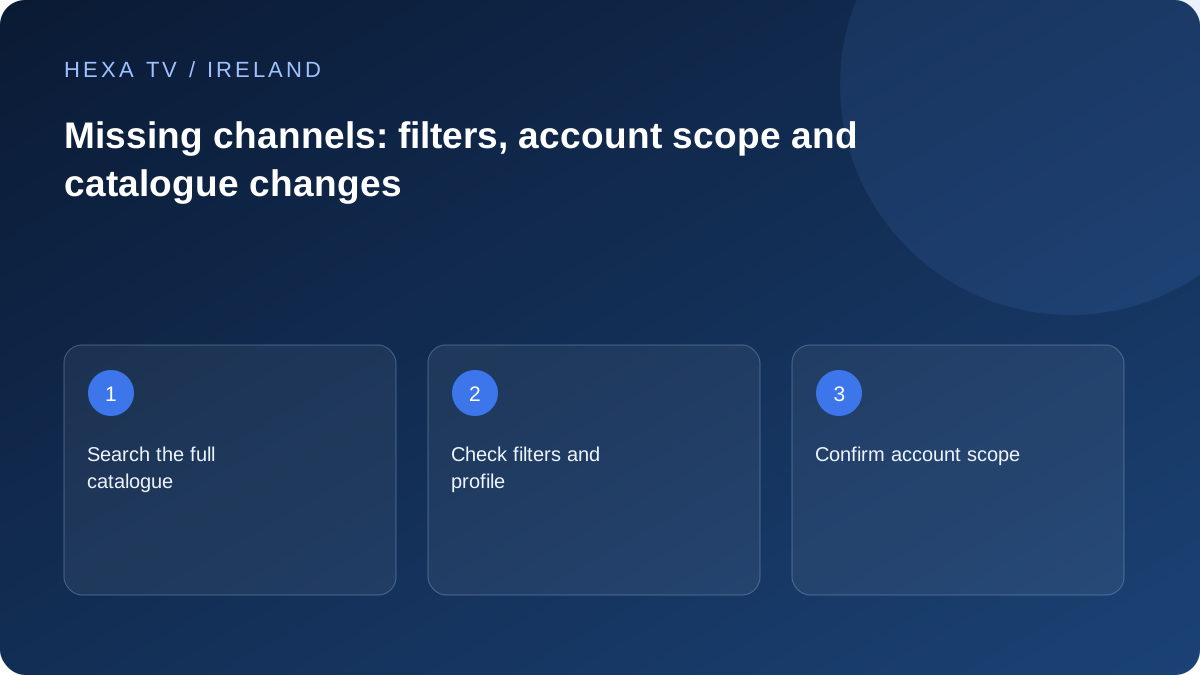
Search outside favourites
Look in the full supported catalogue and relevant groups, using the current channel name. A saved favourite can point to an old entry even when a replacement is present elsewhere.
Check child-profile restrictions and hidden categories through the authorised adult controls. A visibility setting and an unavailable stream are different issues.
Confirm the actual entitlement
Ask the provider for the current catalogue offered to your account and territory. A channel shown on another country's site, an old list or a promotional image is not evidence of present inclusion.
If a programme is the real requirement, check its official viewing route as well. The channel name alone may not settle whether that event or episode is available online.
Refresh cautiously and report specifics
Use the player's documented refresh action after saving important favourites. Check whether the missing entry returns, then test playback. Do not repeatedly replace the whole playlist without knowing what changed.
Give support the exact channel name, category, date and whether it was previously observed working. Avoid asserting that a channel was included for the whole term unless your documented offer says so.
Identify where the channel is absent
Check whether the item is missing from a favourites list, one category, search results or the complete current catalogue. A saved shortcut is only one view of the source. If the channel still appears in the full list, the problem may concern its shortcut or filter rather than account access.
Record the exact name and any regional or quality suffix. Similar names can refer to different entries, and a provider may rename an item. Do not substitute a similarly named channel without checking what programme it actually carries and whether it meets the household's need.
Separate a missing entry from an unplayable entry
If the name is visible but playback fails, use the source-freezing or playback-error path. If the name is absent entirely, investigate catalogue scope, filters and refresh state. Those are different questions even when the household describes both as the channel being gone.
Keep guide availability separate as well. A channel row with no programme listings can still be present and playable. Conversely, an old guide row can remain visible after its playable source is no longer available. Use the actual current entry and video result as distinct observations.
| What is missing | Check | Next action |
|---|---|---|
| Favourite only | Current full-catalogue entry | Rebuild the shortcut through supported controls if the new entry works |
| One category | Filters and category visibility | Restore the intended view without changing the account |
| Search result | Exact current label and edition | Ask whether the service renamed or moved the entry |
| All entries from a source | Account scope and last import result | Investigate the source assignment or import |
| Guide text only | EPG source and mapping | Use the guide-specific procedure |
| Video behind a visible name | Exact playback error | Report the current entry as unplayable, not absent |
Compare the actual promise with the current account
Use the dated offer or catalogue supplied for your account and territory. A screenshot from another customer's package does not establish entitlement. If a particular channel was essential when choosing the service, keep the exact claim and date with your support question.
Ask whether the item is included now, temporarily unavailable, renamed or outside the account's scope. Avoid assuming a reason such as rights expiry unless the service confirms it. The useful request is a clear current answer about the exact entry, not an argument based on the largest advertised channel total.
Refresh with a defined sample
Before refreshing, note the last update and the current full-list result. Use the player's documented catalogue refresh rather than clearing all data. Afterwards, search for the same item and check a few known working entries to confirm the source remains usable.
If favourites reference older identifiers, a refresh can leave a shortcut pointing to an obsolete entry. Compare the newly listed version before deleting anything. Preserve the household's other working favourites and ask the publisher about supported migration or rebuilding if many shortcuts changed at once.
Keep official broadcaster availability as a separate reference
An official Irish broadcaster page can confirm its own current programme route. It does not prove that an unrelated provider includes that channel or has permission to redistribute it. Use official services to understand available alternatives, not to infer a third-party contractual promise.
If a programme rather than the channel itself is the essential need, check the official live or catch-up route and its actual availability. That may provide a useful authorised option while the catalogue question is investigated. Do not present the alternative as identical if it lacks the required live coverage, language or device support.
Send the exact entry and observed scope to support
A concise fictional report could say: 'The saved favourite no longer opens; the full catalogue contains a newly labelled entry that plays; other favourites work; one supported refresh completed.' That points towards a shortcut update. Another report might say the item is absent from every unfiltered view and ask about current entitlement.
Include the app version, device, date and source label, with account secrets removed. Ask for the current supported entry or a clear explanation of its absence. Keep any commercial remedy question tied to the actual offer and terms rather than assuming this technical guide establishes a refund right.