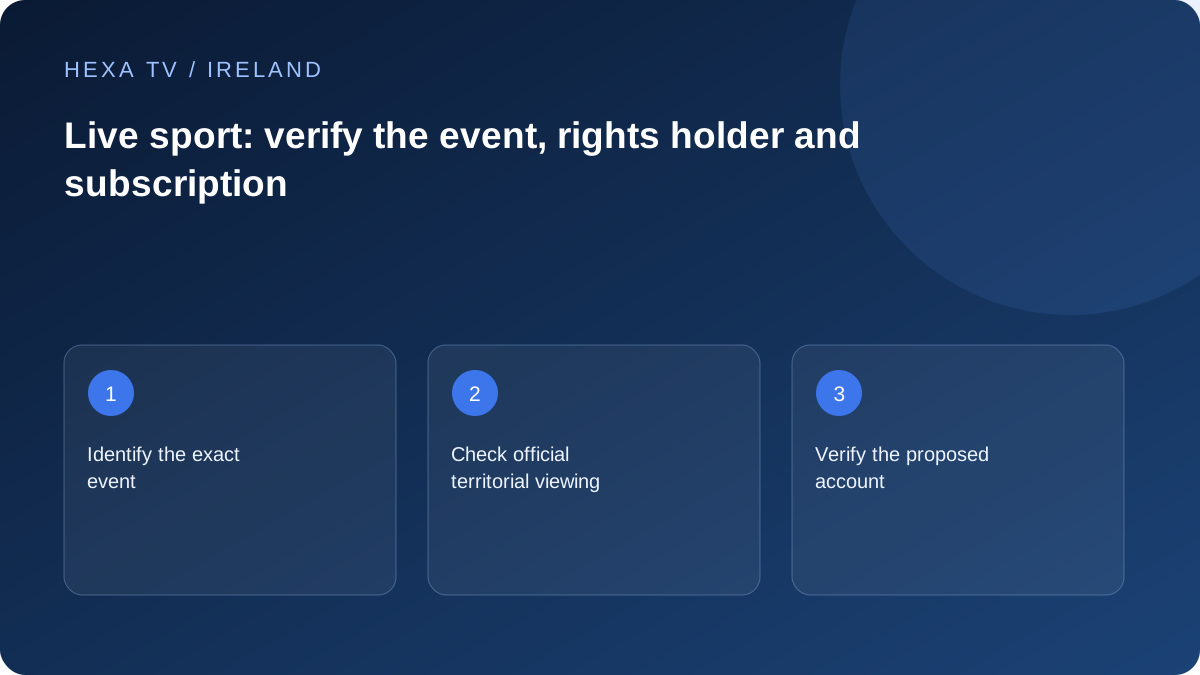
Define the event before comparing subscriptions
Record the competition, fixture date, start time and where you will watch. Check the competition or rights holder's current official viewing information for that country. Rights and schedules can change, so preserve the date of the check.
Distinguish a full live event from highlights, radio commentary, a replay or a related channel. These are different viewing products.
Verify the offer against that event
Ask a proposed provider to identify the exact source and account scope for the event. Do not treat a large sports-channel count as a substitute. This guide makes no verified inclusion claim for any premium sports channel or competition.
If the event is the only reason to subscribe, consider the term and the full payable cost around that need. A longer package is not automatically better value simply because its divided monthly figure is lower.
Prepare the device before the start
Check official app support, account access and the intended display in advance. Test a permitted available source on the same setup, understanding that this does not guarantee the event's delivery.
Record local timezone when discussing schedules or support, especially for international events. If the event fails while other streams work, report the exact source and time rather than changing a working network at random.
Build an event-first viewing brief
Write the fixture or event name, competition, date, expected start and the country from which you will watch. Add whether you require the full live event, a later replay or highlights. If a household member wants commentary in a particular language or captions where offered, include that too. Those requirements produce a focused search rather than a vague request for sports channels.
Use the organiser's or current authorised broadcaster's own information to identify the relevant viewing route. Save the page and date of the check for your own reference because a historic rights announcement may not describe the next season or every event. This guide deliberately does not name a current rights holder for a fixture that has not been specified and checked.
Separate event coverage from the name of a channel
A sports-branded channel may show analysis, highlights or another match during the event you want. A replay may appear later under a different programme page. Ask about the exact coverage, not merely whether a familiar logo appears in a provider's list.
Also distinguish a source's scheduled coverage from your account's access. A service may advertise an event while requiring a particular package or separate transaction. Record the actual conditions shown for the account and country. A screenshot of someone else's channel list does not answer those questions for your household.
| Requirement | Evidence to obtain | Common ambiguity |
|---|---|---|
| Full live event | Official fixture viewing information and entitled source | A highlights programme uses the same competition name |
| Replay | Specific replay availability and window | A programme guide entry is mistaken for a recording |
| Chosen commentary | Actual supplied audio options | A channel's usual language is assumed for every feed |
| Living-room viewing | Supported app and exact TV or external device | A mobile app listing is treated as TV support |
| Two viewers at once | Concurrent allowance and household conditions | Two registered devices are mistaken for two streams |
| Travel viewing | Destination-specific service information | An Irish account is assumed to work identically abroad |
Compare cost around the season you will actually watch
For an event-led purchase, count the period you intend to use the service and the complete price required for that period. Include a separately charged player or device only when genuinely needed. A lower monthly equivalent on an annual term is not a saving if the household stops using the service after a short tournament.
As a purely illustrative comparison, a hypothetical four-month need at €12 per month totals €48. A hypothetical €70 annual option costs more for that limited need even though €70 divided by twelve gives a lower monthly equivalent. These figures are not supplier quotes or HexaTV prices; they demonstrate why the intended viewing period belongs in the calculation.
Prepare the screen before the event day
Install or update the supported official app in advance, confirm account access and identify the correct programme route. Use another permitted item to test the remote, picture, audio and any required accessibility controls. If there is a soundbar or receiver, include it in the test instead of discovering a format problem at the start.
Avoid making a major software, router or display change just before a time-sensitive event when the existing setup works. If an update is required for support, allow enough time to sign in again and verify the result. Keep recovery details available privately, and make sure another household member can find the intended app if the usual operator is absent.
Plan simultaneous household viewing
If two people will watch different programmes, check the simultaneous-stream allowance rather than counting installed apps. Stop unnecessary background playback before the event. The account limit and the household connection are separate: a suitable allowance does not guarantee that every wireless corner of the house delivers equally well.
For a shared main screen, agree the practical arrangement beforehand. Casting, switching inputs or moving the streaming box can change the working path. If another television will be used, perform its own setup check instead of assuming that a successful lounge-room test applies to the bedroom.
Respond to a live-event failure without losing the working baseline
Record the local time, exact source and first visible symptom. Check whether the device menus respond and whether another authorised item plays. If one event fails while other sources work, preserve that distinction for the content service. If several unrelated apps fail on multiple devices, investigate the household connection.
Use an available official alternative only when it genuinely carries the required coverage. Do not enter account credentials into an unfamiliar emergency link offered in a public chat. A time-sensitive event can create pressure to act quickly, but repeated resets or unverified installers can make a limited viewing problem much harder to recover from.
Review the result before renewing
After the event or season, record whether the service met the actual need: the intended coverage, usable device path, required tracks and simultaneous viewing. A general impression of a large catalogue is less useful than those concrete outcomes.
Use that record when deciding on a longer term. If the next competition's rights or schedule have not been announced, mark them unconfirmed instead of treating this season's successful setup as a guarantee. The household can then compare a new offer on its own evidence rather than renewing solely because the app remains installed.