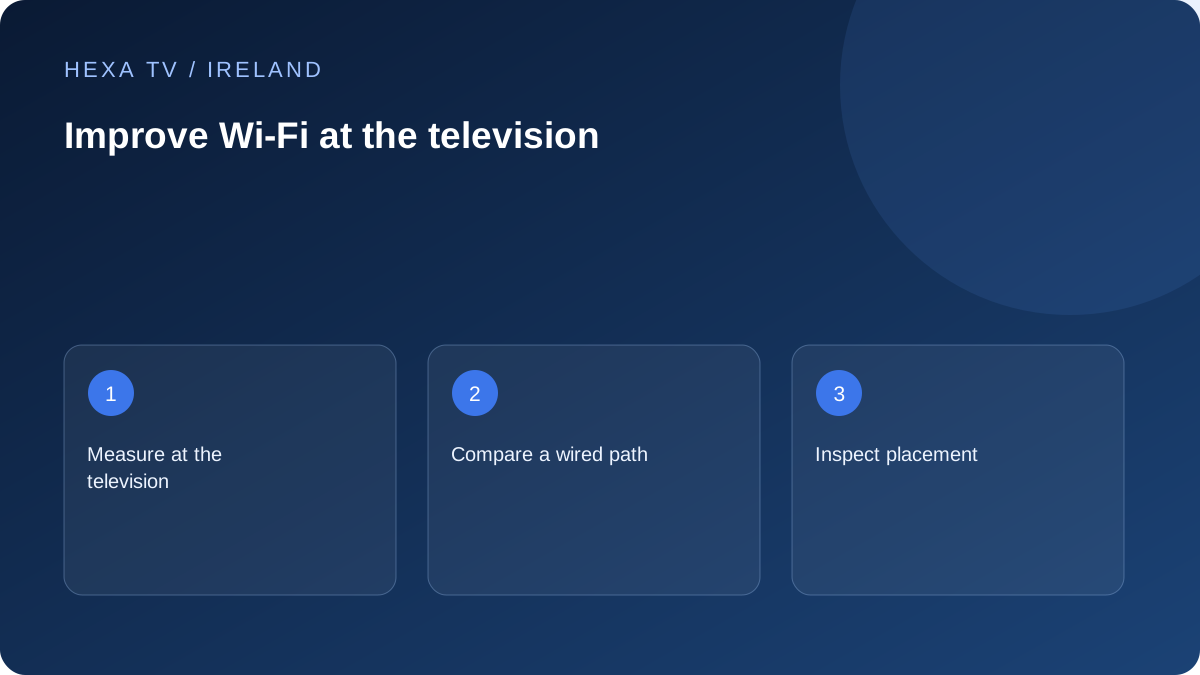
Make the first comparison useful
Choose one available programme and a time when the fault normally happens. Keep the same device and app. If practical, compare Wi-Fi with a temporary Ethernet connection, noting whether other household traffic changed during the test.
A stable wired result suggests investigating the wireless path, but it does not prove that every future interruption has the same cause. Keep the observation specific.
Inspect placement before buying equipment
Record where the router and TV are, including walls, floors, furniture and nearby electronics. Check the router vendor's placement guidance and keep ventilation clear. Move equipment only where cabling and safe installation allow.
If the router offers more than one band or automatic band steering, use its documented controls and record what the TV actually uses. Do not assume a single band is best in every room.
Match the remedy to the observed gap
A mesh system, access point or cable can solve different layout problems. Before purchasing, establish where the existing network is strong and where the viewing device struggles. An extender placed where it has no useful connection back cannot be assumed to fix coverage.
After one change, repeat the same programme and location comparison. If nothing changes, return to the baseline and investigate the device or source. Keep a short record instead of accumulating several unexplained router settings.
Separate internet access from the wireless link
The broadband service brings connectivity to the home, while Wi-Fi carries it from local network equipment to the viewing device. A strong package headline does not establish the path through a hallway, upstairs floor or extension. Draw the actual route before choosing a remedy.
A phone used next to the router can be a useful comparison device, but it does not measure the television's wireless capability or location. Keep that limitation beside any result. The most relevant observation is the intended device in its ordinary viewing position.
Start with a simple room map
Mark the router, television, any mesh nodes and the rooms or floors between them. Note whether the router is hidden inside furniture or obstructed by large objects. Follow the equipment maker's placement guidance and keep power, cabling and ventilation suitable.
Do not assume that moving the router is possible without changing the broadband entry arrangement. If its position is constrained, a local network design may be more appropriate than stretching an unsuitable cable or relocating equipment without understanding its role. Begin with a safe reversible placement change where available.
Check which network the television actually joins
A home may have a main network, guest network, old extender name and mobile hotspot remembered by the television. Open the supported connection information and verify the intended network before testing. Similar names can make a device appear connected to the setup you meant to use when it is not.
If a supported mesh system reports the connected point or band, retain that information with the observation. Do not force a band or rename every network as a first experiment. Router and client behaviour differ; use current manufacturer guidance for any setting change and preserve the original configuration.
Use observations to select a remedy
The examples below narrow the question. They are not measured findings about an Irish property or endorsements of particular hardware.
| Pattern observed | Question to investigate | Potentially relevant next step |
|---|---|---|
| Several apps struggle only at the far television | Is the local path weaker in that location? | Compare supported wired playback and review placement |
| A phone works but the TV cannot join | Does the TV support the configured network and security mode? | Read both device and router compatibility guidance |
| TV joins an old extender network | Is it using the intended local route? | Reconnect through the supported interface and document the change |
| Only one programme pauses | Does the same source fail on another supported device? | Use the source-specific troubleshooting branch |
| Everything fails even beside the router | Is there a wider connection or router issue? | Check other devices and contact the responsible provider |
Treat security settings as part of compatibility
A connection problem is not a reason to make the home network open. Apple's router guidance for its devices emphasises supported security, current firmware and using the router manufacturer's controls. Follow the guidance relevant to all equipment that must share the network.
Before altering a router setting, understand its household-wide effect and retain a supported backup or recovery route. A streaming app does not normally need a public router password posted in a support message. If a helper requests sensitive access, verify the person and the reason before continuing.
Distinguish an access point, mesh point and extender purchase
These products can have different connection paths and management requirements. The important question is how the new unit connects back to the router as well as how it reaches the television. A unit placed in a poor wireless location cannot be assumed to create a strong upstream path.
For a stationary television, a properly installed cable can be worth comparing with another wireless hop. For several rooms, a supported mesh arrangement may be useful if its placement and backhaul suit the property. Use the observed layout and manufacturer compatibility information to compare these options, rather than choosing the largest advertised coverage figure.
Repeat the real viewing task after one change
Use the same supported app and available programme, at a comparable time, with ordinary household demand recorded. Check sound and captions as well as whether the loading pause returns. If the fault does not recur during the interval, describe that limited result rather than declaring permanent reliability.
Keep a short before-and-after note with the exact change. If nothing improves, return to the previous known arrangement where appropriate and use the device or source branch. Several unexplained router changes can leave the household with a harder problem than the original interruption.
Keep the next purchase tied to the evidence
A higher IPTV stream allowance changes account concurrency, not coverage in the upstairs room. A higher broadband tier changes a retail service, not necessarily the television's local wireless link. A new player changes software, not the physical placement of the router.
Choose the remedy that addresses the observed constraint. For an Irish broadband discussion, an address availability check can help identify options, but it does not replace local measurements. The useful outcome of this guide is a documented room-level result and a specific next question, not a promise that one accessory solves all streaming faults.