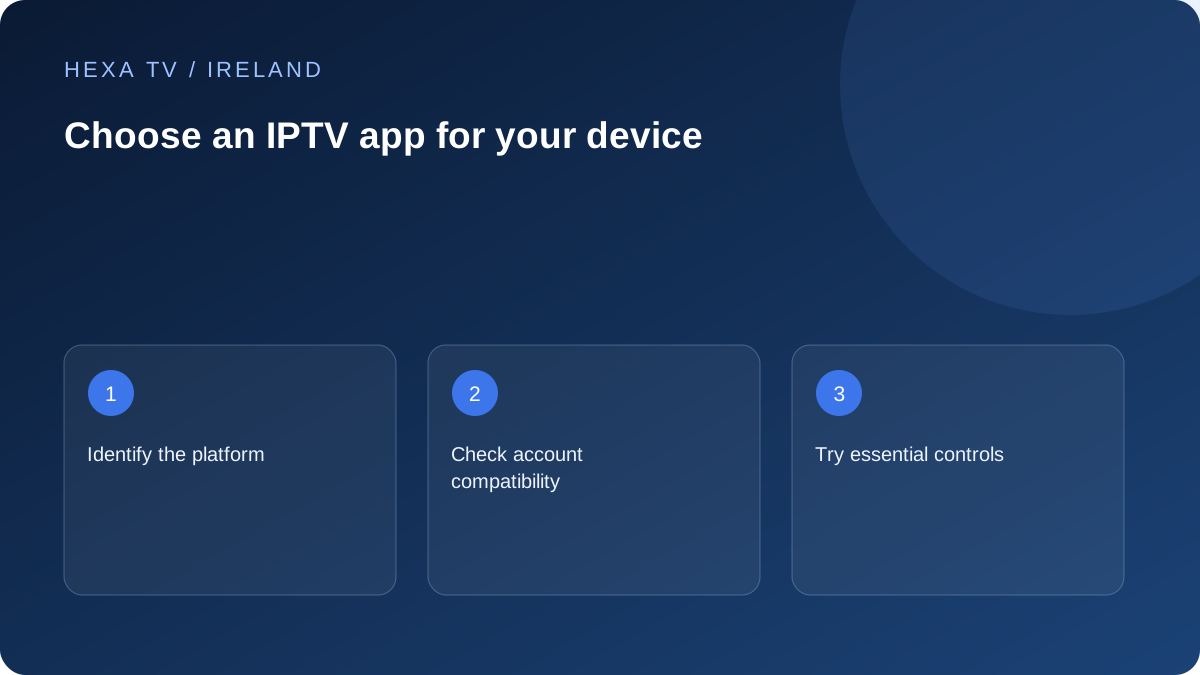
Start with the platform
Identify whether the screen uses Fire TV, Google TV, tvOS, Samsung's TV platform, LG webOS or a mobile or desktop system. Search the official store on that device for the app named by your provider. Similar product names do not make software interchangeable.
Confirm that the interface suits the remote or touch screen. An app can be technically available but awkward for an everyday household task such as changing favourites or returning to live viewing.
Check the account and feature requirements
Ask whether the app accepts the provider's supported login method and guide data. Then list essential features: subtitles, alternative audio, parental controls, favourites and replay when the service supplies it.
An app feature cannot create source content that is absent. A catch-up button does not prove that a channel has recordings, and a subtitle menu does not prove that every programme carries subtitle tracks.
Read the player's own payment terms
A free download can have a trial, licence or paid features. Check whether the charge is per device or account and what happens when you replace the hardware. Keep the player receipt separate from the content subscription.
When evaluating another app, avoid uploading private playlists to public converters or unknown activation sites. Use the publisher's own instructions and a supported account route. If the provider has a preferred player, ask what support is available for alternatives.
Compare a small shortlist against the same jobs
Avoid installing many similar players before deciding what you need. Pick a short list supported by the content provider and your exact device, then use the same practical tasks for each: add the permitted account, find a programme, open favourites and select required tracks.
Keep app-store ratings as opinions about that app, not as proof of the content provider's catalogue or reliability. A player can work well with one source format and poorly with another. The comparison should use the actual supported account method, not a demonstration playlist from an unrelated service.
A player-selection worksheet
Mark unsupported or unknown features explicitly. Do not give every application a favourable score merely because a menu name appears in its promotional material.
| Need | What to inspect | Useful result |
|---|---|---|
| Remote-friendly viewing | Navigation from the normal seat | Programme and favourite reachable without awkward pointer controls |
| Supported account method | Publisher and provider instructions | Exact method accepted without public converters |
| Programme guide | Guide source and mapping behaviour | Relevant entries and local timing are usable |
| Captions or alternate audio | Tracks on the selected programme | Required track can actually be selected |
| Shared-device restrictions | App and device controls | Ordinary viewer's access behaves as intended |
| Licence | Full charge, renewal and transfer rules | Software cost remains separate from content |
Judge the guide by a programme you recognise
Open the guide for a small set of known entries rather than importing hundreds of favourites immediately. Check names, timing and the action taken when a programme is selected. Some interfaces focus on live playback, while others emphasise a catalogue; choose what fits the household.
A populated guide does not prove that the source is available or replayable. If the schedule appears but playback fails, record those as separate outcomes. If timing is wrong across entries, use the guide-time article rather than replacing the account without investigation.
Keep accessibility requirements visible
Check text size, focus indicators, caption controls and sound selection on the actual device. If a viewer relies on an accessibility feature, try that feature early. A platform capability does not guarantee that a particular third-party application uses it effectively.
For Irish-language or multilingual viewing, identify the actual tracks the source supplies. The player may expose them differently, but it cannot manufacture a missing language track. Include the source and device when reporting an unavailable control so the question reaches the correct supplier.
Understand where configuration and credentials are stored
A player may keep settings only on the device or offer a publisher-operated sync service. Read the relevant description before uploading a private playlist or configuration. Convenience features can move sensitive account information outside the television.
Treat full account URLs and exported settings as private. Do not use an unknown web converter merely to change the playlist format. If a supported import fails, preserve the error and ask about the expected format through the legitimate provider or player route.
Plan the switch before deleting the old player
A new application may organise favourites differently or require a separate licence. Write down the small set of programmes and settings that matter so you can rebuild them without exporting secrets publicly. Confirm that the account permits the new device session.
Test the new route before deleting the old working configuration. Stop the old playback when required by concurrency rules, and remove obsolete access through supported controls after the replacement works. Installing another player should be a deliberate change of interface, not an attempt to obtain more content from the same account.