Distinguish reception from an app account
Saorview is Ireland's free-to-air television platform. Its official site explains reception and coverage. An aerial-based television route and a service delivered through an internet app have different setup requirements; buying an IPTV account does not itself install or configure an aerial.
Check your existing television connections before changing anything. A cable plugged into the aerial input, a separate receiver and a streaming app may all be present, with the remote switching between them. Give each route a clear name so household members know which service they are using.
Check local reception with the appropriate source
Use Saorview's official coverage and equipment guidance for an aerial installation. A neighbour's successful setup can be useful context but is not a substitute for your own reception conditions. Where installation work is required, seek advice suited to the property rather than buying equipment from a generic streaming checklist.
For an online app, check broadband, the specific supported device and the broadcaster's current programme availability. A programme can appear in a television schedule without being available on demand through the same route.
Map the household's viewing before replacing it
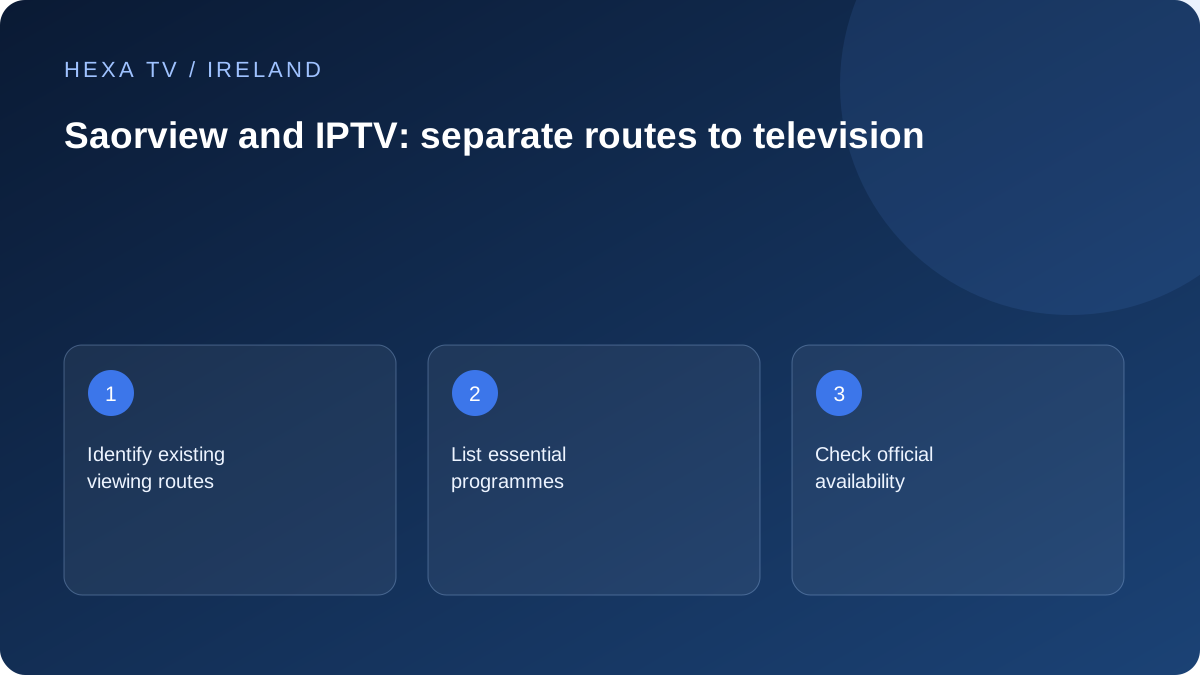
Create three columns: essential programme, current viewing route and intended replacement route. Include news, Irish-language programmes, children's viewing and any live event that matters. If an item has no confirmed replacement, keep it as an unresolved decision rather than assuming a large advertised catalogue covers it.
This record is especially useful when helping someone who is comfortable with channel numbers and one remote. An app may introduce a new home screen, sign-in or search process. Test that routine with the actual viewer before treating a technically working picture as a successful replacement.
Keep official players distinct from third-party offers
RTÉ Player, TG4 Player and Virgin Media Play are broadcaster services with their own availability and device rules. Their presence on a television or an editorial page does not mean a third-party subscription includes them. Follow their official pages for current access details.
When comparing an IPTV offer, ask for the exact territorial catalogue and supported app. A familiar channel name is not evidence that distribution has been verified for the offer. This guide makes no claim that every Irish channel is included.
Use separate fault checks for separate paths
If terrestrial reception breaks up, investigate the aerial path and receiver guidance. If an app buffers, investigate its account, device and internet path. Avoid changing one system to solve a fault in another merely because both pictures appear on the same screen.
Keeping both routes available can help with everyday resilience, but this is not a guarantee of uninterrupted television. Record the input or app used for each programme so a future support request starts with the correct delivery method.
Draw the connections already in the room
Before changing a plan, trace the existing equipment without unplugging anything unnecessarily. An aerial cable may feed the television directly or a receiver; an HDMI cable may connect that receiver or a streaming device; a network cable or Wi-Fi setting may provide internet access. Give each route its real name in a note.
Then use the remote to identify how the viewer reaches each route. A button labelled TV, an input menu and a streaming application's icon can lead to different services. If the familiar channel disappears after a new box is connected, check the selected input before assuming the old reception has stopped working.
Use a replacement checklist with a fallback column
A decision to replace the current routine needs more than confirmation that an app opens. The following is an illustrative worksheet, not a claim about any subscription's catalogue. Fill it with the programmes and controls the household actually uses.
A practical Irish household worksheet
For every unresolved cell, preserve the existing route until the answer is known. This is particularly important when one viewer relies on a familiar channel sequence or a specific accessibility feature.
| Need | Current route to record | Evidence needed for a replacement | Fallback decision |
|---|---|---|---|
| Evening bulletin | Actual channel/input or official player | Same bulletin, local schedule, captions when required | Keep aerial viewing if app access is uncertain |
| Irish-language programme | TG4 reception or official Player | Exact title and needed subtitle track | Keep the route with confirmed language support |
| A programme watched later | Receiver recording or official replay | Episode availability and expiry | Do not assume every live channel has catch-up |
| A second room | Existing aerial point or separate device | Supported device and permitted concurrent use | Avoid removing working equipment before testing |
| Simple remote operation | Current input and channel buttons | Viewer can open, change and leave the app | Retain the easier route where appropriate |
Compare costs without treating free-to-air as cost-free hardware
An existing reception setup may need no new subscription, while a new aerial installation, receiver or streaming device can involve equipment and installation costs. Write those separately from any ongoing content plan and the broadband already used by the household. Do not attribute the entire internet bill to a viewing app if the connection also serves work and other uses.
A paid player licence is another separate item. If a proposed replacement requires that licence on two devices, check whether the charge is per device or account. The comparison should use real quotes and confirmed terms; the HexaTV EUR price matrix does not include aerial work, hardware or unverified third-party app fees.
Test the viewer's routine before retiring equipment
Ask the person who uses the television to start from standby, find the programme, adjust volume, enable the required captions and return to the familiar screen. Observe where the process becomes confusing. A written note with the correct input and app can help, but it should never expose the account password.
If two remotes are involved, decide which controls power and volume and where both will be kept. Test what happens after a normal restart, not only while the installer has left the right app open. Keep the old working path until the new routine is understood and the household has accepted the change.
Respond to the right kind of fault
For an aerial picture that breaks into blocks or loses channels, start with the Saorview and equipment guidance relevant to reception. Do not reset an internet player's account to solve that symptom. For a player that opens but cannot load a programme, record the app and network conditions instead of retuning the television.
If every screen loses power or a television displays no input signal, the problem may be outside either service. Identify whether the device's ordinary home screen is visible. This simple boundary check can prevent unnecessary subscription purchases and preserve useful settings.
Keep programme evidence current
A one-time availability check is a dated observation. Schedules, replay windows and device support can change, so retain the official source and date for an important decision. Do not promise a family member that a future event is included solely because a related programme was available last month.
The useful outcome is a clear map of what each route supplies today, which features matter, and what remains uncertain. Saorview and official broadcaster apps can coexist with a separately justified paid service. A complete replacement is a household choice based on confirmed needs, not an automatic consequence of installing an IPTV player.