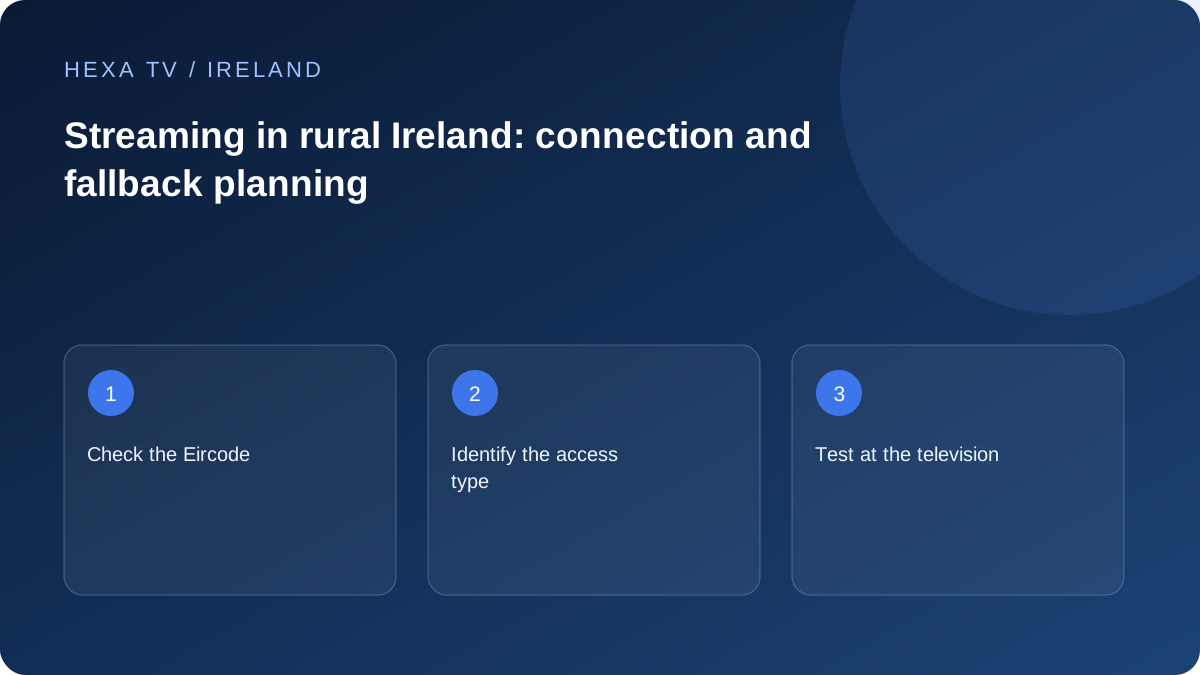
Check the property rather than the county
Use ComReg's Broadband Checker to investigate the Eircode or address, then confirm the relevant current offer with a retail provider. A service available in a nearby village is not evidence that it is orderable at the property.
Record the existing access type and installation, then identify what is changing. A new broadband service and an improved Wi-Fi layout are different projects.
Test the room and the ordinary viewing period
An older house, an extension or a router near the entry point can make the TV connection differ from a laptop's connection elsewhere. Use the same-device wired comparison where practical before attributing every interruption to rural access.
Keep evening observations with dates and local times. If multiple unrelated services fail, share that evidence with broadband support; if one source fails, use the content-provider route.
Plan a realistic fallback
Keep existing terrestrial viewing in the household plan where it meets the need. Saorview reception and an internet app have separate requirements, so document which programmes arrive by each route.
If using mobile data temporarily, check the allowance and coverage at the viewing position. Do not treat a short successful hotspot test as a long-term cost or reliability guarantee.
Make an address-level connection inventory
Before comparing television subscriptions, write down how internet access reaches this property. Record the retail broadband provider, access type if known, router model and the room containing it. For a rented property, distinguish equipment you can reposition from an installation that needs the owner's agreement. This avoids buying a player to solve a problem that begins before the signal reaches the television.
ComReg's checker is a starting point for availability research, not a measurement of your living-room performance. Keep the result separate from the provider's order confirmation, installation date and actual observations after installation. If a new service is only planned, do not cancel a functioning connection on the assumption that the replacement already works.
Test the house in two stages
First assess the connection close to the router using an appropriate supported device. Then assess the television's usual position with the ordinary doors, furniture and equipment in place. A laptop carried next to a window or router can be useful diagnostically, but it does not represent the TV left in an extension.
Where a safe temporary Ethernet connection is possible, compare the same programme on the same television or streaming device. Keep the source, quality option and viewing period comparable. If moving from Wi-Fi to cable changes the result, concentrate on the local path before assuming that the rural broadband service itself must be replaced.
Choose the next action from the evidence
The examples below are decision aids rather than promises about a particular county or network.
| Observation | What it separates | Reasonable next step |
|---|---|---|
| TV fails but a nearby wired device works | Household wireless path versus general access | Inspect TV placement, router location and supported wired options |
| Several services fail on multiple devices | A broader household connection issue | Check the retail provider's service information and send the shared pattern |
| Only one channel fails | Source-specific issue versus all internet traffic | Report the exact channel and compare another authorised item |
| Evening viewing differs from a daytime check | Time-dependent conditions | Repeat a small labelled sample at the usual viewing time |
| Hotspot works once | An alternative path exists at that moment | Check allowance, signal and repeatability before relying on it |
| Aerial television still works | A separate reception route remains available | Keep it accessible while internet troubleshooting continues |
Budget a fallback before using it for a full evening
A mobile hotspot is useful for a brief comparison, but video usage can accumulate. For an illustrative constant stream of 5 megabits per second, one hour corresponds to about 2.25 decimal gigabytes before allowing for other traffic. Two such streams for two hours would be about 9 gigabytes. This is arithmetic for planning, not a measured bitrate or promise about any provider.
Check the mobile plan's actual allowance, tethering conditions and any limits that apply. Look at the phone's usage information and the operator's billing record; they may use different periods. Avoid discovering a small remaining allowance only after the household has moved every screen to the hotspot.
Keep Saorview and internet viewing easy to distinguish
If the household already uses a working Saorview setup, retain a simple note of the correct TV input and remote. A terrestrial route can serve different programmes from an internet subscription and does not require signing into the player. Its usefulness depends on the household's reception and programme needs, not merely on having an aerial socket.
For a family member who is not comfortable troubleshooting, create a short fallback instruction: which input to choose, how to return to the normal app and whom to ask if neither works. Do not promise that every desired event will be available through the fallback; check the actual schedule and service.
Prepare a productive call to broadband support
Give the address through the provider's private support process, along with dates, local times and the devices affected. Explain whether the same problem occurred close to the router and whether a supported wired comparison changed it. Keep account credentials and full private playlist addresses out of the initial report.
Ask what observation would help distinguish the access service from the home network. Record any requested change and its original setting. If the provider proposes equipment or a different plan, ask which part of the observed problem that change is expected to address. The goal is a supported explanation and a measurable improvement, not simply a higher advertised speed.