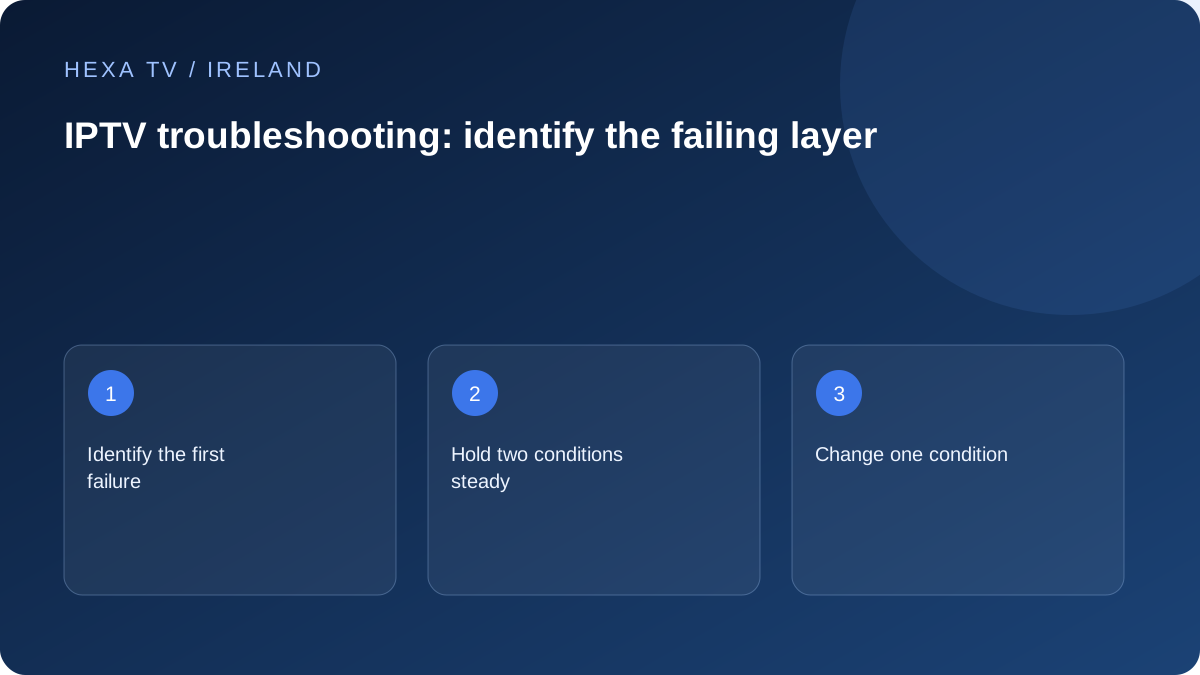
Write down the first failure
Distinguish an app that will not open from a login that is rejected, a catalogue that stays empty and a stream that starts then freezes. These are different symptoms. Record the exact error wording, device model, app version and the time with timezone.
Keep passwords, full account URLs and personal payment details out of screenshots. A cropped error and a non-secret account reference are usually enough for the first support message.
Choose the smallest useful comparison
Keep the programme, device or connection unchanged whenever possible so the outcome has a clear interpretation.
| Observed problem | Next comparison | What the result can suggest |
|---|---|---|
| One channel fails | Try another available channel on the same device | Source-specific issue versus wider playback fault |
| One device fails | Use another supported device on the same network | Device or app contribution |
| Many services struggle | Compare a temporary wired connection | Home wireless contribution |
| Second stream stops the first | Review allowance and active sessions | Account concurrency limit |
| Guide is wrong but video plays | Check device clock and guide settings | Listing-time problem rather than delivery failure |
Change one condition and keep the result
If practical, try a temporary Ethernet connection with the same device and programme. Repeat at the time the problem normally appears. A stable wired result is evidence about that comparison, not proof that the provider can never be at fault.
Avoid repeatedly reinstalling or clearing data before saving the account configuration. Those actions can remove the evidence and introduce a new login problem. Use the least disruptive check that addresses the observed symptom.
Know which support team needs the evidence
An app installation or crash belongs first with the app or device support instructions. Account expiry and channel availability belong with the content provider. Connection problems affecting unrelated services may require the internet provider after local checks.
Give support a short sequence: what failed, what still works, which comparison you tried and what changed. Include dates and timezone so a server log can be matched. A list of unconnected speed-test screenshots is less helpful than a reproducible symptom.
Stop when the evidence points beyond your control
If a single stream fails on multiple supported devices while other streams work, there may be nothing useful to fix inside the television. Report the affected programme and time, and use an available alternative while the responsible provider investigates.
Do not erase a working setup merely because one source is temporarily unavailable. Save the baseline so you can tell when the fault changes or is resolved. This guide's checklists are guidance, not a promise of service repair or response time.
Use a recovery ladder with clear stopping points
Begin with observation, then an app-level action, then a device-level action only when the symptom justifies it. Keep the original settings and account recovery route available. A restart closes and reopens a process or device; clearing data and factory reset can remove configuration. Do not group all three under the vague instruction to reset everything.
Google's unresponsive-device guidance starts with a restart and includes app and system updates. It also warns that removing the only account can trigger a factory reset on Google TV. That distinction matters: signing out is not automatically a harmless diagnostic. Follow the exact platform instructions and stop before an action whose consequences you cannot recover from.
Match a symptom to the right detailed guide
Use this directory as a branching aid. Once the first failing stage is clear, follow the relevant detailed procedure rather than running every checklist.
| First failed stage | Detailed topic | Do not begin with |
|---|---|---|
| No device picture or menus | Black-screen and HDMI checks | Changing a content-account password |
| App closes or will not respond | App-crash and device recovery | Deleting a working playlist repeatedly |
| Credentials are rejected | Login and account-state checks | Replacing the router |
| Catalogue import does not finish | Playlist import and format checks | Adjusting subtitle or guide timing |
| Picture plays but sound does not | Audio track and soundbar checks | Changing the programme-guide timezone |
| Only listings are wrong | EPG and guide-time checks | Cancelling a working connection |
| Video stops across many services | Network and buffering comparison | Assuming one channel proves an outage |
Keep a brief log that another person can understand
A useful log has one line per meaningful change. For example: '18:10, living-room streaming device, menus responsive, one programme stops after starting; another programme plays. 18:20, affected programme on supported tablet using the same home network, same failure. No account or router settings changed.' This is a fictional example showing format, not a test result.
Add the date, timezone, app versions and exact error wording to your own record. Avoid a long narrative of unrelated actions. If you cannot reproduce the fault, say so and retain the time of the last occurrence. Intermittent behaviour is still useful evidence when its limits are clear.
Handle a household-wide interruption carefully
If several people lose unrelated services at once, check the retail provider's current service information and the router's ordinary status indicators. Consider whether a recent household change coincides with the failure, such as new equipment or a moved cable. Do not open hardware or change advanced network settings without the appropriate instructions.
Before restarting shared equipment, tell other users because calls, work and uploads may be interrupted. Follow the provider's supported restart sequence and allow the equipment to reconnect. Record whether the wider problem changes. A device-specific app issue should not require disrupting the whole house merely because restarting the router is familiar.
Define a useful outcome even when the cause is not yet proven
The next useful result can be a narrowed fault, a restored supported route or a complete report to the correct team. You do not need to name a root cause prematurely. 'Only this programme fails on two supported devices' is stronger evidence than an unsupported claim that a server is down.
When a workaround succeeds, keep the original failure in the record. A lower quality, another authorised programme or TV-speaker output may restore viewing while leaving the underlying issue unresolved. Mark the workaround as such, and undo unnecessary experimental changes so the household is left with a configuration it understands.