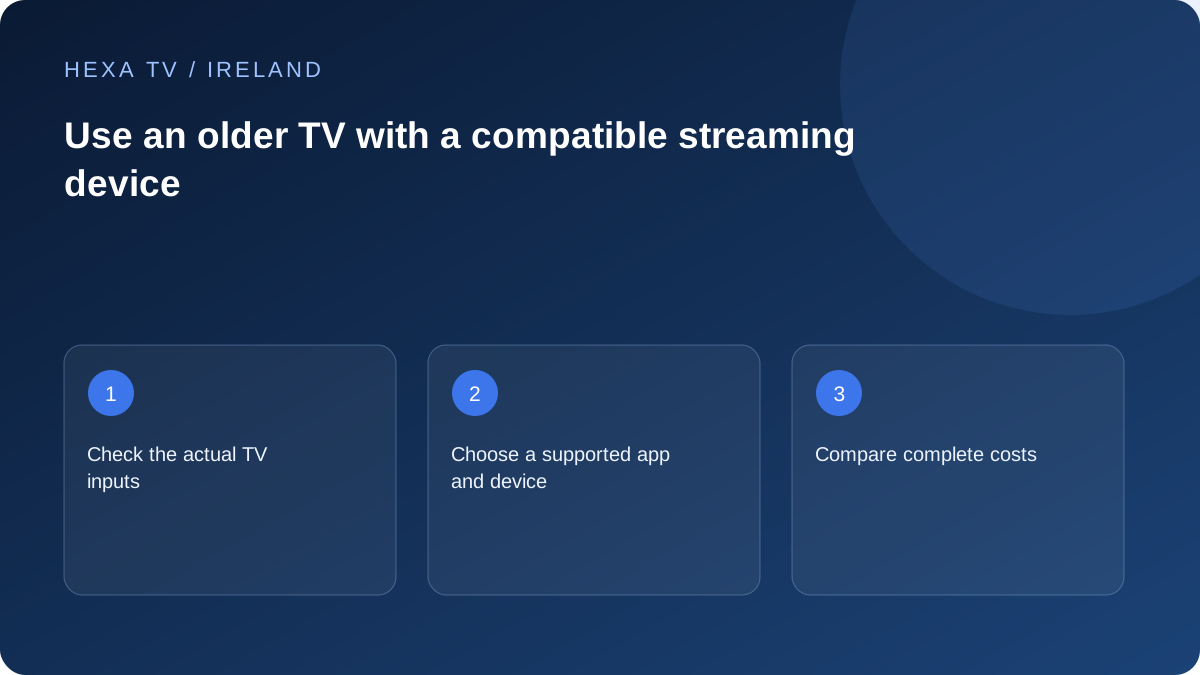
Identify what the television can accept
Record the full model code and available inputs. Check the television manual for supported picture modes and how to select the correct input. A working panel does not establish compatibility with every modern output setting.
Avoid purchasing adapters from a vague description such as 'old TV'. The actual input type, intended device output and required power arrangement determine whether a connection is feasible.
Choose the app before the accessory
Find a streaming device that officially supports the player or broadcaster apps you need. Check the exact model, system, local app availability and remote controls. A low price is not useful if the essential app cannot be installed.
Add device cost, any player fee and the subscription total to the comparison. This makes the option comparable with keeping the existing viewing setup or using a different official service.
Test usability as well as picture
Confirm that the household can switch inputs, control volume, open the app and return to familiar television. Two remotes or a new start-up sequence can be a practical obstacle even when the connection works.
Test sound, subtitles and the picture mode at the normal viewing distance. A higher-resolution streaming box cannot create panel resolution the television does not have. Buy for the required functions rather than a specification that the rest of the setup cannot use.
Separate a good display from an ageing app platform
A television can still display a useful picture even when its built-in apps are no longer supported. Treat those as two questions. First assess the screen, inputs, sound and remote operation. Then identify where the software needed for viewing will run.
An external streaming device may allow the TV to remain a display, but the actual port and output requirements must match. Do not assume every old television has HDMI, or that an adapter will preserve every required feature. Use the television's model-specific manual before buying.
Write an app list that includes Irish viewing
List the intended player and the official broadcaster apps already used by the household. Check the exact external-device model against those requirements. Saorview reception may continue through a different input, so keep that route in the plan instead of assuming the streaming box replaces it.
If Irish-language programmes or a familiar bulletin matter, identify the official route and controls needed. A box that supports one player but makes the rest of the household's routine harder may not be the best fit. Compatibility is a complete app-and-display question, not just a processor specification.
Compare the practical options
Use actual hardware quotes and the needs of the viewer. None of these options is automatically appropriate for every television.
| Option | What to establish | Cost or usability item |
|---|---|---|
| Keep existing aerial viewing | Reception and current programme needs remain met | No invented subscription requirement |
| Use the existing TV app | Current support for the exact model and account | Possible separate player licence |
| Add a supported streaming device | Required apps, matching display input and power | Device price and a potentially different remote |
| Connect an existing computer | Supported software and display output path | Adapter, sound routing and power arrangement |
| Replace the television | A real limitation the replacement addresses | Full equipment cost, not only a monthly plan figure |
Make the physical setup safe and repeatable
Choose a location with appropriate ventilation and supported power. Do not assume a television's USB socket can power every attached device reliably; follow the streaming-device manufacturer's instructions. Keep cables clear of walkways and avoid forcing connectors into an awkward position.
Label the selected HDMI or other supported input in a non-secret instruction note. Test turning the television and device off and on through their normal controls. If the screen opens to a different input after standby, the viewer needs to know how to return without reconfiguring the account.
Check sound and captions before judging the upgrade
A visible picture is not the complete acceptance test. Confirm the audio destination, everyday volume controls and any soundbar or headphones. If picture reaches the TV but sound stays on an attached computer, investigate the output route rather than changing the subscription.
Test subtitle readability from the normal seat and inspect whether screen edges cut off controls. Use the supported display settings for the TV and source device. A higher output label cannot add physical pixels to the panel, and forcing an unsupported mode can make the setup unusable.
Decide using the household's operation, not a demonstration
Ask the regular viewer to start from standby, select a programme, change volume and return to the familiar TV route. If the setup requires several remotes or an unfamiliar sign-in, include that friction in the decision. A short card can help, but it is not proof that every viewer will find the change comfortable.
Keep the working old route until the new one has passed the tasks that matter. Before retiring another device, check account-session removal and player-licence transfer through the supported processes. The useful result is a manageable everyday setup, not simply a newer box attached to an older screen.