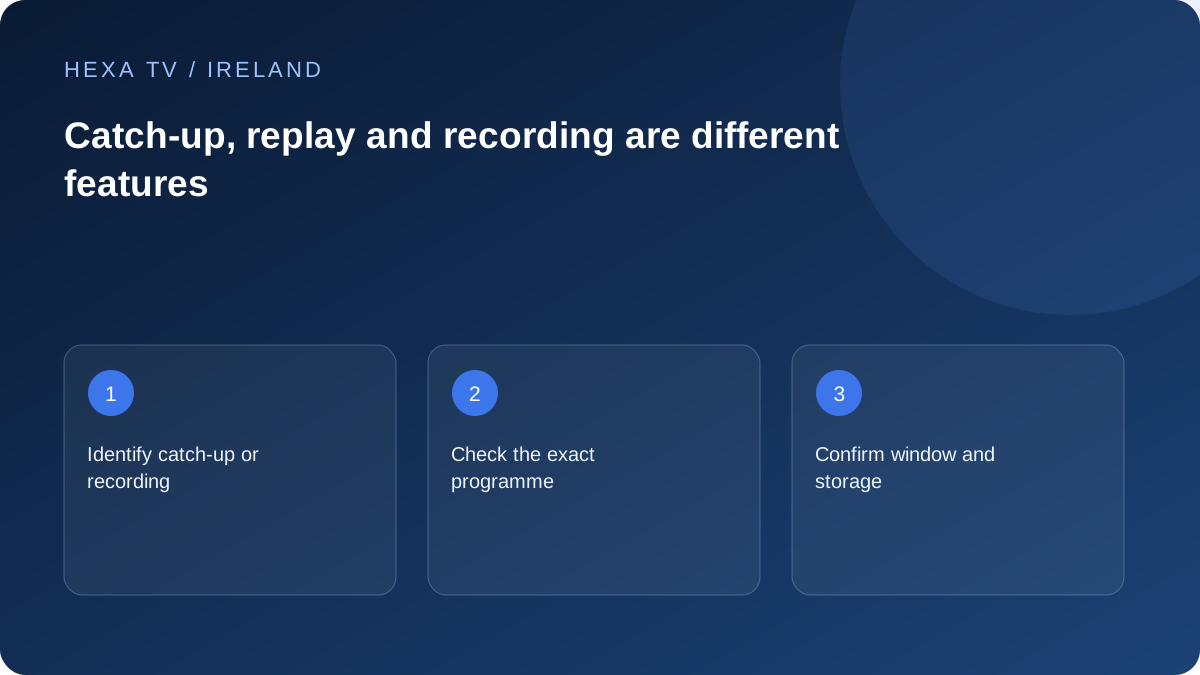
Name the feature you actually need
Catch-up usually refers to access to previously broadcast material offered by a service. Restart concerns returning to the beginning of a current programme where supported. Recording may involve storage on a device or a provider-managed system.
These labels are not enough to define an offer. Ask which channels support the feature, how long material remains available and whether the chosen player can use it.
Check the programme, not only the channel
Some programmes or events may have different availability from other items on the same channel. Look for the specific episode or event, its date and any expiry information. A catch-up icon beside a channel does not establish an unlimited archive.
If you need subtitles or another audio track, verify them on replay separately from the live stream. A feature available during live viewing may be absent from the archived version.
Understand the account and storage effects
Ask whether recording or replay uses a concurrent connection, and whether the app needs local storage or must remain running. Do not assume that turning off a television leaves a recording device active.
Before changing a playlist or reinstalling an app, check where any recordings or bookmarks are stored. Use only the service's supported playback and recording functions and respect its access conditions.
Diagnose replay separately
If live viewing works but one older programme does not, record the date, channel and replay selection. Check whether the item is still within the stated window before changing network settings. Report a reproducible source-specific failure to the provider.
Identify which form of later viewing you want
Catch-up often means a provider-hosted replay of a previously broadcast programme. Restart can mean returning to the beginning of a programme still airing. A personal recording is another arrangement, and a film library is a separate on-demand catalogue. The same player may display controls for several of these without supplying all of them.
Name the actual task before testing: watch last night's episode, restart the current bulletin or keep a recording for later. Ask the service whether that task is available for the specific programme and device. A schedule entry only tells you what was listed, not which later-viewing rights or features exist.
Choose the exact episode and version
Check title, episode, broadcast date and whether a programme is divided into parts. A short clip can appear beside a full episode, and a repeat broadcast may not be the version you intended. Open the item's details before concluding that content is missing.
TG4's official FAQ describes catch-up availability and programme-specific restrictions. Use the current listing for the actual item rather than turning one service's general window into a rule for every Irish broadcaster or third-party account.
A later-viewing acceptance card
Complete this for a programme that matters to the household. It separates availability from the controls on the device.
| Check | Record |
|---|---|
| Programme identity | Title, episode, date and full-length or clip version |
| Access type | Replay, restart, recording or separate on-demand item |
| Availability | Current listing and any displayed expiry |
| Controls | Whether required pause, seek or resume tasks work |
| Accessibility | Supplied subtitle and audio tracks on this version |
| Device | Exact app and screen used for the observation |
Test the controls you will use during a full programme
Start playback and try the supported pause and seek actions. If resume matters, leave through the normal controls and return to the same item. Record the actual result; a progress bar does not establish that progress follows every profile or device.
Check sound and subtitles on the replay version itself. A feature present during live viewing may be supplied differently later. If the player cannot select an available track, include the programme version and app in the support question.
Read expiry as an availability limit
A programme saved as a favourite can still leave the service's catalogue. A bookmark is not a recording and does not extend an expiry window. When a programme matters, inspect the current item information instead of assuming it will remain for the whole subscription period.
If the title disappears, use the broadcaster's official guidance or the provider's current catalogue answer. Do not repeatedly reinstall an app to obtain an episode that is no longer supplied. A new paid player cannot create a missing archive.
Keep recording and data use separate
If the service or equipment explicitly supports recording or downloading, read its own requirements and account rules. Check whether the operation uses storage, a concurrent connection or a limited availability period. None should be assumed from the presence of a record icon.
Ordinary streamed replay still uses the active connection. If a television was moved to a phone hotspot for diagnosis, return it to the intended network before a long catch-up session. A player's temporary buffer should not be treated as an offline programme stored for later.
Describe replay faults precisely
Include the exact episode, whether live viewing works, the point where replay stops and any visible error. If only seeking fails while playback from the beginning works, say so. That is a different problem from the item being absent altogether.
Keep official RTÉ, TG4 and Virgin Media services separate from a third-party account when seeking help. Name the app and route you actually tested. This page explains the comparison method without claiming that HexaTV includes any broadcaster archive.