€8.99
1 screen · total for the selected term
- Configure your screens
- Private access page and order email
HEXA TV / IRELAND
An IPTV trial is useful when it answers a small set of buying questions on your real device and connection. Agree the trial conditions first, then test the viewing you actually expect to use.
Subscription plans →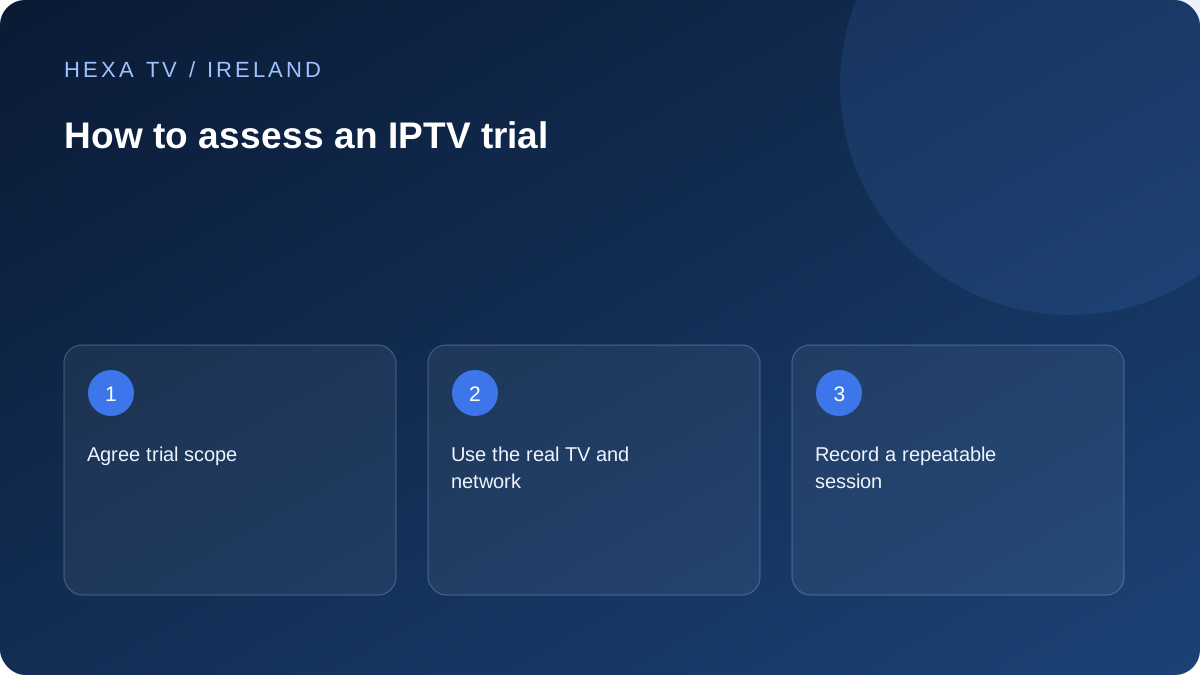
HEXA TV / Ireland
Total prices in EUR. One payment for the selected term; no automatic renewal.
1 screen · total for the selected term
1 screen · total for the selected term
1 screen · total for the selected term
1 screen · total for the selected term
Ask for its duration, expiry, permitted devices and simultaneous streams. Establish whether the trial catalogue and picture options match the proposed paid plan. A restricted demonstration can still be informative, but it should not be treated as proof of an untested feature.
HexaTV offers a 24-hour trial for €2 with one simultaneous stream. It is a paid trial, separate from any player-app trial. Access follows payment verification.
Choose one ordinary programme, one important live source if available, and the accessibility functions your household needs. Record the device model, app version, connection and local time. Test on the television you will use, not just the easiest phone to configure.
Start playback, change channels, open the guide, try subtitles or an alternative audio track when available, then exit and return. If your intended paid plan has multiple streams and the trial permits it, test those sessions together.
Write 'this programme paused twice during this session' rather than 'the service always buffers'. Write down what else was happening on the home network and whether another stream worked. One short trial cannot establish long-term reliability or every event's future availability.
If a fault appears, change only one condition and repeat. A different device, programme and network all at once may produce a working picture without telling you which part mattered.
Before paying, resolve the important gaps: catalogue, support route, player fee, full total, renewal and cancellation terms. Keep the offered terms and your trial record together. Do not send your password or full playlist address in a public review.
A successful trial supports a limited decision about that tested setup. It is not an independent rights check, a universal compatibility certificate or a guarantee that every future stream will behave the same way.
Choose a small number of pass-or-question outcomes tied to your household. For example: the supported app must open on the main television; an essential programme must be available through the offered account; a required subtitle track must be usable; two simultaneous sessions must work if that allowance is part of the evaluation.
These are your decision criteria, not guaranteed results. Keep them modest enough to test during the agreed period. A trial cannot reasonably verify every catalogue entry or prove a full year of reliability.
Check the official app listing, system requirements and any separate player charge before starting a timed trial. Ask when the evaluation clock begins. Do not assume it waits until the household first watches.
Record the original viewing configuration and keep another established route available. This prevents an unfamiliar player from becoming the only option before its everyday controls have been assessed.
Follow the sequence with your real observations. It is a proposed method, not a report of a test HexaTV performed.
| Stage | Action | Record |
|---|---|---|
| Start | Open one known available source | Device, app, time and source |
| Controls | Use guide, favourites and back | Any navigation obstacle |
| Accessibility | Try the required supplied track | Language, readability and timing |
| Return | Exit normally and reopen | Whether the session resumes sensibly |
| Overlap | Add a permitted second session | Both devices and any error |
| Fault check | Change one relevant condition | What stayed fixed and what changed |
An Irish household may use the television alongside a video call, another stream or a download. Include an ordinary viewing period and label other activity. If a fault occurs, pause one substantial competing activity for a comparison rather than immediately changing the whole setup.
If practical, compare the same source and device over a supported cable. A different phone on a different network gives a broader observation but cannot isolate the TV's Wi-Fi link. Keep that limitation in the note.
For a programme, record the exact title or channel and whether you need live viewing, replay or on demand. For a live event, verify the official current viewing route and the offered account scope separately.
If the trial excludes the relevant source or a feature, the result is untested. It should not be marked as working because another programme plays. Ask whether the provider can clarify the paid plan's scope before the decision.
A typo in the supported account field and an app unavailable for the television are different problems. The first may be corrected within the documented setup; the second may require different hardware or a different offer.
Keep any support response and the actual change made. If a problem disappears without a comparable retest, say it was not reproduced rather than claiming a proven repair. Do not write a glowing or negative service review from a narrow unresolved setup event.
Before expiry, save the non-secret decision record and the provider's actual commercial answers. Do not include passwords or full playlist URLs. Ask about the process for ending or moving from the evaluation if it is not already documented.
A useful conclusion says which requirements were answered, which remain open and what the complete proposed payment would buy. It can support a purchase, a shorter commitment or a decision not to proceed. The €2 trial lasts 24 hours with one simultaneous stream. Choosing a longer plan is a separate decision.
FAQ
Practical answers before you choose.
Test the quality and controls you actually expect to use. Include an alternative quality if offered, and record which version you viewed.
No. Keep untested separate from observed failure. A restricted trial may never expose the feature you need, so it cannot establish either success or failure for that feature. Ask for an appropriate documented answer or permitted evaluation before using it as a purchase reason.